Meta Ads for Tradies: How to Improve Lead Quality After the Form
On this page 8 sections
Key takeaways
- 40% of inbound trade leads are unqualified, speed of follow-up is critical
- Add 1-2 qualifying questions to your Meta lead form to filter tyre-kickers
- Follow up within 5 minutes, response rates drop sharply after that
- Feed booked-job data back to Meta to train the algorithm on real outcomes
- Track cost per booked job, not cost per lead, to measure true ROI
Most tradies running Meta Ads think their problem is lead volume. It's actually lead quality. You can spend thousands attracting clicks, but if you're not filtering before the form, automating your follow-up, and feeding real job outcomes back to Meta, you're paying for cheap leads that waste your time on the phone.
Why Cheap Leads Are Costing You More Than You Realise
A lead that costs you $8 to $15 feels cheap until you spend 20 minutes on the phone discovering they can't actually afford your work, don't have a real timeline, or were just comparing quotes. At $60 to $80 per hour labour cost, that single call has already cost you $20 to $26 in your own time. Multiply that across 50 leads with a 40% waste rate, and you've lost $400 to $500 before booking a single job.
The hidden labour cost of unqualified leads
Every unqualified lead pulls you away from what you should be doing: running jobs and selling to people who actually want to hire you. When you don't qualify upfront, you're triage calling instead of sales calling. You're sorting rubbish instead of closing work. Most tradies don't add this cost to their lead spend calculation, so they think Meta Ads is cheaper than it actually is.
Why Meta forms attract browsers, not buyers
Meta Instant Forms are fast and friction-free. That's their strength and their weakness. A two-field form (name and phone) will pull more submissions than a five-field form that asks budget, timeline, and job scope. But half of those extra submissions are people in research mode, not buying mode. Lead qualification for tradies starts before they hit submit, not after.
Step 1 — Filter Before They Submit: Qualify at the Form
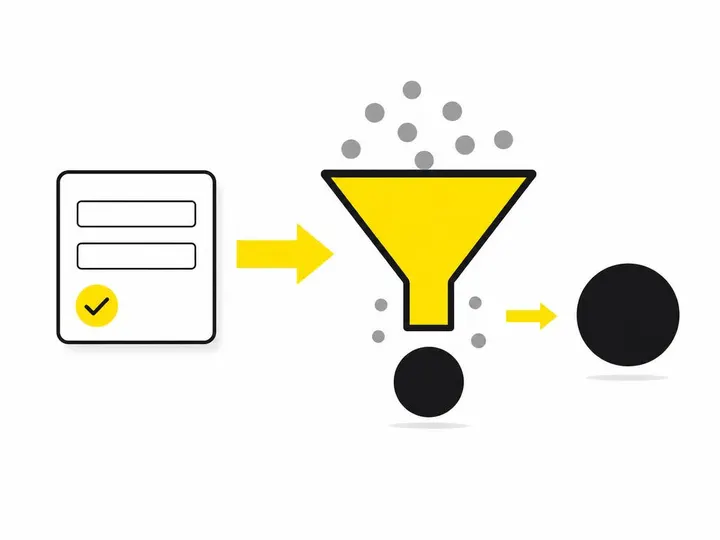
The best place to filter out unqualified leads is before they become leads at all. Add qualifying questions to your form that screen for intent and readiness without killing your conversion rate.
The right questions to add without killing conversions
Keep your form to five fields maximum. Start with the essentials (name, phone, suburb), then add two qualifying questions:
- When are you looking to get this done? Offer buttons: "This week", "This month", "Within 3 months", "Just browsing". Anyone who picks "just browsing" is a lead you can follow up on later; they're not urgent.
- Is this for a residential property or business? This tells you if they're in your service area and whether they fit your typical job.
These two additions alone will reduce unqualified submissions by 25 to 35 percent. The conversion rate on the form drops slightly, but the quality of submissions goes up much more. You're pre-filtering, not post-filtering.
Higher-intent form options: linking to a landing page instead
If you're still getting too many tire kickers, consider whether to use a lead form or landing page instead. A lead form vs landing page approach lets you build a single landing page with more detail about your process, pricing, and requirements, then link to a shorter form. This extra friction removes the browsers and leaves you with serious callers. You'll get fewer leads, but they'll be warmer and higher-intent.
How quickly should a tradie follow up a Meta lead and what channel works best?
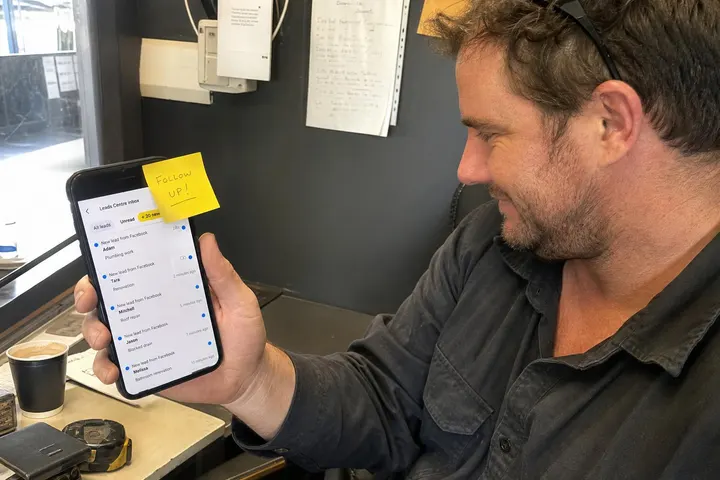
The first five minutes after a form submission are critical: leads contacted within five minutes are five times more likely to engage than those called after 30 minutes. But speed means nothing if you're calling the wrong person or using the wrong channel.
The 5-minute window and why it matters
A prospect who fills a form on their phone is in an active, interested headspace. If you wait an hour, they've moved on. They're forgotten about the form, they're talking to another tradie, or they've changed their mind. Call within five minutes and you catch them while they're thinking about the job. Most tradies lose 40 to 50 percent of leads simply by not responding fast enough, even if the lead quality was good.
SMS vs phone vs email: what actually works for tradies
For tradies, SMS works better than email as a first response. Send an SMS within two minutes: "Hi Sarah, thanks for your enquiry about gutter cleaning. Quick question: are you after an inspection or a full clean? Reply ASAP and I'll get you a quote." This does two things: it confirms they're real, and it starts qualifying immediately. If they reply, you call. If they don't, they're not serious.
Email is for follow-up three to five days later if they don't respond to SMS. Phone is for when you've confirmed they're warm. Don't cold-call form leads on first contact; you'll waste breath and they'll feel harassed.
Automating your first response so you never miss a lead
Set up automated lead alerts for small business so SMS goes out the moment the form submits. Use tools like choosing a tradie CRM that integrates with Meta. ServiceM8 is the most common platform Australian tradies use; it syncs with Meta lead ads and can send SMS automatically. Zapier is another option. The point is: don't rely on checking your phone. Automate the first touchpoint or you'll miss the five-minute window every single time.
Step 3 — Feed Real Job Outcomes Back to Meta
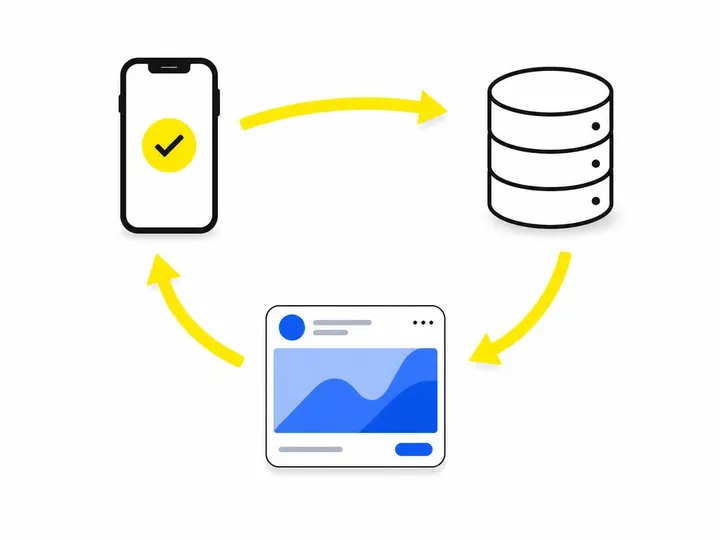
After you've booked a job from a lead, tell Meta about it. This teaches Meta's algorithm which ads and audiences produce actual customers, not just submissions.
What is conversion feedback and why Meta needs it
Conversion feedback is the signal you send back to Meta after a lead books a job. It's the missing link most tradies ignore. You run ads, collect leads, close some jobs, but never tell Meta which leads turned into paying customers. So Meta keeps optimising for cheap clicks and form fills, not for job bookings. If you want Meta to deliver high-quality leads naturally, you have to tell it what "high quality" means on your end.
Using the Meta Conversions API for better signals
Setting up the Meta Conversions API is the most reliable way to send conversion data back to Meta. Instead of relying on the pixel alone (which can be blocked by ad blockers and privacy settings), the Conversions API sends data server-to-server. You tell Meta: "This person submitted a lead form, and 10 days later they booked a $1,200 job." Meta then learns that this person profile, this audience segment, and this ad creative produce real revenue. Future ads are optimised for job bookings, not form fills.
How to mark booked jobs in your CRM and pass that data back
Set a status in your CRM (like "Job Booked" or "Converted") for every lead that becomes a paying customer. If your CRM has a Zapier or direct Meta integration, it can send this status back automatically. If not, you can use tools like LeadsBridge to map your CRM data to Meta conversions. The data doesn't have to be perfect; even basic feedback (phone number + booking status) helps Meta's algorithm learn what audience to show your ads to next.
Step 4 — Adjust Your Targeting Based on Who Actually Books
Once you know which leads convert to jobs, build audiences around those winners. Stop guessing at who to target and start targeting people who look like your paying customers.
Building a custom audience from past customers
Building custom audiences for Meta Ads means uploading a list of phone numbers or email addresses of customers who booked jobs. Meta then finds people similar to them and lets you target them. A custom audience built from "leads that booked in the last 90 days" is far more effective than a broad geographic + interest audience. You're showing ads to people who match the profile of someone who already hired you.
Lookalike audiences from your best job types
If you run multiple services (gutter cleaning, roof inspection, downpipe repair), create separate custom audiences for each. Then build Meta custom audiences in Australia using lookalike audiences from your highest-paying job types. If roof inspections have the best margins, build a lookalike from customers who booked roof inspections in the last 12 months. Meta will find 5,000 to 50,000 people who fit that profile and show your ads to them first. This audience will convert at 2 to 3 times the rate of cold traffic.
Excluding tyre-kicker profiles from your ad sets
Just as important: create an exclusion audience from leads that never booked or took weeks to close. If someone requested a quote, you called them three times, and they ghosted, add them to an exclusion list. Meta will stop showing ads to similar people. Over time, your ad sets stop chasing browsers and start chasing buyers. This is why audience targeting strategies for tradies gets better the longer you run ads. The data compounds in your favour.
The One Metric That Actually Matters: Cost Per Booked Job
Forget cost per lead and cost per click. The only number that matters to your business is cost per booked job.
Why cost per lead misleads you
A $10 cost per lead sounds cheap. But if only one in four leads books, your real cost per booked job is $40. If your average job is $500, that's 8 percent of revenue gone to ads just to cover the leads. Add labour, travel, materials, and you're barely profitable. Most tradies don't calculate this because they're looking at cost per lead instead of tracking your real marketing ROI.
How to calculate and track your real ROI
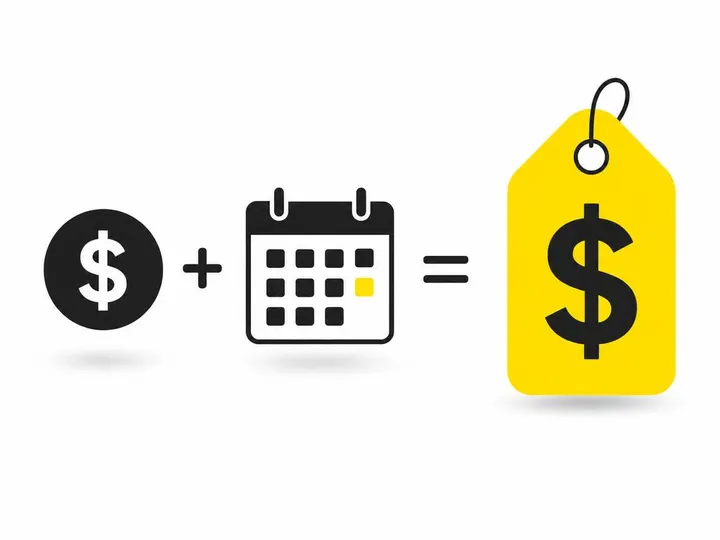
Cost per booked job equals total ad spend divided by number of jobs booked in that period. If you spent $1,200 on ads in October and booked 6 jobs from Meta leads, your cost per booked job is $200. Now you can compare that to other marketing channels. If Google Local Services Ads cost you $300 per booked job, Meta is winning. If your cost per booked job is $450, you need to improve your lead quality or adjust your targeting.
Track this in a spreadsheet. Every month, log total ad spend, total leads, total bookings, and calculate the ratio. This is the only metric that matters to your P&L.
Putting It All Together: A Simple Quality-First Workflow
Day 1: A prospect sees your ad and fills a form with their suburb, timeline, and job type. Day 2: An automated SMS goes out within two minutes, asking a qualifying question. Day 3: If they reply, you call them and book the job. Day 5: You mark them as "Booked" in your CRM, which automatically sends that conversion data back to Meta via the Conversions API. Day 30: You review your cost per booked job. Day 60: Meta's algorithm has learned which audiences and creatives produce bookings, not just clicks. Your next month's ads are smarter, cheaper, and warmer.
This workflow takes two or three hours to set up. It's not complex. But it separates tradies making money from Meta Ads from those losing money.
Conclusion
Cheap leads aren't cheap when you spend 20 minutes on the phone finding out they're not real. The way to improve Meta Ads lead quality isn't to cut your budget; it's to filter harder before the form, respond faster after the form, and teach Meta's algorithm what a winning lead looks like by feeding conversion data back. Lead generation through Meta Ads stops being a volume game and starts being a quality game the moment you implement these four steps.
Start with qualification. Add two simple questions to your form this week. Set up automated SMS follow-up for next week. Then, once you've booked 20 to 30 jobs from Meta leads, go back and mark them in your CRM. Feed that data back to Meta. Watch your cost per booked job drop by 30 to 40 percent over the next 60 days. That's when you'll know Meta Ads is actually working.