Meta Ads Instant Reply for Tradies: Book More Jobs Without Missing Leads
On this page 8 sections
Key takeaways
- Set up an instant reply that asks suburb, job type and preferred timing
- Use separate replies for urgent jobs versus standard quote requests
- Instant reply is first contact only not a full automated sales sequence
- Track booked jobs, not message volume, to measure real campaign success
- Click-to-Message suits variable jobs; Instant Forms suit structured lead capture
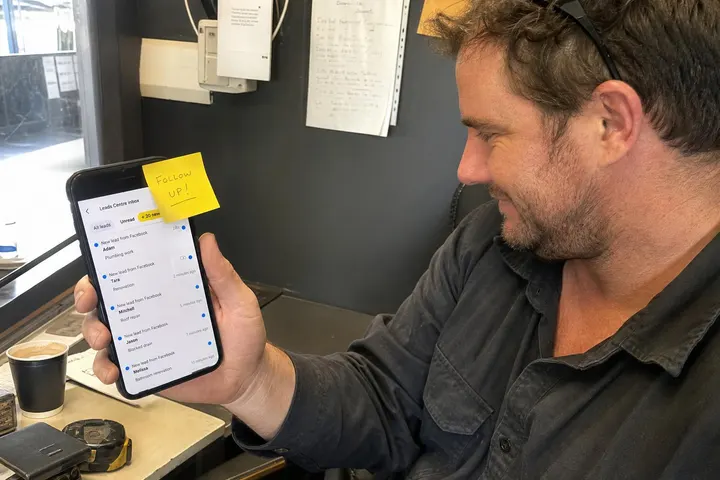
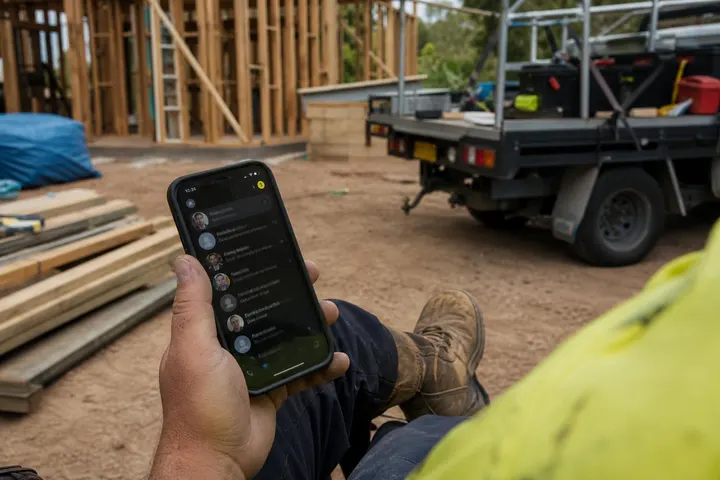
Most tradies lose leads while they're on the job site, not because they don't care, but because they're unreachable. A customer messages your Facebook page asking about availability, and by the time you see it four hours later, they've already rung a competitor. Meta's instant reply feature addresses this by sending an automatic first message that acknowledges the enquiry, qualifies the lead and sets realistic expectations about when you'll call back. When used correctly, it's not a replacement for your sales process it's the critical first step that keeps leads warm until you can ring them.
Why Tradies Lose Leads While They're on the Job
The response window is shorter than you think
Industry research shows that 74 percent of customers expect a response to a message within 24 hours, and many expect one within an hour. For a plumber, electrician, builder or landscaper working on site without constant phone access, that window closes fast. According to the DataReportal Digital 2026 Australia report, around 77.7 percent of Australians are active social media users, and a significant proportion of those people now prefer to contact trades through direct messages rather than phone calls. If you don't respond to a Facebook or Instagram message within the first few hours, the lead moves on.
What happens when no one replies quickly
A silent first response tells a lead two things: either you're not interested or you're disorganised. Both damage trust. Even worse, you might reply the next day after the customer has already booked someone else. This is where Click-to-Message ads for tradies work hardest—they generate leads from people actively looking for your service right now. If your first touchpoint is silence, the ad spend is wasted. An instant reply, properly configured, fills that gap and keeps the conversation moving until you can call back personally.
What Is a Meta Ads Instant Reply (and What It Is Not)
How instant replies work inside Meta Business Suite
An instant reply is a single automatic message sent immediately when someone messages your Facebook page or Instagram Direct, before you have a chance to read it yourself. It's configured inside Meta Business Suite, and it triggers only once per conversation. The message acknowledges the enquiry, asks qualifying questions and sets a callback time expectation. This is not a chatbot. It's a holding message that says "we got your enquiry, we're answering these three questions right now, and we'll ring you back at [time]."
The difference between an instant reply and full automation
An instant reply is the opening move only. A full CRM automation sequence is email nurturing, follow-up workflows and scheduled SMS reminders. Many tradies already have one of these systems running. Your instant reply should not duplicate that. Instead, it sits upstream of your existing CRM for tradies as the first acknowledgement. When the customer replies to your instant message, that's when your sales process kicks in. The goal is to move the lead from "no one answered me" to "they saw it and they're getting back to me," without automating away the human interaction that closes jobs.
How to Write an Instant Reply That Qualifies the Lead
The three questions every tradie should ask upfront
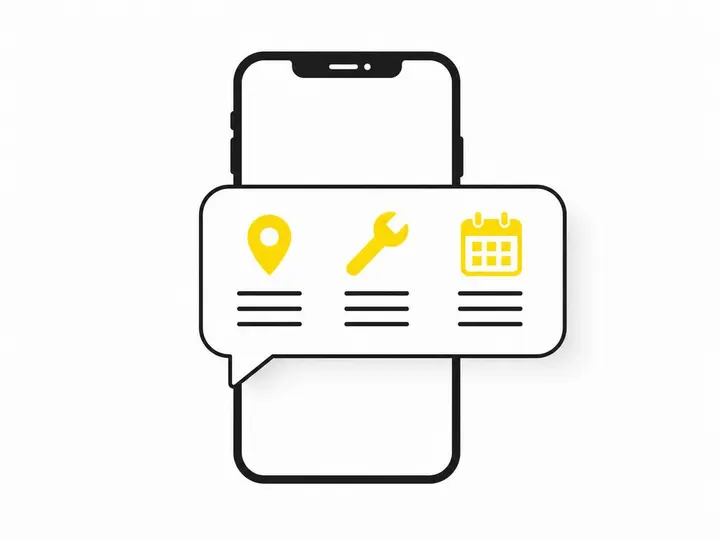
Your instant reply should ask for three pieces of information: suburb (to check service area), job type (to confirm you do that work), and preferred timing (to identify urgent jobs). These three details separate serious enquiries from browsing, and they help you prioritise callbacks. A customer who says "I need a plumber in Parramatta for a burst pipe by Friday" has already done half the pre-qualification work for you. A vague "can you do plumbing" is less useful and usually indicates lower intent. How to qualify leads as a tradie covers this in depth, but the instant-reply version is simple: ask for specifics upfront and you'll waste less time on tyre-kickers later.
Urgent jobs vs non-urgent jobs: use different replies
If you're an emergency plumber, locksmith or electrician, your instant reply should direct urgent callers to ring your mobile number directly. A customer with a burst pipe at 9 pm doesn't want automation they want a real person on the phone. Non-urgent jobs (carpentry, painting, landscaping) can use a different instant reply that asks for photos, measurements or available booking times. Facebook ads for emergency tradies after hours explores this further, but the takeaway is: one instant reply does not fit all jobs. Configure separate replies for urgent and non-urgent enquiries in your Meta Business Suite, and your callback rate will jump.
A ready-to-use template for Australian tradies
Here's a template that works across most trades:
"Thanks for messaging [Your Business]. We're likely on site right now, so we'll get back to you by [time, e.g. 5 pm]. To help us help you faster, please tell us: What suburb are you in? What do you need done? When would you like it done? Cheers."
That's it. It sets expectations, asks for three qualifying details, and doesn't pretend you're available instantly. Personalise the callback time based on your real schedule—a 5 pm callback during work hours is honest and achievable. Customers respect honesty more than they trust automation.
Setting Up Instant Replies in Meta Business Suite Step by Step
How to add or edit an instant reply on your Facebook page
Log in to Meta Business Suite, select your Facebook page, go to Messaging, then Instant Replies. Click Add and write your message in the text box. You can set a custom message per page, and it applies to all incoming messages. Once saved, it activates immediately. To edit it later, go back to the same section and select Edit. The message will persist until you delete it or replace it with a new one.
Connecting your Click-to-Message ad to the right reply
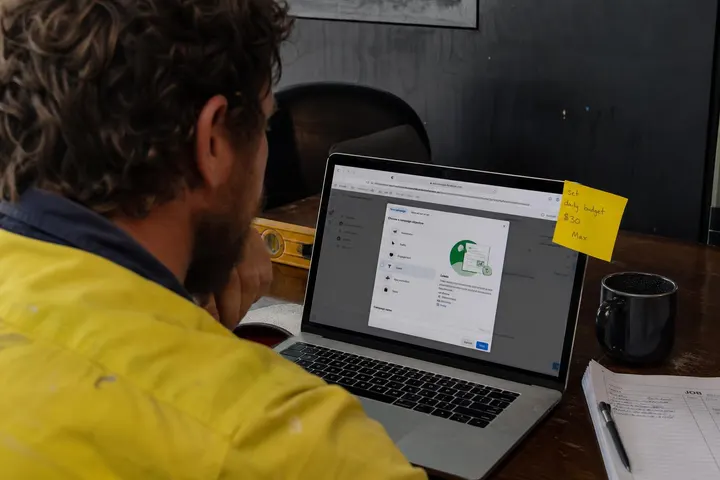
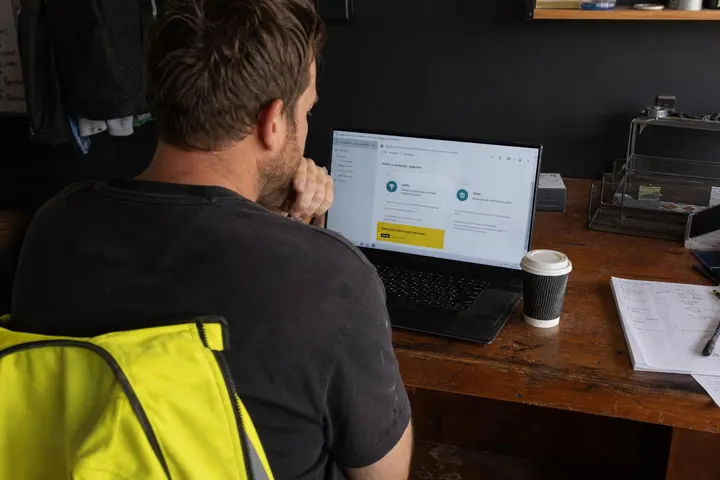
When you create a Click-to-Message ad in Meta Ads Manager, it generates a conversation that triggers your instant reply just like a manual message does. Make sure the instant reply you've set in Business Suite matches the type of message you're advertising. If your ad says "message us about urgent plumbing," your instant reply should direct them to ring for emergencies. If it says "ask about availability," your reply should ask suburb and job type. They work together.
What to check before you go live
Before you activate an instant reply, send a test message to your own page from a different account and verify the reply appears and reads correctly. Check that your callback time is realistic—don't promise 30 minutes if you're on site all day. Also confirm your instant reply is enabled on both Facebook and Instagram if you want it to work across both platforms. Finally, test it after you've created a Click-to-Message ad campaign to ensure the ad flow is smooth.
Click-to-Message vs Instant Forms: Which Suits Your Trade?
When messaging works better than a lead form
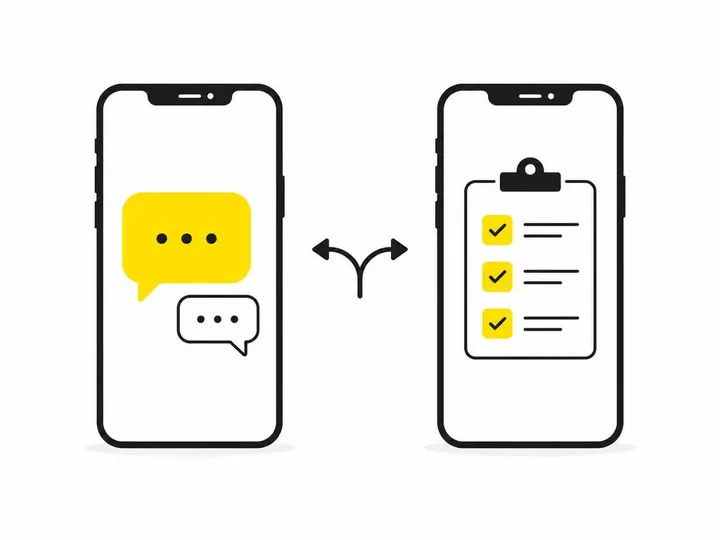
Use Click-to-Message ads and instant replies when your customers' needs vary (a plumber needs to know if it's emergency or scheduled; a builder needs to see photos). Messaging feels conversational and lets the customer ask follow-up questions before they commit to providing their details. This approach works especially well when you're building trust with a new service area or new customer type. How Click-to-Message ads work for tradies shows you how to structure these campaigns for maximum engagement.
When an Instant Form is the smarter choice
Meta Instant Forms (also called Lead Ads) are better when you need structured information from every lead and cannot monitor messages during the day. A form captures name, phone, postcode and job description in one go, and you can review all submissions later without missing replies. Instant Forms vs landing pages for trade ads breaks this down further, but the rule is simple: if you must have consistent data and you cannot answer messages in real time, use a form. If you want to engage quickly and qualify as you go, use Click-to-Message with an instant reply.
How to Measure Success Beyond Message Volume
The metrics that actually matter for tradies
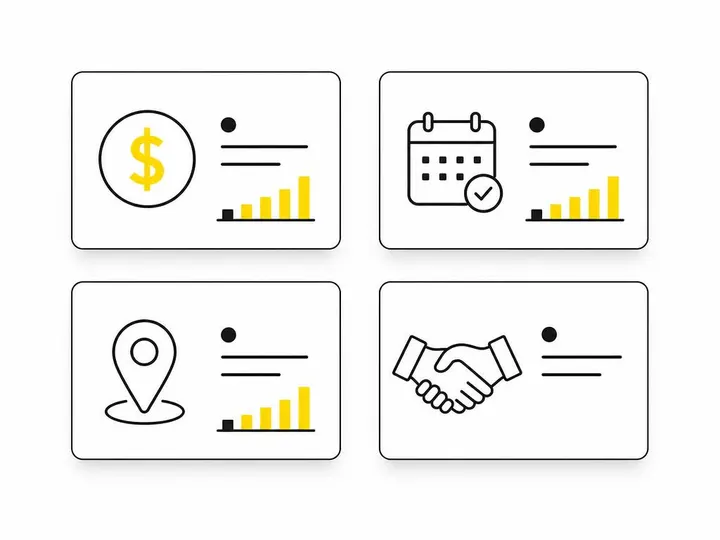
Don't measure success by how many messages you receive. Measure by cost per booked job. Track these instead: response rate (how many customers reply to your instant reply), qualification rate (how many provide suburb and job details), callback-to-meeting rate (how many people you ring actually book a site visit), and site-visit-to-job rate (how many meetings turn into paid work). If your instant reply costs $50 in ad spend but lands a $3,000 job, you're winning. If it costs $50 and lands three unqualified chats, it's not working.
Turning message data into better ad decisions
Review your message conversations monthly. Which ads generated replies that turned into jobs? Which ones generated chats that went nowhere? If a particular ad or audience is generating low-quality replies, pause it and reallocate budget to the ads that bring in serious enquiries. Getting better-quality leads from Meta Ads explores this in detail, but the key is to treat your instant-reply metrics as campaign feedback. Let the data show you what's working and adjust your audience targeting or ad creative accordingly.
Common Mistakes Tradies Make With Meta Instant Replies
Over-automating the conversation
Some tradies set up an instant reply, then follow it with three more automated messages, trying to pre-qualify so heavily that the customer feels like they're talking to a robot. This backfires. Your instant reply should be one message, then your human sales follow-up takes over. The point of instant replies is to acknowledge and qualify, not to conduct the entire sales process without a human voice.
Promising immediate responses you cannot deliver
Don't say "we'll call you back in 30 minutes" if you're on a four-hour job. Be honest about your callback window. "We'll ring you by 5 pm" is reliable and appreciated. False promises damage credibility and lead to negative messages from frustrated customers.
Duplicating follow-up sequences that already exist
If your CRM already sends an email or SMS to every new lead, don't add an instant reply that sends the same information. Use your instant reply as the first touchpoint only, then let your CRM take over. Two different systems trying to nurture the same lead create confusion and wasted effort. The instant reply's job is to buy you time until your main sales process kicks in.
Conclusion
Meta's instant reply feature is simple but effective: it keeps leads engaged during the critical first few hours when you cannot reply yourself. Set it up correctly with three qualifying questions, honest callback times and no over-automation, and it becomes a high-return addition to your Meta Ads management for tradies. The feature costs nothing to set up and nothing to use—the only investment is the thinking required to write a message that qualifies leads instead of wasting your time.
Start with a single instant reply on your busiest platform (Facebook or Instagram), test it with your next Click-to-Message campaign, and measure the booked jobs it generates. If your first callback on a lead is a four-hour delay, an instant reply telling them you'll ring by 5 pm can be the difference between a confirmed job and a missed one. It's not magic, but it's honest, it's fast and it works.