Facebook Messenger Ads for Tradies: How to Use Click-to-Message Campaigns
On this page 7 sections
Key takeaways
- Click-to-Messenger ads open a live chat instead of a landing page
- Use quick replies to collect suburb, job type and urgency upfront
- Only activate channels your business actively monitors and responds to
- Track cost per qualified conversation, not just cost per message start
- Speed of first reply is the single biggest factor in converting chats to jobs
Facebook Messenger ads for tradies skip the web form and drop a potential customer straight into a chat with your business, which suits jobs where people want a quick answer before they commit. Done well, a click-to-message campaign gets you talking to homeowners within minutes. Done badly, it fills your inbox with "how much?" messages from people three suburbs outside your area. This guide covers the setup, the pre-qualification flow and the numbers that tell you whether it's making money.
What Are Click-to-Message Ads and Why Do Tradies Care?
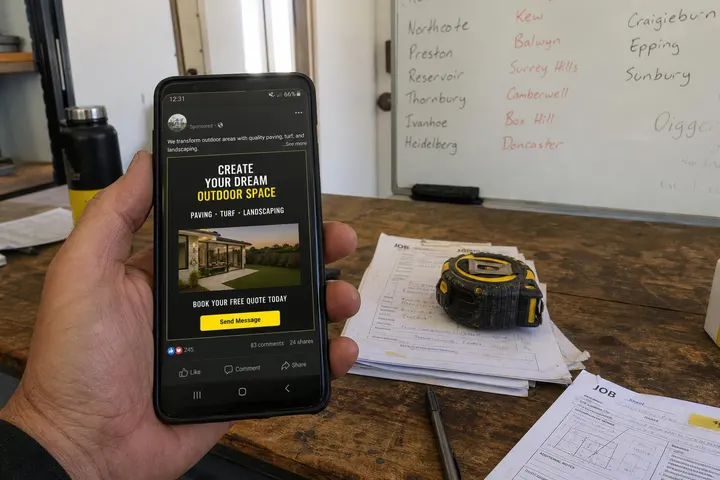
A click-to-message ad is a Facebook or Instagram ad that opens a chat with your business when someone taps it, instead of sending them to a website. For trades businesses, that means a homeowner with a leaking tap or a dead power point can ask a question in seconds, from the app they're already using.
How the ad click opens a conversation instead of a webpage
The person sees your ad, taps "Send message" and a chat window opens with your greeting already waiting. They can tap a quick reply or type their own question. There's no page to load and no form to fill in, so you remove most of the friction between interest and contact.
Where Messenger ads fit alongside lead forms and website ads
Messenger ads work best for urgent or simple jobs where a back-and-forth helps: repairs, servicing, small installs and same-week quotes. Larger projects such as renovations often suit a form or landing page better, and our guide to Meta Ads lead forms vs landing pages for tradies covers that trade-off. If you're new to the platform overall, start with our broader guide to Meta Ads for tradies.
How Do You Set Up a Click-to-Messenger Campaign in Meta Ads Manager?
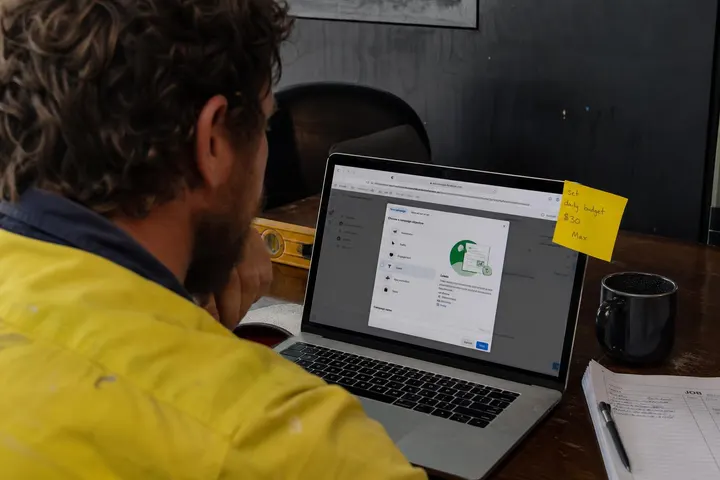
In Meta Ads Manager in 2026, you create a campaign under the Engagement, Traffic or Sales objective, choose the Message destinations conversion location at the ad set level, then build a message template at the ad level.
Choosing the right objective and Message destinations conversion location
For most tradies, Engagement or Sales is the sensible starting point, with the performance goal set to maximise conversations. At the ad set, select Message destinations as the conversion location. This is where you tell Meta which apps the chat can open in.
Messenger, Instagram Direct or WhatsApp: which channel to pick
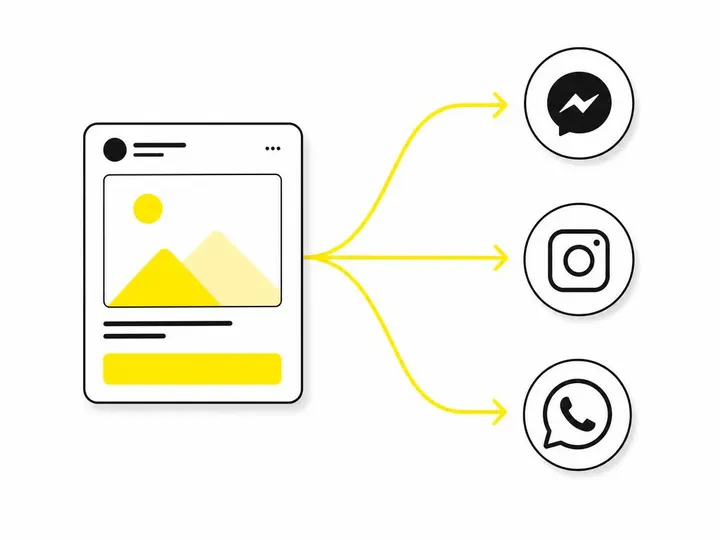
Pick the channel you'll actually answer fastest, which for most small trades businesses is Facebook Messenger. Meta's multi-destination messaging ads can send people to Messenger, Instagram Direct or WhatsApp and let Meta choose the app for each person, but that only helps if you're watching all three inboxes.
Facebook Messenger: best default for homeowners aged 35 and up, and easy to manage through Meta Business Suite.
Instagram Direct: worth adding if your work is visual (landscaping, tiling, cabinetry) and you already post regularly.
WhatsApp Business: useful if your team already quotes over WhatsApp, but it needs its own account set up and monitored.
Building your message template: greeting, quick replies and buttons
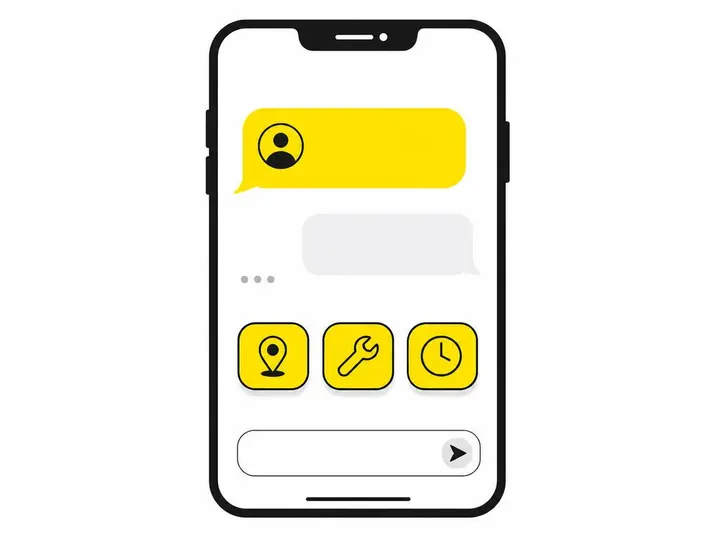
The message template is the first thing people see after tapping, and it can include a greeting, frequently asked questions, quick replies and buttons. Meta's own walkthrough on how to set up a message template for messaging ads shows the options. Keep the greeting short, name your service area and give three or four quick replies.
What Quick Replies Pre-Qualify Tradie Enquiries?
The best quick replies sort people by job type and urgency in one tap, so you know who to call back first.
Quick reply examples for common tradie jobs
Here's a template an electrician in Sydney's Inner West might use:
Greeting: "G'day! We're licensed electricians covering the Inner West, Monday to Saturday, 7am to 6pm. What do you need help with?"
Urgent repair (power out, tripping)
Request a quote
Do you service my suburb?
Send photos of the job
A plumber might swap these for "Blocked drain", "Hot water issue" and "Bathroom quote". Keep the labels short enough that they don't get cut off on a phone screen.
What information to collect before you respond manually
Before you pick up the phone, aim to have four things: suburb, job type, urgency and a preferred contact time. Photos are a bonus and often save a site visit. Our article on how to qualify leads as a tradie goes deeper on which questions weed out tyre-kickers without putting off genuine customers.
Creative That Gets Tradies the Right Enquiries
The creative that works best is local, specific and real: your face, your ute and your finished jobs, paired with copy that names the suburbs and services you actually cover.
Using local, specific ad copy to filter out bad fits
"Need an electrician in Marrickville, Leichhardt or Ashfield? Message us for a same-week quote" does two jobs. It attracts the right people and quietly tells everyone else not to bother. Vague copy like "Quality electrical services" gets cheaper message starts, but more of them go nowhere.
Photos and video that build trust before the conversation starts
Phone footage of you on a real job usually beats polished stock imagery. A 15 second clip introducing yourself, a before-and-after photo, or a shot of your signwritten van all signal you're a real local business. People are about to message a stranger, so anything that makes you feel familiar lifts response quality.
Which Metrics Show Whether the Campaign Is Making Money?
The metric that matters most is cost per booked job, because cheap conversations are worthless if none of them turn into paid work.
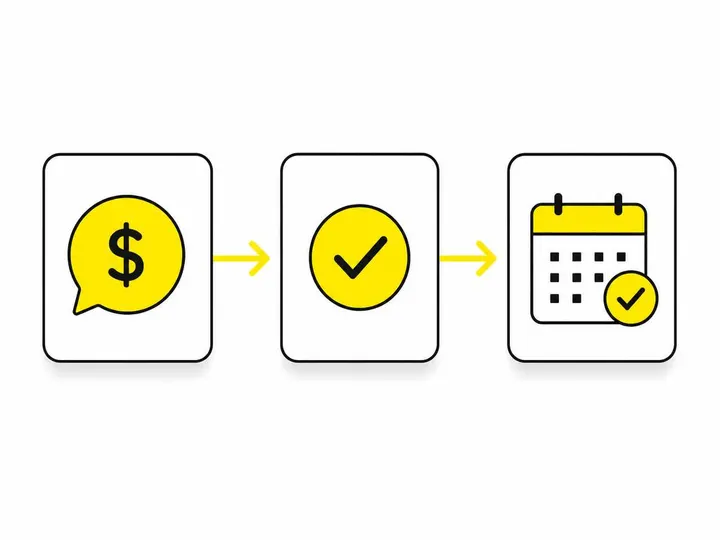
Key metrics: cost per conversation, qualified conversations and booked jobs
Track these in a simple spreadsheet each week:
Cost per conversation: what Meta Ads Manager reports for each message started.
Qualified conversations: chats in your area, for a job you do, with a real need.
Quotes sent and booked jobs: the numbers that pay your bills.
Divide spend by booked jobs to get your cost per booked job, then compare it with your average job margin. Ad costs move around too: SMI (Standard Media Index) figures in Australian ad spend data from AdNews (November 2026) showed total spend down 5.2% in September but still 0.8% up for the year to date, so benchmark against your own results rather than chasing headline averages.
Why response time is a performance metric, not just a courtesy
Someone who messages about a burst pipe will message the next plumber if you take two hours to reply. Treat response time as a number you track. Before launch, decide who answers the inbox, set up notifications on your phone, and have a saved reply ready for when you're on the tools.
Common Mistakes Tradies Make With Messenger Campaigns
Most failed Messenger campaigns come down to three avoidable mistakes: too many inboxes, no expectations set, and chasing cheap clicks.
Selecting too many message destinations
Ticking Messenger, Instagram Direct and WhatsApp because Meta suggests it spreads conversations across apps you may not check. Start with one and add others only when you can reply promptly in each.
No hours or service-area expectation set in the opening message
If your greeting doesn't say when you reply and where you work, you'll pay for chats you can't service and annoy people who expected an instant answer at 10pm. If you do want after-hours work, set that up deliberately using approaches from our article on Facebook ads for emergency tradie jobs.
Optimising for cheap clicks instead of qualified conversations
Broad targeting and generic copy can halve your cost per conversation while doubling the time you waste. A $25 conversation that books a $600 job beats ten $5 conversations that go nowhere.
Conclusion
Click-to-message ads give tradies a fast, low-friction way to start conversations with local customers, but the ad is only half the system. Set up Message destinations with the channel you'll actually monitor, write a template that names your area and hours, use quick replies to sort jobs by urgency, and back it with real, local creative.
Before you spend a dollar, make sure someone owns the inbox and can reply within minutes during your stated hours. Then judge the campaign on qualified conversations and cost per booked job, not cheap message starts. If you'd rather have it set up and managed for you, our Meta Ads management for tradies covers the full setup.