WhatsApp Ads for Tradies in Australia: How Click-to-WhatsApp Gets You More Booked Jobs
On this page 9 sections
Key takeaways
- Click-to-WhatsApp ads run through Meta Ads Manager, not inside WhatsApp chats.
- You need a WhatsApp Business account, not a personal number, to run these campaigns.
- Speed of reply is critical: a prompt response keeps costs lower and jobs moving.
- Target specific high-value services and suburbs, not broad audiences.
- Measure booked jobs and quotes issued, not just conversations started.
- A pre-filled opening message helps qualify the job before you even reply.
Click-to-WhatsApp ads let a potential customer tap your Facebook or Instagram ad and land straight in a WhatsApp chat with your business. There is no form to fill in and no waiting for a callback. For trade and local service businesses that win work by answering quickly, that can mean more booked jobs from the same ad spend, but only if someone is actually there to reply.
This guide covers how the format works, how to set it up, and how to judge whether it is earning its keep. If you are newer to paid social, it helps to read our overview of Meta Ads for tradies first.
What Are Click-to-WhatsApp Ads and How Do They Work for Tradies?
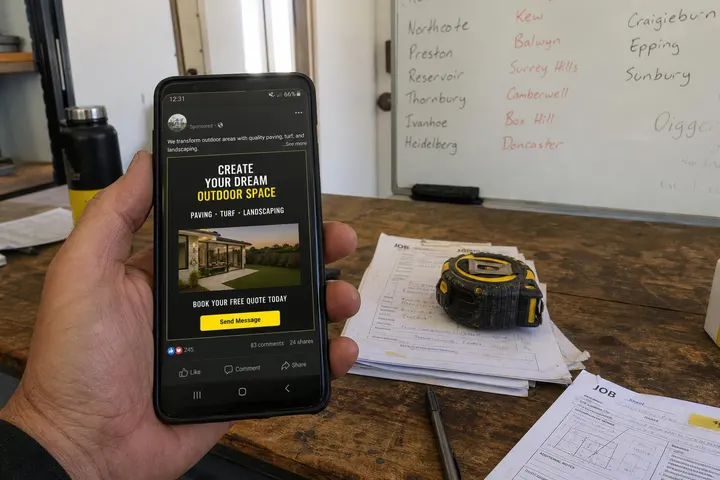
A click-to-WhatsApp ad is a normal Meta ad on Facebook or Instagram whose button opens a WhatsApp conversation with your business instead of a website or lead form.
How the ad format works inside Meta Ads Manager
You build the campaign in Meta Ads Manager like any other ad, then choose WhatsApp as the message destination. When someone taps "Send message", WhatsApp opens with a pre-filled message ready to send. Cost is set through Meta's usual ad auction, so your cost per conversation depends on your audience, location, creative and how many competitors are bidding.
Why this is different from advertising inside WhatsApp chats
Your ad never appears inside anyone's private chats. Meta has started testing ads in WhatsApp's Updates tab (Status and Channels), but that is a separate format with varying availability. Click-to-WhatsApp ads live on Facebook and Instagram and simply hand the conversation over to WhatsApp.
What Meta requires to run these campaigns in 2027
A WhatsApp Business account (personal WhatsApp numbers cannot be used for new campaigns)
A Facebook Page connected to that WhatsApp Business number
Both managed through Meta Business Suite with a working ad account and payment method
Check Meta's official click-to-WhatsApp ads help documentation before launching, as requirements do shift.
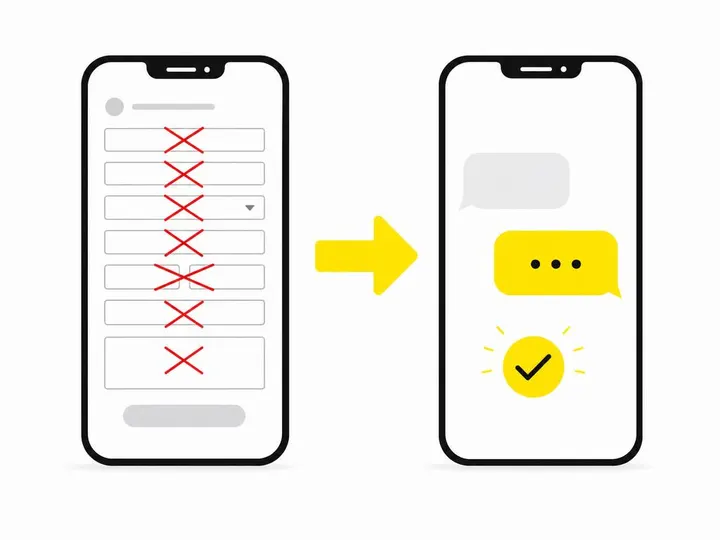
Should Tradies Use WhatsApp Ads Instead of Lead Forms?
WhatsApp ads suit businesses that close work through quick conversation, while lead forms suit businesses that prefer to collect details and call back later.
The problem with traditional Meta lead forms for trade businesses
Lead forms are easy to submit, which is exactly the problem. People tap through without much intent, give a wrong number, or forget they enquired by the time you ring. We cover the wider comparison in Meta lead forms vs landing pages for tradies.
What a live WhatsApp conversation lets a prospect do immediately
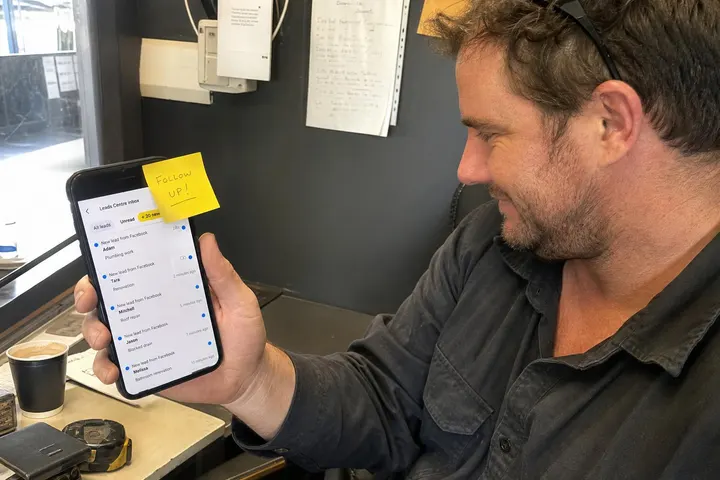
In a chat, a homeowner can send photos of the leaking hot water system, confirm their suburb, say how urgent it is and ask about availability, all before you pick up the phone. You can tell within a few messages whether the job is worth a site visit.
The trade-off: more conversation volume means more time managing chats
Chats are more personal than forms, and people expect a fast reply. If you are up a ladder all day with nobody covering the phone, those conversations go cold quickly. Budget time for replying, not just money for ads.
How to Set Up a Click-to-WhatsApp Campaign Step by Step
Setup takes four steps: connect WhatsApp Business, pick an objective, write a qualifying opening message, and build ads people want to tap.
Step 1: Set up WhatsApp Business and link it to your Meta Business Suite
Download the WhatsApp Business app or use the WhatsApp Business Platform if several staff need access or you want automation. Fill in your business profile with hours, service area and ABN details, then connect the number in Meta Business Suite.
Step 2: Choose the right campaign objective in Meta Ads Manager
The Meta engagement objective with a WhatsApp conversion location is the usual starting point, although leads or sales objectives can also send people to WhatsApp. Our guide to choosing the right Meta campaign objective for tradies explains the differences.
Step 3: Build a pre-filled opening message that qualifies the job
The pre-filled WhatsApp message is your first filter. Instead of "Hi, I'm interested", use something like:
"Hi, I need a quote for a switchboard upgrade in [suburb]. It is urgent / not urgent."
"Hi, I'd like a roof repair inspection. My suburb is ___ and the issue is ___."
Your first reply can then ask about property type, timing, access and photos. For a fuller question list, see how to qualify leads as a tradie.
Step 4: Write ad creative that earns the tap
Show real work, real vans and real staff. Name the service, the area and the benefit of messaging: "Send us a photo, get a ballpark price today." Stock images and vague slogans get scrolled past.
Targeting: Jobs, Not Just Suburbs
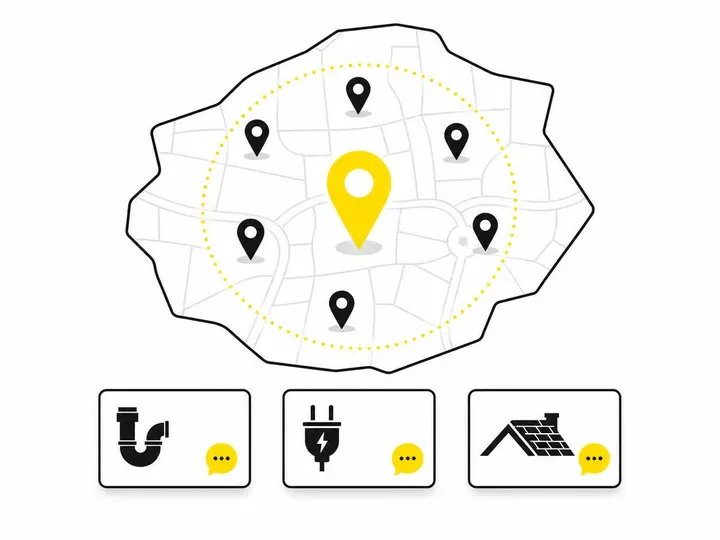
The best results come from advertising specific high-value services to people inside your actual service area.
Create separate ads for each high-value service
Run separate ads for emergency plumbing, air-conditioning replacement or roof repairs rather than one generic "we do everything" ad. Specific ads attract specific enquiries and make it obvious which services are paying off.
Use suburb-level and radius targeting to stay in your service area
Target the postcodes or radius you genuinely want to drive to. A cheap chat from 90 minutes away is not a cheap lead.
Audience options that work well for local trade businesses
Broad local audiences, homeowner-leaning interests and retargeting of past website visitors or video viewers tend to work well. More detail is in Meta ads targeting for Australian tradies.
Does the Seven-Day Messaging Window Make WhatsApp Ads Cheaper?
The reported seven-day free messaging window may reduce some messaging costs, but you should not rely on it until you confirm it applies to your account.
What the reported seven-day messaging window means (and what it doesn't)
Industry sources reported in late 2026 that eligible conversations started from a click-to-WhatsApp ad now get an entry-point messaging window of up to seven days, replacing the earlier 72 hours. This matters mostly for businesses on the WhatsApp Business Platform, where certain messages are charged. It does not make all WhatsApp messaging free, and it does not reduce what you pay Meta for the ad itself.
Why replying within 24 hours matters for costs and conversions
The free window generally depends on your business replying within 24 hours. Commercially, 24 hours is far too slow anyway. Someone with a burst pipe has already booked a competitor within the hour.
Setting up auto-replies and assigning chat responsibility
Set an instant greeting and an after-hours message that says when you will respond. Decide who owns incoming chats, and set a rule for when a chat becomes a phone call. If you run urgent work, our piece on after-hours Facebook ads for tradies is worth a read.
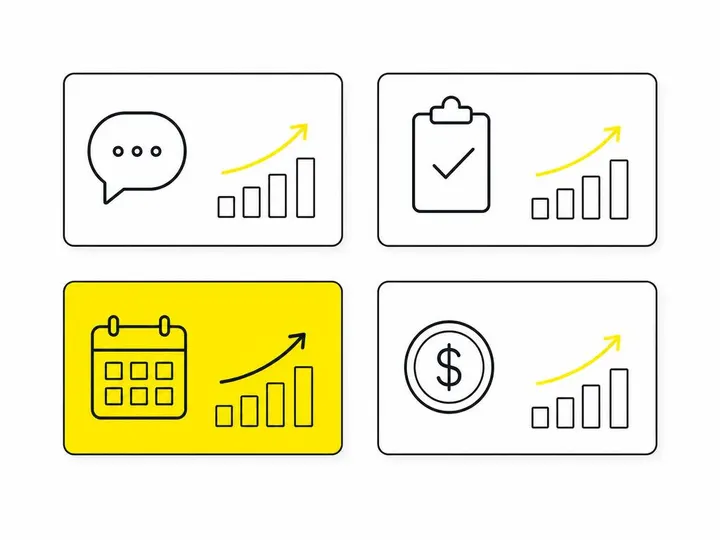
What to Measure: Booked Work, Not Just Chats
Judge the campaign on jobs won and revenue, not on how many conversations it starts.
The metrics that actually tell you the campaign is working
Cost per conversation (from Ads Manager)
Qualified enquiries (in area, right service, real intent)
Quotes issued and jobs won
Average job value
Your average response time
Divide ad spend by jobs won to get your cost per booked job, the number that tells you whether to keep spending.
What to do when conversations are high but bookings are low
Tighten the pre-filled message, make the ad more service-specific, narrow the location and check your reply speed. Often the ad is fine and the follow-up is the weak link.
Privacy, Consent and Australian Compliance Basics
You must handle customer details responsibly and keep any marketing follow-up within Australian rules.
What to tell customers before they send information
Explain what you need (suburb, job details, photos) and avoid asking for unnecessary personal information. Many small businesses are covered by the Australian Privacy Act, so have a simple privacy policy and store chat records sensibly.
Keeping automated follow-up within Australian marketing rules
Answering an enquiry is fine. Sending ongoing promotional messages is different: get clear consent, identify your business and offer an easy way to opt out under the Spam Act.
Is Click-to-WhatsApp Right for Your Trade Business?
Click-to-WhatsApp suits businesses that can reply quickly and benefit from seeing photos before quoting.
When this format works best
It shines for urgent repairs, jobs that are easy to assess from photos, and customers who prefer texting to phone calls.
When a lead form or landing page may still be a better fit
If nobody can watch chats during the day, or your jobs need detailed scoping, a form or landing page may serve you better. Our Meta Ads management for tradies service can help you test both.
Conclusion
Click-to-WhatsApp ads remove the form and put the customer straight into a conversation, which can lift both lead quality and booking rates. Set up WhatsApp Business properly, use a qualifying pre-filled message, run service-specific ads in your real service area, and treat the reported seven-day window as a bonus rather than a business case.
Your practical next step: pick one high-value service, run a small test for four weeks, reply to every chat within minutes, and track jobs won against spend. If the cost per booked job beats your current lead source, scale it.