How to Choose Website Photos for an Australian Tradie Business
On this page 8 sections
Key takeaways
- Real photos of your work always outperform generic stock imagery
- Before-and-after shots are among the highest-converting images for tradies
- Compress images for mobile 85% of Australian web traffic is on mobile
- A consistent photo style across your site looks more professional
- Headshots and team photos humanise your business and reduce quote hesitation
Your tradie website's photos are doing far more than decorating your pages: they're the difference between a prospect who trusts you enough to call and one who closes the tab and rings your competitor instead. Real, well-placed job photos convert better than any copy you can write, but only if they're the right photos in the right places, optimised for the devices your customers actually use.
Why Your Website Photos Matter More Than You Think
Photos on your tradie website aren't a nice-to-have afterthought. Research shows 96 percent of consumers are more likely to visit a business with professional photos compared to one with poor-quality images or none at all. For tradies, that gap is even wider: before-and-after project photography and real job-site imagery directly influence whether someone picks up the phone to book you.
According to the Australian Bureau of Statistics Digital Economy Report, 65 percent of Australian small businesses now operate a website, but most tradies still don't use images strategically. That's a competitive edge you can claim today. Pages with high-quality, relevant images see a 94 percent increase in viewer engagement compared to text-only pages. Images affect conversions, not just aesthetics: they build trust, reduce friction in the buying decision, and give prospects visual proof that you can actually do the work they need done.
Mobile matters too. Eighty-five percent of web traffic in Australia comes via mobile devices, which means your images need to load fast and look sharp on a small screen. A slow website costs you leads before anyone even reads your credentials. This is where image optimisation becomes part of your conversion rate optimisation strategy, not just a technical detail.
Real Photos vs Stock Images: Which Should Tradies Use?
Use real photos of your own work whenever possible; stock images should only fill specific gaps where a real photo isn't available.
Stock photos are acceptable for headers, service category icons, or placeholder graphics when you genuinely don't have a real image yet. A generic image of a smiling tradesman or a bathroom renovation in progress won't hurt if it's clearly labelled and relevant. But here's the thing: customers can spot a stock photo from a mile away, and it erodes trust the moment they see it.
Never use stock photos for your hero image on the homepage, your main service pages, or your gallery. Your customers want to see what you actually did for other customers in their area. They want to know your work quality, your crew, your attention to detail. A stock photo of a cheerful plumber in a perfect studio says nothing about whether you'll show up on time or fix their leak properly. Your real before-and-after photos say everything.
The Sensis What's Next Report (2023) found that local service businesses with authentic project photography see significantly higher conversion rates than those relying on generic imagery. Customers trust tradies they can see, teams they can picture walking into their home, and work they can verify happened in their suburb.
The Best Types of Photos for a Tradie Website
Focus on four core photo categories that convert and build credibility for your tradie business.
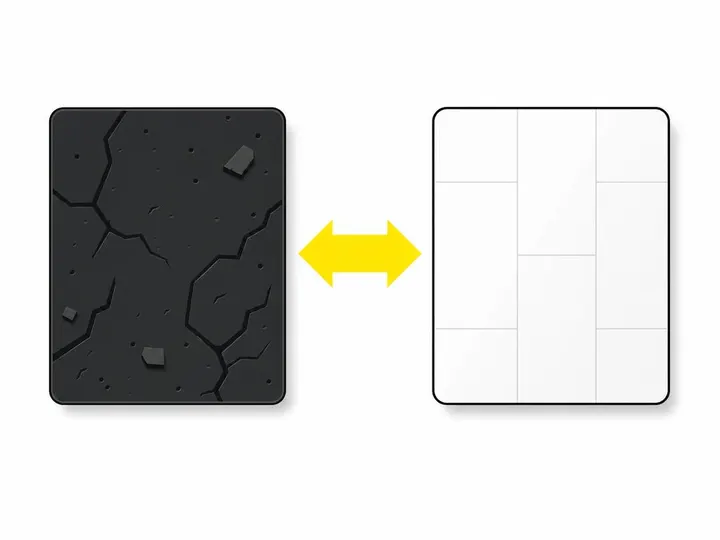
Before-and-after project photos
These are your most powerful sales tool. A side-by-side before-and-after shot instantly shows the transformation you deliver. Include these on your service pages, in your gallery, and as part of your before-and-after content strategy across your site and social media. Capture the same angle and lighting in both shots so the comparison is clear and credible.
On-the-job action shots
Photos of your team actually working (with permission from the customer) humanise your business and show professionalism. Action shots are more compelling than posed photos because they prove real work is happening. Include these in your team or about section, and scatter them throughout your service pages.
Headshots and team photos
A professional headshot of you and key team members builds connection. Customers want to know who's walking into their home. A casual, friendly photo taken in natural light works better than a stiff studio headshot for tradies. Include these in your team section and on trust signals on your tradie website like testimonial sections.
Your branded vehicle and equipment
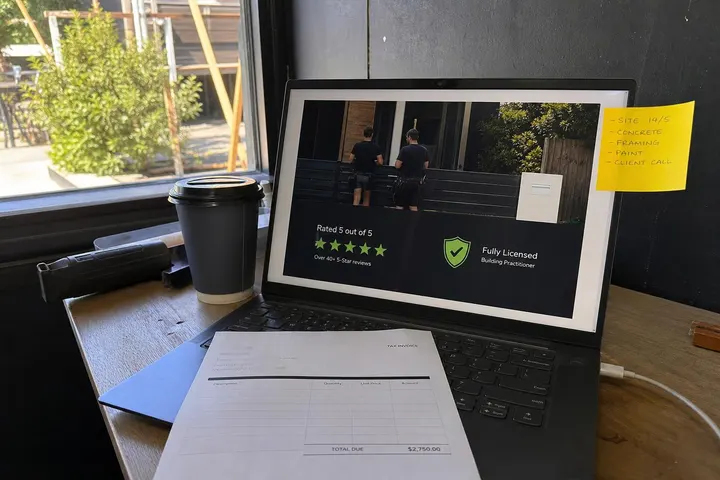
A clean, well-maintained van or truck branded with your logo is a trust signal and a mobile billboard. A photo of your branded vehicle, your tools neatly organised, or your equipment ready for a job all reinforce professionalism and preparedness. Use these to fill sections where project photos aren't available yet.
How to Take Decent Photos Without a Professional Photographer
You don't need expensive gear to capture job-site photos that look professional enough for your website.
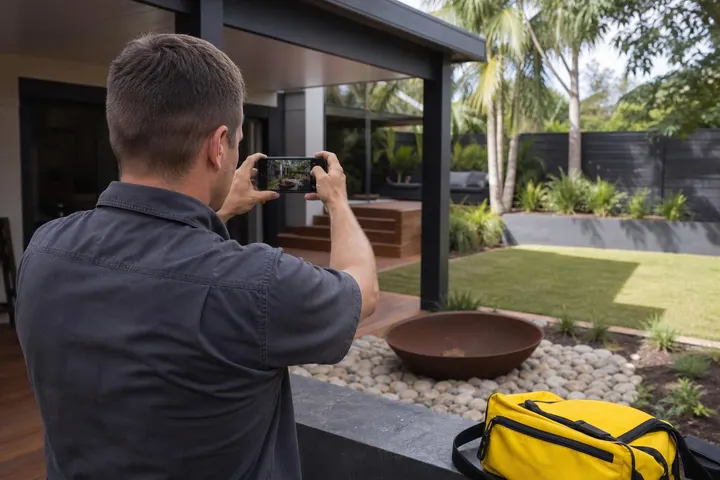
Your smartphone is already good enough. Modern phones capture excellent detail and colour in daylight. Here's what to do differently:
Take photos in natural daylight, never indoors under fluorescent lights. Golden hour (early morning or late afternoon) looks best.
Clean the phone lens. Dust and fingerprints kill image quality instantly.
Frame the shot to show the before or after clearly. Zoom in on detail if the full room looks cramped.
Take multiple shots from different angles. Candid action often beats posed shots.
Get the customer's permission before you photograph their property or home interior.
Build a simple photo-taking habit: shoot at the start of every job, during the work, and at completion. Store them in a folder on your phone or cloud drive immediately.
Consistency matters more than perfection. Colour grading and filters can be applied later to match your brand, but a sharp, well-lit photo of real work always beats a blurry professional shoot. Consider using your phone's built-in editing tools or free apps like Snapseed to tweak brightness and contrast. The goal is a coherent visual style across your site, not magazine-cover aesthetics.
Where to Place Photos on Your Tradie Website
Photo placement directly affects how customers navigate your site and make decisions about contacting you.
Your homepage hero image (the large image at the very top) sets the tone. This should be your best before-and-after, a branded vehicle photo, or a clean action shot of your team. It's the first thing prospects see, so it has to be sharp, relevant, and communicate your trade immediately. Your best homepage layout for tradie websites includes a strong visual anchor.
Service pages need photos of actual work you've done in that service category. A plumbing page should show bathrooms and kitchens you've worked on. An electrical page should show rewired homes, new installations, or safety upgrades you've completed. Tradie service page design works best when each page has 3 to 5 high-quality images breaking up the text.
A dedicated gallery or project showcase page is where you can display 15 to 30 before-and-after pairs and action shots. This is proof of volume and range. Customers love scrolling through real work and imagining their own project in your portfolio.
Mobile Optimisation and Image File Size
Slow-loading images on mobile devices cost you leads because prospects abandon your site before it fully loads.
Google's mobile-first indexing means your site's mobile speed directly affects your search ranking. Use Google PageSpeed Insights to test your current performance and see exactly which images are slowing you down. Most tradie websites can improve from "slow" to "good" by compressing images without losing visual quality.
Compress every image before you upload it. The WebP image format saves up to 30 percent file size compared to JPEG while maintaining quality, and most modern browsers now support it. Use the TinyPNG image compression tool to batch-compress images fast. Aim for images under 300 kilobytes for homepage and service page photos, and under 500 kilobytes for gallery images. Your WordPress media library will handle uploads, but compress first, upload second.
Always add descriptive alt text to every image. Alt text helps screen readers, improves accessibility, and tells Google what the image is about. Write something like "Kitchen renovation before and after, granite benchtop and new appliances" instead of "image123.jpg". This is both an accessibility and SEO win.
Keeping Your Photo Style Consistent
A consistent visual style across your website reinforces professionalism and makes your brand recognisable.
Colour grading and filters don't need to be complex. Pick a consistent approach: if your first 10 photos have warm, slightly saturated tones, keep that same treatment across all new uploads. Most smartphone apps (like Snapseed or Lightroom Mobile) let you save a preset, so every photo you edit uses the same filter or adjustment. This takes 30 seconds per image and creates visual cohesion instantly.
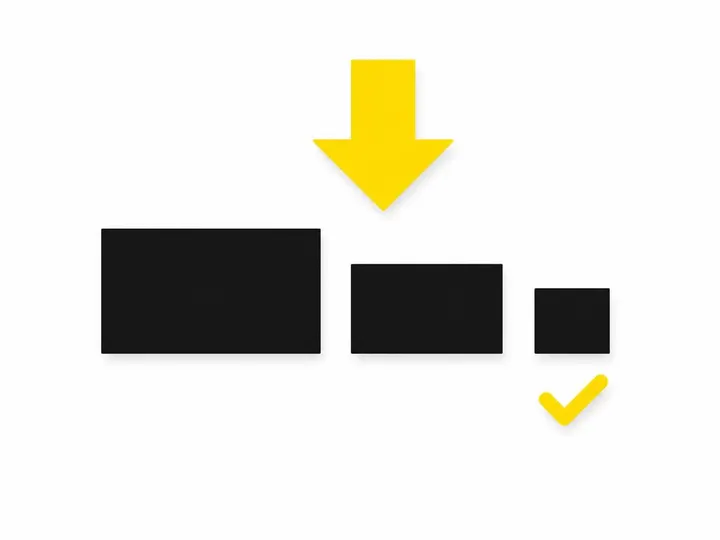
Aspect ratios and cropping matter too. If your before-and-after photos are portrait (taller than wide), crop all of them that way. If your action shots are landscape, keep that consistent. When all your images follow the same shape and proportions, your gallery and service pages look intentional and polished, not like a random collection of phone photos. Your website design mistakes that scare away tradie leads often include mismatched image sizes and inconsistent styling, so standardising dimensions is a quick fix with high impact.
Store all your edited images in a single folder or cloud drive (Google Drive, Dropbox, OneDrive) so you always have access when you need to update your site or make your tradie website mobile-friendly by swapping in newer photos. Organisation now saves time later.
Conclusion
Your website's photos are trust-builders and conversion tools, not decorations. Real, well-optimised images of your actual work will always outperform stock photos, and they don't require expensive professional photography: your smartphone and a simple habit of shooting at every job will generate the content you need. Place your best photos where they'll have the most impact, compress them so they load fast on mobile, and keep your style consistent across all pages.
Start today by shooting one before-and-after photo at your next job. Compress it, upload it to your service page, and watch how it changes the feel of that page. Once you see how much better your site looks with real photos, building out a full gallery becomes natural. Your competitors are probably still using stock images and generic layouts: real photos give you the edge they're missing.