Tradie Website Contact Form: What Fields Should You Ask For?

On this page 7 sections
Key takeaways
- Five to six fields is the sweet spot for tradie contact forms
- Ask for suburb, not full address, at the enquiry stage
- A short job description field replaces most qualifying questions
- Mobile visitors abandon long forms fast, keep it short
- Follow up by phone to gather detail, not your online form
Your tradie contact form is probably costing you jobs. Most builders, plumbers, electricians, and other trade business owners stuff their forms with questions that make visitors bail before they hit submit. The irony is that fewer, smarter fields often pull in more qualified leads than a 12-question interrogation. Get the form fields right, and you'll see more enquiries actually land in your inbox. Get them wrong, and you're watching money walk.
Why Your Contact Form Is Losing You Jobs
The form abandonment problem tradies rarely notice
Form abandonment happens silently. A plumber's customer browses the site on their phone, reads the reviews, likes the pricing, clicks "Get a Quote" and then sees a seven-field form asking for their full street address, budget, preferred timing, and how they found the business. Half the time they close the browser instead of filling it out. You never see them again. You have no idea they were ever interested.
The form abandonment rate for most trade service websites hovers around 60 to 70 percent, especially on mobile devices. That means roughly three out of every four people who try to contact you give up. A shorter, smarter form cuts that in half. That's the difference between a quiet month and a booked-out month.
When asking for too much costs you real money
Every field you add to a form reduces completion rates. Research from Nielsen Norman Group and other conversion optimisation firms confirms it: each additional field you require drops your submission rate by a measurable amount. For tradies, that compounds quickly. If your current form pulls in 20 enquiries a month and you cut three unnecessary fields, you could realistically expect 30 to 35 enquiries from the same traffic. That's real money.
The temptation to ask everything upfront comes from good intentions. You want the customer's address so you know if they're in your service area. You want their budget so you don't waste time on small jobs. You want photos so you understand the scope. But at first contact, you're not qualifying; you're trying to get them to take the first step. Lead qualification happens after they submit, not before.
The Five Fields Every Tradie Form Needs
Start here. These five fields are non-negotiable. Everything else is optional or a trap.
Name
You need to know who you're talking to. No exceptions. Single field, first and last name together, unless you're a large operation that requires splitting them for CRM purposes. Keep it simple.
Phone number
This is the most important field on the entire form. Customers expect you to call. Email is secondary for tradies. Your phone number field should be formatted to accept Australian numbers without fussy formatting—let the backend handle area codes and spaces. Never make someone type +61 or worry about whether the system needs dashes.
Suburb or postcode
Ask for suburb or postcode, not full address. This tells you whether they're in your service area without asking for their street address (which feels invasive at first contact). A single postcode field takes three seconds to fill and gives you 90 percent of what you need. If they're out of area, you've lost nothing. If they're in area, you've kept them in the funnel.
Service type
A dropdown or button group showing what you offer (e.g., "Bathroom renovation," "Kitchen renovation," "General carpentry," etc.). This does two things: it helps the customer tell you what they want, and it routes their enquiry accurately inside your business. No guessing whether they need a plumber or an electrician.
Brief job description
A short text area where they describe the job in their own words. Two to three sentences. "We need a new bathroom fitted. Has a leaking shower and old tiles." That's enough. This field alone often tells you whether the job is viable and how complex it is. Pair it with postcode and service type, and you have enough to call them back and ask follow-up questions.

Optional Fields That Can Help (Used Carefully)
Email address
Nice to have, not essential. Some customers use email to send photos or documents later. Many tradies don't rely heavily on email for first contact. If you include an email field, make it optional. Don't require it.
Preferred contact time
A simple dropdown (morning, afternoon, evening) can be helpful for scheduling callbacks. But again, optional. Too many tradies ask this and then ignore the preference anyway.
How did you hear about us
Useful for marketing tracking, but only if you're genuinely using the data to refine your marketing spend. Otherwise, it's a distraction. Include it only if you actively review and act on the results.
Fields to Drop Completely
Full street address
You don't need this at inquiry stage. A postcode tells you if they're in your service area. The full address can come later, once you've qualified them and they've said yes to a quote. Asking for the street address at first contact feels invasive and kills conversions. Save it for your booking or CRM process.
Budget
Never ask a customer to state their budget before you've even talked to them. It's the wrong conversation at the wrong time. You're not selling yet; you're gathering interest. Budget comes up naturally when you call them back. If you need budget data for lead filtering, use a CRM that lets you capture it after the initial call, not before they hit submit.
Photo uploads at first contact
Asking visitors to upload photos from their phone before they've even talked to you is friction you don't need. Most abandon the form rather than fumble with uploads on mobile. Ask for photos once they've committed to a quote appointment. Tell them to email it or bring it on the day.
Company name (unless B2B)
For residential work, skip it. Most homeowners filling out your form aren't representing a company. If you're doing commercial or B2B work, include it. Otherwise, it's dead weight.
How to Structure the Form for Mobile Users
Field order and tap targets matter on a small screen
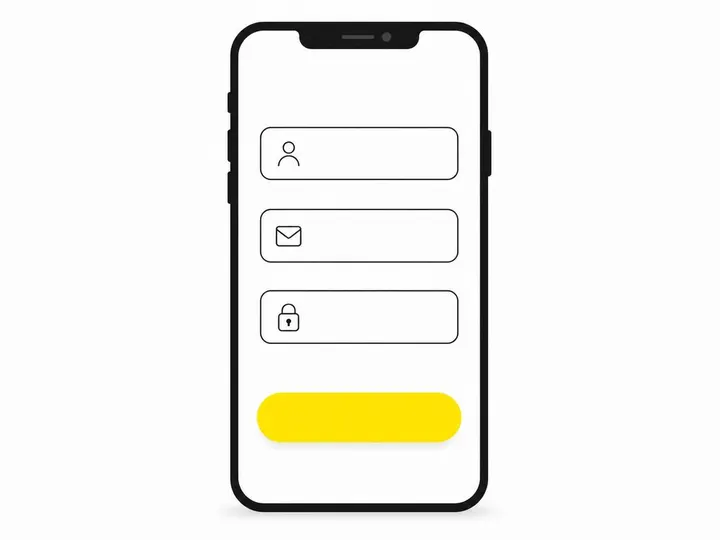
On mobile-friendly website design for tradies, form fields need to stack vertically and be finger-friendly. Make buttons and input fields large enough to tap without frustration. The order matters too: phone first or second (it's what people expect you to use), then service type, then postcode, then job description. Name can go anywhere. Put optional fields at the bottom so they don't feel mandatory.
Conditional logic: the smart way to ask more without overwhelming
Conditional logic fields are a game-changer. If someone selects "Kitchen renovation," you can then show them job-specific fields (benchtop material, current layout, timeline). If they select "General plumbing," those fields disappear. The form shows only relevant questions, so it never feels long, even if your backend can branch into 20 different field sets depending on service type. Common tradie website design mistakes often include forms that ask the same questions regardless of service. Conditional logic fixes that.
What to Do After the Form Is Submitted
Your thank-you page and follow-up speed matter as much as the form itself
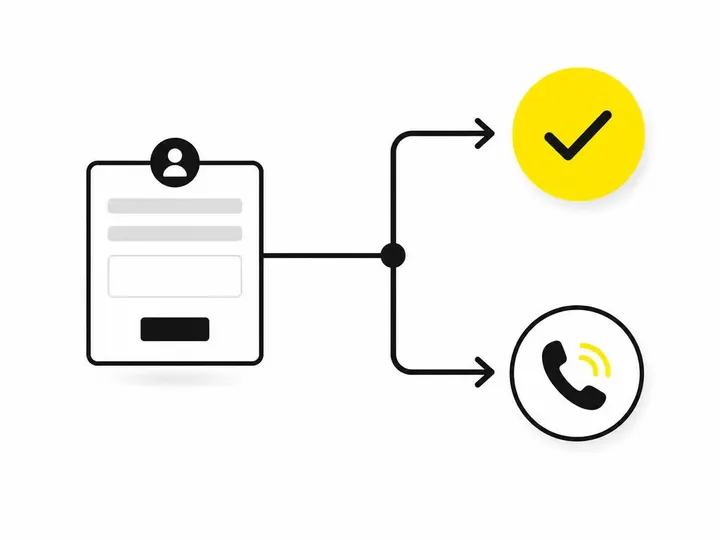
The moment someone hits submit, your job changes from converting a visitor to managing a lead. A thank-you page should confirm receipt and set expectations: "We'll call you within two hours on weekdays" or "You'll hear from us by end of business today." Make it clear. Then actually do it.
Speed kills every other marketing tactic. If you call back within 15 minutes, your enquiry-to-quote ratio stays high. Wait three hours, and your close rate drops. How to follow up website leads is as important as the form itself. Automate a confirmation email or text message right after submission, then have someone call within minutes. A CRM for tradies that automates notifications makes this easy.
Conclusion
The best tradie contact form is the shortest one that still qualifies the enquiry. Five fields: name, phone, postcode, service type, job description. Optional email and contact preference. Mobile-responsive, no uploading, no full address, no budget question. Use conditional logic to show job-specific follow-ups only when relevant, so the form feels short even when it can capture complex information.
Most tradies overthink this. They add fields because they think they need them, not because it helps the customer. Every field costs you submissions. Cut ruthlessly, then focus your energy on calling people back fast and being genuinely helpful on that first call. The best homepage layout and the best contact form work together to guide visitors smoothly from interest to action. Get the form right, and you'll see the difference in your phone this month.