How to Build a Marketing Dashboard for Your Small Business

On this page 8 sections
Key takeaways
- Organise your dashboard into three rows: visibility, enquiries and outcomes
- Agree on what a lead, qualified lead and customer mean before building anything
- Track lead source on every enquiry using UTMs, call tracking or a CRM field
- A spreadsheet is a valid starting point before connecting GA4 or Google Ads
- Review weekly for broken forms and budget spikes, decide monthly on channels
A marketing dashboard is one page that shows where your enquiries come from, which ones turn into paying customers, and what each customer cost you to win. Most small business owners don't have one, so they make spending decisions based on gut feel and whichever platform sent the last email. If you've ever wondered whether your Google Ads or Instagram posts are actually bringing in work, this guide walks you through building a simple dashboard that answers that question.
Why Do Most Small Business Owners Fly Blind on Marketing?
Most owners fly blind because their marketing data is spread across five or six platforms that each tell a different, self-flattering story. Google Ads reports conversions, Meta reports reach, and your inbox holds the enquiries, but nothing connects them. If you've never worked out how to track where your leads come from, you're guessing.
The problem with checking each platform separately
Every ad platform wants credit. A physio clinic might see Google Ads claim 20 conversions and Meta claim 15 in the same month, yet the front desk only booked 18 new patients. Platforms count differently, overlap, and often count clicks on a phone number rather than actual calls.
What a dashboard actually gives you
A good dashboard puts your own numbers, from your own records, next to what you spent. It shows you real enquiries, real customers and real costs in one place, so you can stop arguing with platform reports and start making decisions.
Start With Definitions, Not Tools
Before you open a single tool, write down exactly what counts as a lead, a qualified lead and a customer in your business.
What counts as a lead in your business?
For an accountant, a lead might be a contact form submission. For a beauty salon, it might be an online booking or an Instagram DM asking about prices. Write a one-line definition and stick to it.
Qualified lead vs raw enquiry
A raw enquiry is any contact at all; a qualified lead is an enquiry from someone who fits your service area, budget and offering. Spam, job seekers, suppliers and people wanting something you don't sell are raw enquiries, not qualified leads. This distinction matters because a channel sending 50 cheap enquiries, of which 5 are genuine, is often worse than one sending 15 enquiries, of which 10 are genuine.
Agreeing on these before you build anything
If you have staff answering phones or emails, get everyone using the same definitions. Otherwise your numbers will shift depending on who logged them, and the dashboard becomes useless.
What Metrics Should a Small Business Marketing Dashboard Include?
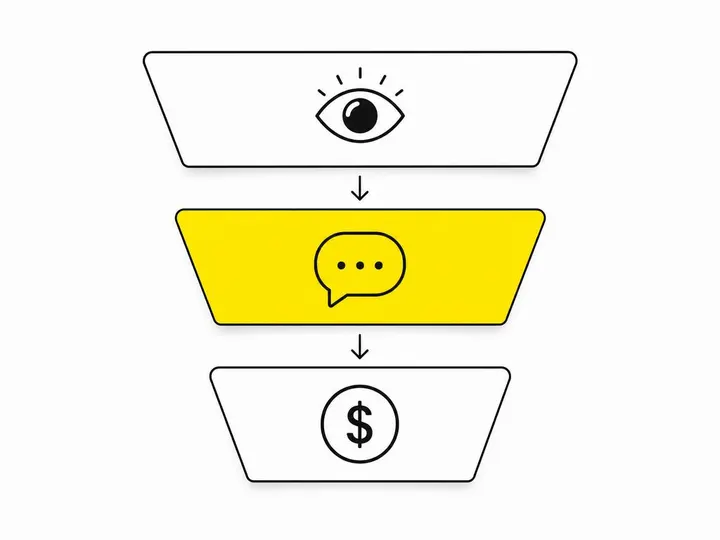
A small business marketing dashboard should include three rows of metrics: visibility, enquiries and outcomes. This mirrors the funnel view Google itself added to Google Ads reporting in October 2026, but kept simple enough to read in two minutes.
Row 1: Visibility (reach, sessions, branded searches)
This row tells you whether people are seeing you. Track Meta reach, website sessions from GA4 (Google Analytics 4), and branded searches (people searching your business name). Rising branded searches are a strong sign your other marketing is working.
Row 2: Enquiries (calls, form fills, messages, bookings)
Phone calls (actual calls, not clicks)
Contact form submissions
Social media and chat messages
Online bookings
Set these up as key events in GA4. Google's GA4 key events and conversions overview explains how.
Row 3: Outcomes (qualified leads, customers, revenue, cost per acquisition)
This is the row that matters most. Track qualified leads, new customers, revenue, cost per lead (CPL) and cost per acquisition (CPA). CPL is spend divided by enquiries. CPA is spend divided by paying customers. If you only track one number, make it CPA. It's the closest thing to your cost per booked job.
How Do You Track Which Channel a Lead Came From?
You track which channel a lead came from by tagging every link and ad, tracking phone calls separately, and recording the source against each enquiry in your CRM or spreadsheet.
UTM parameters on every ad and link
UTM parameters are small tags added to the end of a URL that tell GA4 where a visitor came from, such as your Facebook ads, email newsletter or Google Business Profile. Use consistent naming (always "facebook", never a mix of "Facebook" and "fb") or your reports will split the same channel in two.
Call tracking for phone enquiries
If phones ring often in your business, you need call tracking. It assigns different numbers to different sources so you can see which channel made the phone ring, not just which page someone clicked from.
A source field in your CRM or spreadsheet
Every enquiry should have a "source" field, filled in at the time it arrives. Asking "how did you hear about us?" works as a backup. If you're weighing up CRM options for small business, make sure the one you pick captures source automatically from forms.
Why Google Click IDs and first-party data matter in 2027
The Google Click ID (GCLID) is a code attached to clicks on your Google Ads, and keeping it alongside the lead lets you send "this became a customer" back to Google. Google is leaning heavily on first-party data like this. It reports that advertisers using Google Tag Gateway saw an average 14% uplift in observed conversions. That's Google's own figure, not independent research, but the direction is clear: platforms reward businesses that capture clean data. Make sure you're getting your tracking compliant while you're at it.
Building Your Minimum Viable Dashboard
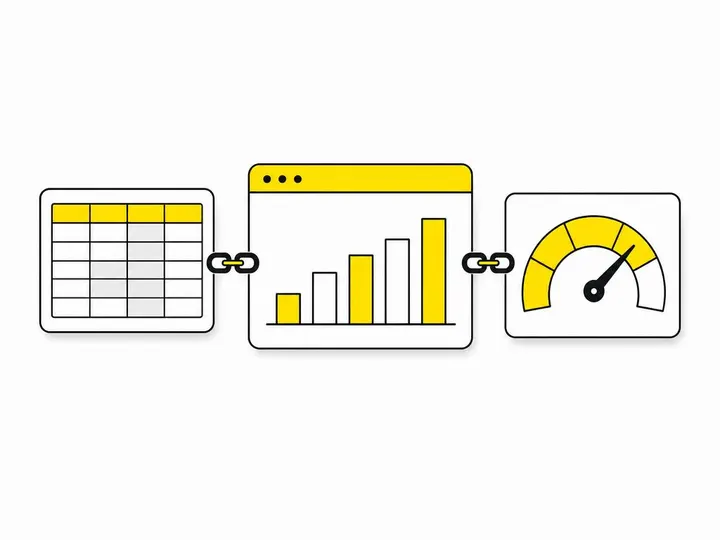
The tools you need to build a marketing dashboard can be as simple as a Google Sheet, then GA4, your ad accounts and a free reporting tool once volume grows.
Option 1: A Google Sheet that takes 30 minutes to set up
Create one tab for leads (date, name, source, qualified yes or no, became customer yes or no, revenue) and one summary tab with monthly totals by source, plus spend per channel. For a business getting fewer than about 50 enquiries a month, this is often enough.
Option 2: Connecting GA4, Google Ads and Meta Ads
Next, make sure GA4 key events are firing correctly, Google Ads conversion tracking is set up, and the Meta pixel is recording the same actions. Check that each platform counts the same events so you're comparing like with like.
Option 3: A simple reporting tool like Looker Studio
Looker Studio is free and pulls GA4, Google Ads and Google Sheets into one live report. Upgrade from a spreadsheet when manual updating takes more than an hour a week, when you're running ads on two or more platforms, or when more than one person needs to see the numbers.
How Often Should You Review Your Marketing Dashboard?
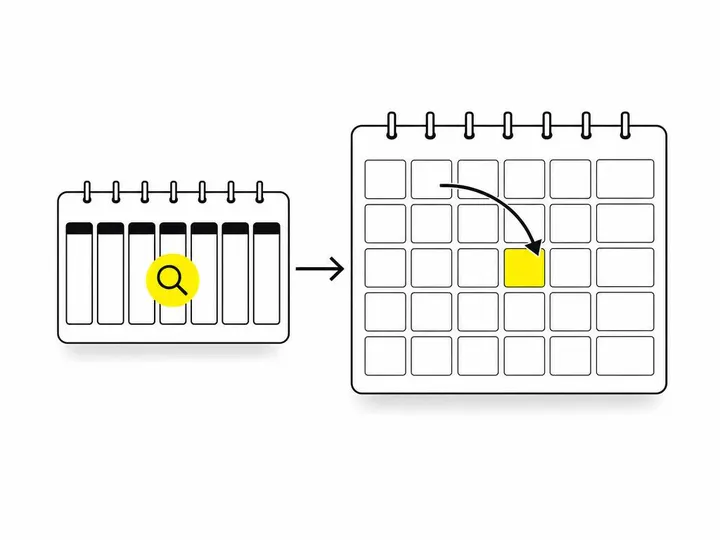
You should check your marketing dashboard weekly for problems and review it monthly for decisions.
What to look at each week
Did enquiries suddenly drop? Test your forms and phone tracking.
Did ad spend jump unexpectedly?
Were all new enquiries logged with a source?
Were leads followed up quickly? (Here's how to follow up leads from your website.)
What to decide each month
Compare CPA and qualified lead rate by channel. Shift budget towards what produces customers, not clicks. One week of data is too noisy for budget changes, so resist reacting to it.
Common Mistakes to Avoid
The most common dashboard mistakes are measuring activity instead of results, lumping channels together and treating every lead as equal.
Tracking clicks instead of enquiries
Clicks and impressions feel like progress, but they don't pay rent. Keep them in Row 1 and judge your marketing on Rows 2 and 3.
Not separating channels
"Online" is not a channel. Google Ads, organic search, Meta, email and referrals behave differently and need separate lines.
Ignoring lead quality
A cheap CPL can hide a terrible CPA. If a channel sends lots of tyre kickers, its low cost per lead is misleading.
Conclusion
A useful marketing dashboard isn't about fancy charts. It's about agreeing on what a lead is, tracking where every enquiry came from, and connecting your spend to actual customers and revenue. Visibility, enquiries and outcomes, in three simple rows, will tell you more than any single platform report ever will.
Start this week with a Google Sheet and a source field on every enquiry. After a month you'll have real CPA numbers by channel, and that's when you'll know where your next marketing dollar should go.