Live Chat for Tradie Websites: How to Catch Every Enquiry
On this page 8 sections
Key takeaways
- Only enable chat when a real person can respond within 10 minutes
- Every chat must collect name, phone, suburb, job type and preferred contact time
- Use quick-reply prompts matched to what tradie customers actually ask
- Define clear rules for when staff must take over from automation
- Track first-response time and booked jobs, not just chat volume
Adding a live chat widget to your website feels like a quick win. But a chat box nobody answers can lose you more enquiries than having no chat at all. If you run a trade or home-service business, here is how to set up live chat so every enquiry gets caught, answered and turned into a quote.
Live chat is one piece of local lead generation for tradies, and it only works when it is treated as a promise to respond rather than a decoration.
Why Does Live Chat Leak Leads on Tradie Websites?
Live chat leaks leads because most businesses install the widget and never build a reliable process for answering it.
The gap between installing a widget and actually catching enquiries
Putting a chat box on your site takes ten minutes. Getting a reply to a homeowner within minutes while you are on a roof or under a house is the hard part. If you are still deciding whether chat suits you at all, our comparison of website chat versus a contact form covers that question. This article assumes you have chosen chat and want it to perform.
What happens when no one is watching the inbox
A customer with a leaking hot water system types a question, waits, sees nothing, and rings the next business on Google. You never learn the enquiry existed. Current small business guidance is consistent on this point: only switch chat on when someone can respond, because an unanswered chat looks worse than a clearly labelled form.
What Response Time Should You Promise in Live Chat?
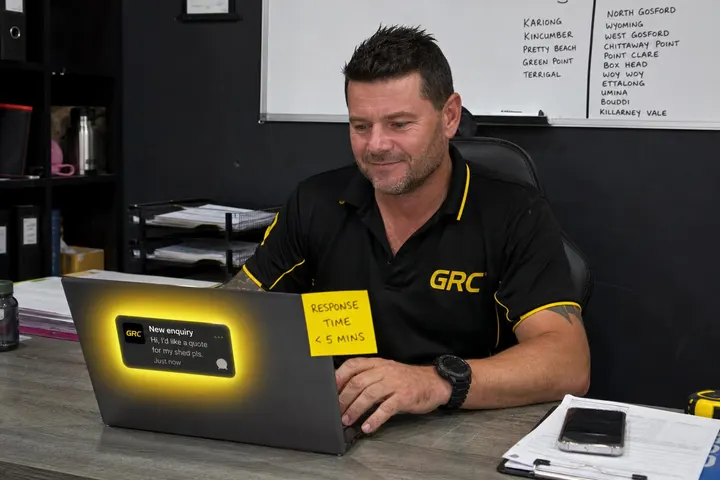
Promise a reply within 10 minutes during business hours, and display that promise right in the chat window.
How to set a visible response-time commitment
Put the commitment in the chat header, for example "Replies within 10 minutes, Mon to Fri, 7am to 5pm". Customers will wait if they know what to expect. Pick a first-response time you can genuinely hit on your busiest day, not your quietest. Fifteen minutes kept is better than five minutes broken.
Staffing chat during and outside business hours
During the day, assign one named person to watch chat, whether that is the office manager, a partner or you between jobs. Outside hours, switch the widget to an automated fallback message that says when you will reply and collects contact details. Then follow up first thing the next morning. Our guide on how to follow up website leads covers that next step.
When a form or callback beats live chat
If nobody can watch chat reliably, a lead capture form or callback request is the better choice. Jobs that need measurements, photos or access details often suit a structured form anyway. Send an immediate confirmation so the customer knows it arrived.
Design Chat Around the Questions Customers Actually Ask
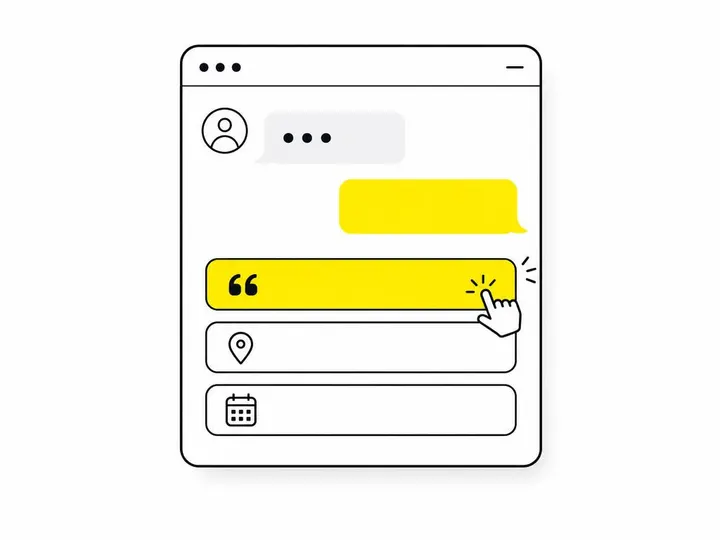
Good chat opens with the three or four questions customers already ask on the phone, so they can start in one tap.
Opening prompt options that start the conversation fast
Request a quote
Do you service my suburb?
When is your next availability?
Send photos of the job
Keep the first question short. A long form inside a chat window defeats the purpose.
Capturing the information needed to quote
Every chat must collect five things before it ends: name, phone number, suburb, job type and preferred contact time. Photos are a bonus. This enquiry qualification step means a closed browser tab still leaves you with a lead you can call. The same thinking applies to which fields to include on a tradie contact form.
The Missed-Enquiry Prevention Checklist
Most missed chats come from a handful of fixable setup problems, so check these regularly.
Desktop and mobile testing
Open your site on a phone. Make sure the widget does not cover your phone number or quote button, and that the keyboard does not hide the text box.
Staff notifications and sound alerts
Turn on app push notifications, sound alerts on the office computer, and a backup SMS notification or email. One channel will fail eventually.
Holiday and after-hours coverage
Update your fallback message before Christmas shutdown and long weekends. Pair it with missed-call text-back for small businesses so phone and chat enquiries are both covered.
Weekly test enquiry routine
Every Monday, send a test chat from your own phone. Time how long the alert takes to arrive and confirm the details were saved.
Which Situations Need a Human to Take Over Immediately?
Pricing questions, urgent repairs, complaints, safety issues and jobs outside your service area should always go straight to a real person.
Situations that always need a real person
A gas smell, sparking switchboard or flooding bathroom cannot wait for a bot to finish its script. Neither can an unhappy existing customer. Australians still lean towards people here: a retail report from October 2026 found 57% trusted a person's recommendation more than AI's. If you are weighing automation, read our guide to AI chatbots for small business websites in Australia.
What automation should never promise
Automated replies should never confirm a price, a booking, an arrival time or that you can definitely do the job. Automation qualifies and routes. People commit.
How Is Google Business Profile Messaging Different From Website Chat?
Google Business Profile messaging reaches people on Search and Maps before they visit your site, while website live chat talks to people already on your site, so most businesses benefit from watching both.
WhatsApp and SMS contact options on Google Business Profile
Google's old native chat ended on 31 July 2024. There are now reports of WhatsApp and SMS options now appearing on some Google Business Profiles. These move the customer into WhatsApp or their phone's messaging app. A WhatsApp business integration requires a verified profile and is limited to selected regions, so check your own account.
The 2026 AI messaging pilot and what it means for tradies
A Google Business Profile AI messaging pilot reported in November 2026 describes an AI agent answering routine questions before handing over to the business, possibly relying on RCS messaging. It is an early report, not a confirmed launch. If it reaches you, the same handover rules apply.
Which Metrics Show Live Chat Is Booking Jobs?
Chat-to-booking conversion and first-response time tell you far more than the number of chats.
The metrics that actually matter
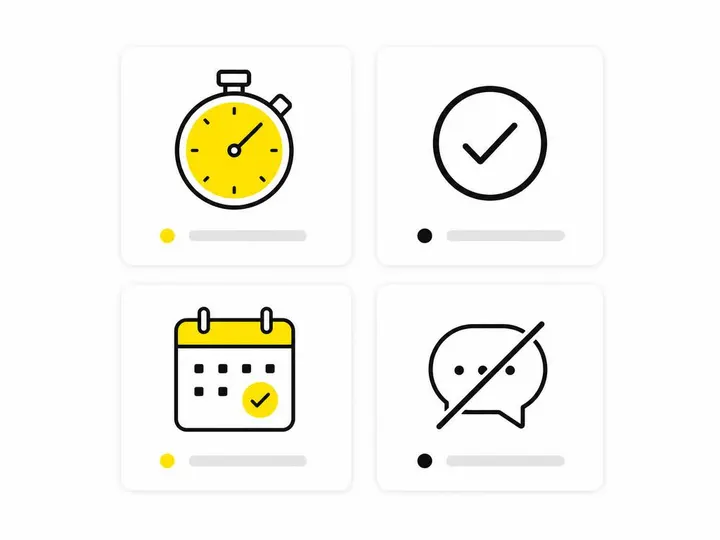
Average first-response time during business hours
Percentage of chats receiving a human reply
Percentage with complete contact details
Qualified enquiries versus tyre kickers
Booked jobs from chat
Leads lost because nobody responded
Spotting and fixing lost-lead patterns
Review chat logs monthly. If enquiries die at 2pm, that is when your office person is out. If people leave before giving a phone number, ask for it earlier. Small fixes like these are the core of improving your website's conversion rate.
Conclusion
Live chat only catches enquiries when it comes with a clear response promise, a named person watching it, and a fallback for after hours. Collect name, phone, suburb, job type and contact time in every chat, and hand pricing, emergencies and complaints to a human straight away.
Keep an eye on Google Business Profile messaging as a separate channel, and measure booked jobs rather than chat volume. Your practical first step: send a test chat from your phone this week and time how long it takes your team to reply.