How to Respond to Website Enquiries While Working (and Never Lose a Lead)
On this page 7 sections
Key takeaways
- Auto-acknowledge every enquiry within minutes, even if you are on a job
- Aim to follow up personally within one hour during business hours
- Always give a specific callback time, not a vague 'we will be in touch'
- A well-set-up contact form beats an unattended live chat widget every time
- Track enquiry time, acknowledgement time and first personal contact to spot where leads drop off
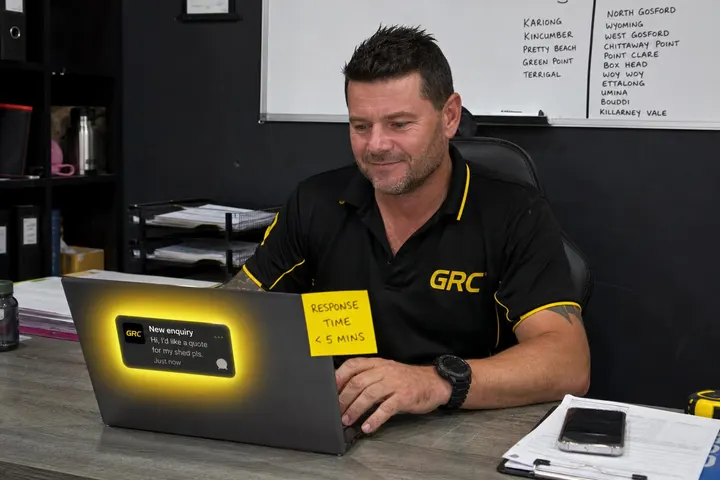
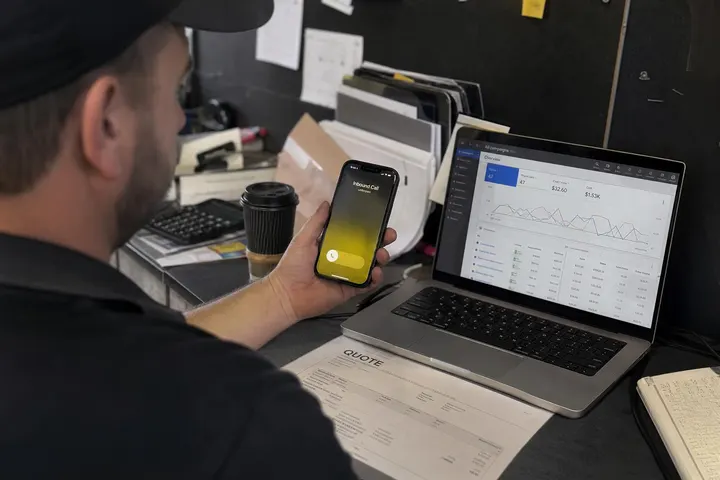
Most small business owners miss leads not because they do not care, but because they are on the job when the enquiry lands. You cannot answer a call while you are fixing a roof, managing a site, or dealing with a client face-to-face. The problem is not that you are unavailable. The problem is that your website does not work for you when you cannot work for it.
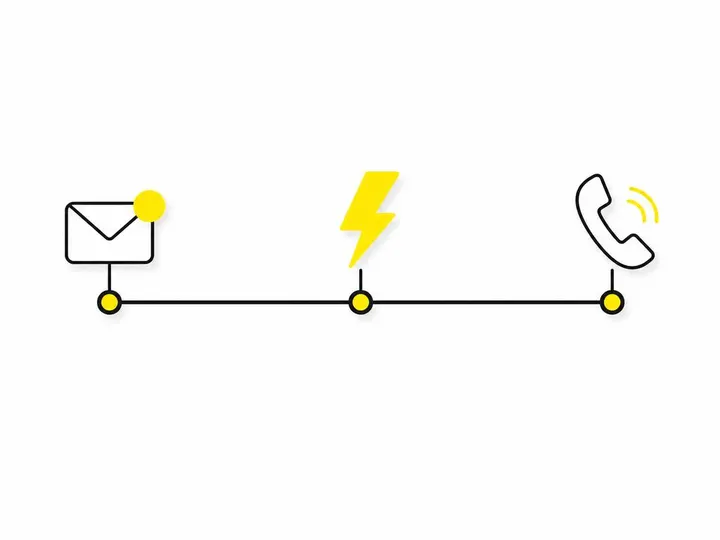
The gap between an enquiry arriving and a real person acknowledging it costs you leads every week. Customers expect a response within an hour, and many will ring a competitor if they do not hear anything within minutes. The good news is that a three-stage system, built into your website and phone setup before your next job, stops most of those losses. You do not need fancy software. You need clarity about what happens at each stage.
Why Website Enquiries Go Cold So Fast
The expectation gap most small businesses miss
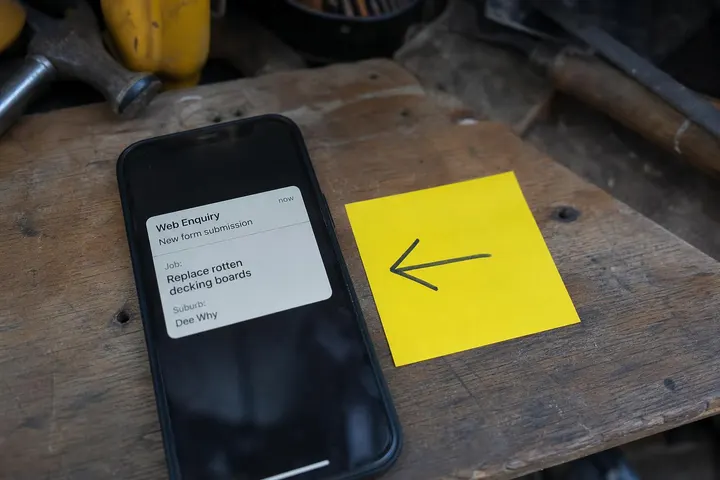
A customer fills out your contact form at 10:47 am on a Tuesday. They are ready to act. They want to know the next step. By 11:15 am, they have not heard anything, so they open Google again and call someone else. That competitor picks up, says they can be there Thursday, and the job is gone.
According to recent Australian research, 72% of customers expect a response within one hour, and 78% expect one within 24 hours. Most small business websites do neither. They sit silent. If the owner is on site, the enquiry might not be seen until late afternoon. By then, the customer has already made a decision or moved on.
The expectation gap is not about service quality. It is about the invisible contract between you and the person filling out your form. They do not know you are on a job. They assume your website is monitoring enquiries. When it is not, they assume you do not care.
What happens when there is no immediate acknowledgement
Silence creates doubt. A customer who does not receive immediate acknowledgement starts to worry: Is the message lost? Is this business even still operating? Did I provide the right contact details? Each of these doubts pushes them closer to a competitor's website.
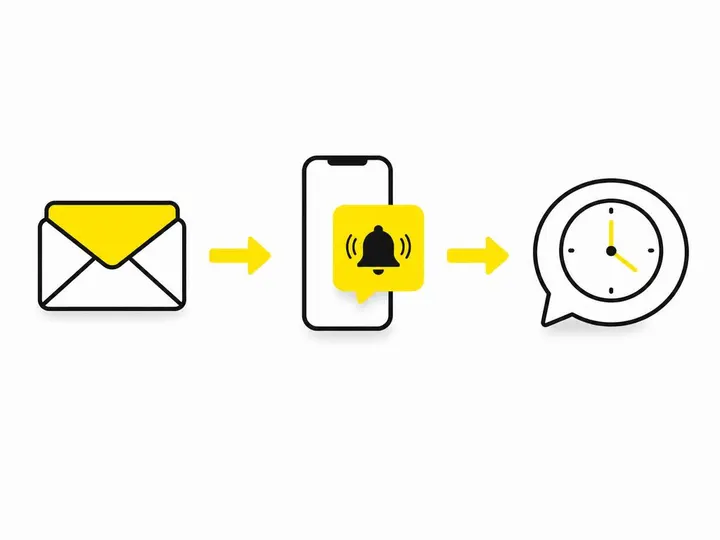
An immediate automated acknowledgement solves this. It confirms the message was received, sets clear expectations about when a personal response will arrive, and gives the customer something to hold onto. It is not a substitute for calling them back. It is the bridge that stops them from walking away in the meantime.
Stage One: Automatic Acknowledgement (Do This Before Your Next Job)
What your autoresponder message should say
Your automatic response should do three things: confirm receipt, state when they will hear from you personally, and provide an alternative way to reach you if it is urgent.
Here is a ready-to-use template:
"Thanks for getting in touch. I've received your message and I'm currently on a job. I'll call or text you by 4 pm today. If it's urgent, reply URGENT to this message and I'll get back to you as soon as I can."
Adjust the time based on your real schedule. If you cannot promise a 4 pm callback, say 5 pm or "by end of business". Be honest. A specific time creates accountability and sets realistic expectations.
This autoresponder fires immediately when the form is submitted. No delay. No waiting for you to manually send it. The software handles it while you are on site.
Set expectations on the form itself, not just the email
Before someone fills out your form, they should already know when you check messages. Add a line at the top or bottom of your contact form:
"Enquiries are checked daily. You'll hear from us within one hour during business hours."
You can also use the form to collect better information upfront. Ask for the suburb, job type, preferred contact method (call, text, or email), and whether photos are attached. This saves time when you call back, because you already know whether it is a job for you and roughly how long the conversation will take.
Read our guide on what fields to include on your contact form to see which questions actually help you qualify jobs faster.
Stage Two: Personal Follow-Up Within the Hour
A ready-to-use SMS template
If you cannot call within 30 minutes, send an SMS. It is faster than email, more personal than silence, and it keeps the door open for a real conversation later.
"Hi Sarah, thanks for your enquiry about the deck. I'm finishing a job and will call you by 3 pm. Is text OK if you're busy?"
Use the customer's name (from the form). Reference their actual job (from the form). Ask permission to follow up by text if a call does not suit them. This small gesture shows you have read their details and you respect their time.
Learn how to set up an instant SMS acknowledgement that triggers automatically when a form is submitted, so you do not have to remember to do it manually.
When you genuinely cannot call within the hour
Some days are impossible. You are two hours away, traffic is bad, the job ran over. In that case, send a text by the time you promised in your autoresponder. Keep it brief and honest:
"Hi Sarah, running a bit late today. I'll call you by 8 am tomorrow. Thanks for your patience."
A broken promise is worse than no promise. An honest update is better than silence. If you say 4 pm and it is 4:15 pm, send that message before 4:05 pm. Ownership matters.
For a realistic starting target, aim to make a personal contact attempt (call, text, or email) within one hour during business hours. If you cannot, acknowledge the delay and reset the expectation.
Stage Three: After-Hours and Missed-Enquiry Pathways
Online booking as a pressure-release valve
Some enquiries come in after 6 pm on a Friday or at 7 am on a Sunday. You cannot call back immediately because you are not working. Instead of silence, offer an online booking option to your site that lets them book a time when you will call them back.
A simple sentence in your autoresponder does the job:
"I'm not checking messages outside business hours, but you can book a callback time here [link] and I'll call you then."
This is not a booking for the actual job. It is a booking for when you will ring them to discuss it. It takes 30 seconds, removes the guesswork, and makes the customer feel heard.
Do not install live chat you cannot staff
Live chat looks modern and makes websites feel responsive. But unattended chat does the opposite. A customer types a message, sees the chat bubble, and waits for a reply that never comes. They assume you do not care.
Many small business owners install chat because it sounds professional, then ignore it for weeks. Do yourself a favour: read whether live chat or a contact form works better for small businesses. In most cases, a contact form with an immediate autoresponder beats silent chat every time.
If you want to use chat, turn it on only during the hours you can monitor it. Outside those hours, it should display a message like: "We're not available right now, but we've taken your details and will contact you by 9 am tomorrow."
Tracking Your Response Times So Leads Stop Slipping Through
The four metrics worth watching
You cannot improve what you do not measure. Start tracking four simple numbers each week:
- Acknowledgement time: How long from form submission to autoresponder sent? Target: Under five minutes (automated).
- First personal contact: How long from form submission to your call, text, or email? Target: Under one hour during business hours.
- Response rate: What percentage of enquiries receive a personal response? Target: 100%.
- Conversion rate: What percentage of responses turn into bookings or jobs? Track this by outcome reason (customer chose someone else, job not suitable, customer did not answer, etc.).
You can log these in a spreadsheet or use a CRM for small business that tracks them automatically. Either way, review the numbers every Friday afternoon. You will quickly spot which days you are missing leads and why.
A realistic starting target for most small businesses
Aim for automatic acknowledgement within minutes and a personal contact attempt within one hour during business hours. If you are a sole operator on the tools, this might not be possible every day. That is fine. Just track it. If you are missing more than two enquiries a week, add a second contact number (a partner, admin person, or answering service) so someone is always available to take a message or make the first call.
Read our article on tracking your response time bands to see how to set up a simple weekly reporting system.
Quick Setup Checklist
- Write your autoresponder message today. Have it ready before your next job.
- Set up auto-SMS when a form is submitted, or configure your email autoresponder to fire immediately.
- Add a note on your contact form telling visitors when you check messages and what to include in their enquiry.
- Collect the right contact form fields: name, phone, suburb, job type, preferred contact method, and whether photos are attached.
- Decide whether you will use online booking to capture after-hours enquiries.
- Turn off live chat or configure it to display an honest availability message outside your working hours.
- Set up a tracking system to log acknowledgement time, first contact time, and outcome for each enquiry.
- Follow up on missed enquiries. Learn how to follow up website leads with a structured sequence across one week if the first attempt does not convert.
- Review your response metrics every Friday. If you are dropping more than one or two enquiries a week, add a backup contact method or person.
Conclusion
The difference between losing leads and keeping them is not luck or effort. It is a system. Speed-to-lead is now a practical competitive issue in 2026, and Omniwink's guide to lead response time for Australian businesses confirms that most customers expect acknowledgement within minutes and a personal response within an hour. That sounds hard when you are on the tools. It is not. An autoresponder fires while you are on site. An SMS takes 20 seconds to send. A call happens on the way home or first thing the next morning.
The key is to set expectations upfront, acknowledge every enquiry immediately, attempt a personal contact within an hour during business hours, and provide an after-hours pathway (booking, missed-call SMS, or next-day promise) so no one is left guessing. Track your response times each week. If you are hitting one hour for personal contact most days, you are doing better than most of your competitors.
Start with the autoresponder message and the contact form clarity this week. Add SMS acknowledgement next week. Set up after-hours booking or missed-call messaging the week after. Small steps compound. Within a month, you will have a system that works for you even when you cannot answer the phone.