After Hours Enquiry Forms for Tradies: How to Capture Leads When You're Offline
On this page 7 sections
Key takeaways
- Build an urgent vs non-urgent choice into the form upfront
- Ask job-specific fields, not a generic message box
- Only promise a response time you can actually deliver
- A confirmation page reduces anxious follow-up calls
- Route, tag and measure every submission from day one
- Use the form as your stable owned destination from Google and social
A burst pipe at 9pm, a commercial fridge failing on a Sunday, a lockout before dawn: customers search for help whenever the problem happens, not when your office opens. If your website only offers a phone number that rings out, many of those people will move on to the next result. A well-built after hours enquiry form lets you capture the job details, set honest expectations and pick up the lead first thing, even when nobody is answering.
This guide covers how to build one properly, from which fields to include on a tradie contact form to the wording that keeps you on the right side of Australian Consumer Law. It applies to any service business that gets urgent requests: trades, locksmiths, pest control, mobile mechanics, cleaners and property maintenance.
One note before we start. An after hours form is not a chatbot, a missed call SMS tool or a live chat widget. Those tools try to hold a conversation in real time. A form does something simpler: it collects structured details once, without anyone needing to reply straight away. If you are weighing these up, our comparison of website chat vs contact form explains where each fits.
Why After Hours Enquiries Are a Bigger Problem Than Most Business Owners Realise
After hours enquiries matter because customers search when the problem happens, and an unanswered phone sends them straight to a competitor.
The gap between when customers search and when businesses are open
Most small service businesses run 7am to 4pm or 8am to 5pm, but homeowners and property managers often only get to their to do list in the evening. Competition is real: Australia had 2,814,778 actively trading businesses at 30 June 2026, according to a summary of ABS data, yet only 44.6% of micro businesses with 0 to 4 employees reported having their own website or app. A working website form already puts you ahead of many local competitors.
Why Google Business Profile changes make an owned form more important
Google has tightened rules around profile posts and may reject unverified contact details, according to a recent analysis of Google Business Profile contact display changes. The advice is to rely on the verified Website and Call buttons. That makes the page your Website button points to far more important than it used to be.
What Fields Should an After Hours Enquiry Form Include?
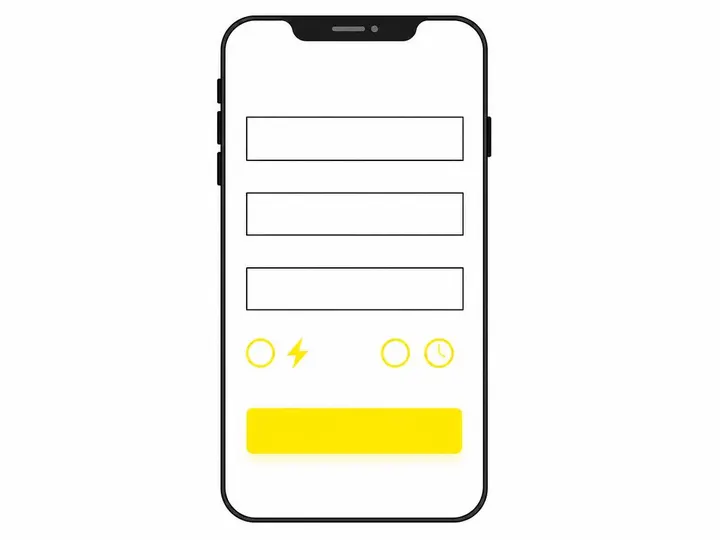
An after hours form should ask only for what you need to decide your next response: name, mobile, suburb, service, urgency and a short description.
Urgent vs non urgent: give visitors a choice first
Put a simple choice at the top: "Urgent, needs attention within 24 hours", "Routine repair" or "Quote request". This lets you sort the morning queue in seconds and lets you show different messages depending on the answer.
The fields that actually qualify a job
Name and mobile number (email optional)
Suburb or postcode, so you can spot out of area jobs
Service required as a dropdown, not free text
Urgency from the choice above
Brief description, one or two sentences
Preferred contact time
Optional photo upload field, which helps you quote and prioritise
Keep the photo upload optional. A large file failing on a weak signal should never stop someone submitting.
Keeping the form short enough to complete on a phone
Mobile first form design means big tap targets, the numeric keypad for phone numbers, autofill enabled and no CAPTCHA puzzles. Test it yourself on your own phone in poor reception. Our guide to making your site easy to use on a phone covers the wider basics.
How Should You Phrase a Response Promise Without Misleading Customers?
Only promise a response time you can meet every single time, and state it plainly next to the submit button.
What to say when you genuinely respond next business morning
Wording like "We review after hours enquiries from 7am the next business day" is honest and specific. Avoid "We'll get back to you ASAP" or "24/7 service" unless someone is genuinely rostered. Treat this as an internal response time SLA: a written standard your team actually follows.
When to include an emergency alternative number
If you do offer paid after hours callouts, show that number beside the urgent option. If you don't, say so, and point people to the appropriate emergency service for gas leaks or electrical danger.
ACCC compliance: service areas, call out fees and misleading claims
Under Australian Consumer Law, the information you give customers must not be misleading. The ACCC small business guidance on Australian Consumer Law is worth reading. For your form, that means stating your service area, mentioning any call out fee and making clear that submitting is an enquiry, not a confirmed booking.
What Should a Confirmation Page Say?
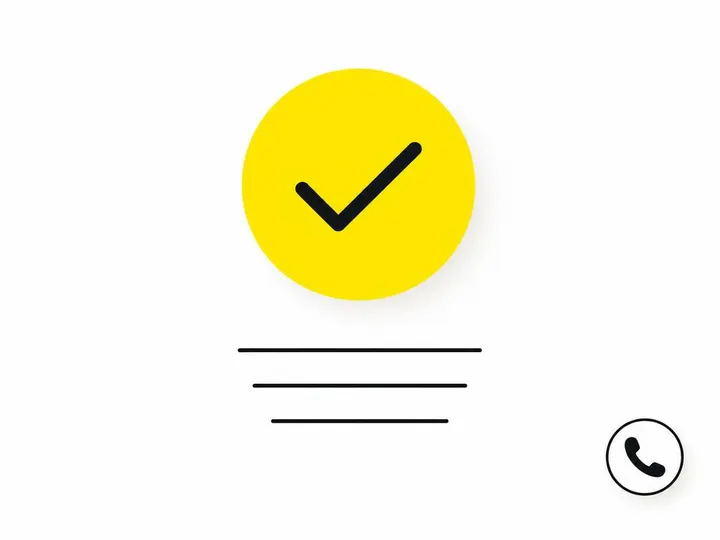
A confirmation page should confirm the enquiry arrived, repeat when you'll respond and show what to do if it's a genuine emergency.
What to include on the thank you page
"Thanks, we've received your enquiry."
The exact response window, for example "We'll call you after 7am tomorrow."
A reminder that this is not yet a booking
The emergency number or advice, if relevant
What to have ready, such as photos or access details
Reducing uncertainty without overpromising
People call three times when they aren't sure the form worked. A clear page plus an automatic confirmation email or SMS settles that. Don't add a countdown or "a technician is on the way" language you can't back up.
How Should Form Submissions Be Routed and Measured?
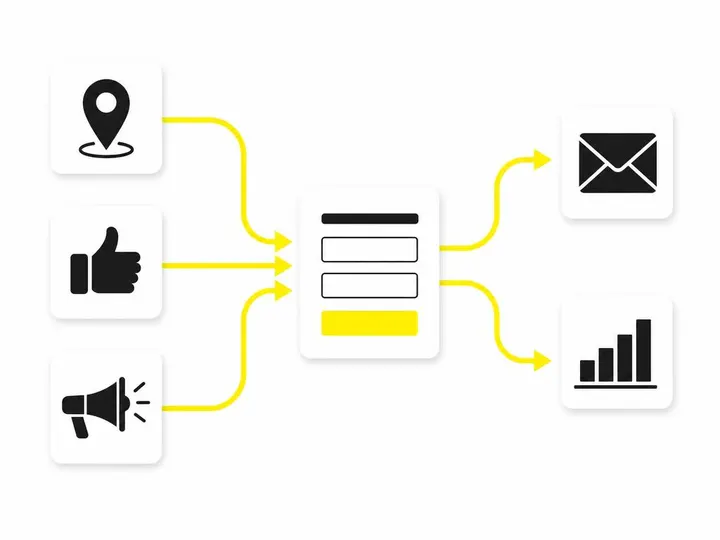
Every submission should notify the right person instantly, be tagged with its source and be tracked through to a booked job.
Who gets the notification and how fast
Enquiry routing can be as simple as sending urgent submissions to the owner's mobile and routine ones to the office inbox. Better still, push them into a CRM for tradies so nothing sits forgotten in someone's email.
Metrics that matter
Form completions alone tell you little. Track response time (submission to first call), qualified leads (in area, right service) and booked jobs. Pair this with a solid lead follow up process so morning callbacks happen in order of urgency.
Tracking lead source
Lead source tagging uses hidden fields or UTM parameters to record whether someone came from Google, an ad or Facebook. Our guide on how to track where your tradie leads come from walks through the setup.
Using the Form as Your Stable Owned Destination
Your website form is the one enquiry channel you fully control, which makes it the safest place to send traffic from every platform.
Why platform features change and your website doesn't
Google regularly tests and adjusts Business Profile features, and messaging options come and go. Your own form keeps working regardless, and the data stays with you.
Linking from Google Business Profile, ads and social media
Point your profile's Website button, your ads and your social bios to the page with the form. ABS data shows 50.9% of businesses have a social media presence, so make sure those visitors land somewhere that captures their details.
Conclusion
An after hours enquiry form fills the gap between when customers need help and when you can answer. Keep it short and mobile friendly, ask for urgency and suburb up front, and make the photo upload optional. Promise only the response time you can actually deliver, mention service areas and fees, and use a clear confirmation page to stop repeat calls.
Your practical next step: submit your own form tonight from your phone, then check what you'd see at 7am tomorrow. If the enquiry is hard to find, unclear or missing its source, fix that before you spend another dollar sending traffic to your site.