How to Scale Meta Ads for Tradies Without Wasting Budget in 2026

On this page 8 sections
Key takeaways
- Tighten geo-targeting to your real service area before scaling spend
- Use Advantage+ campaign structure with lean audience inputs
- Test at least two to three creatives before increasing daily budget
- Track cost-per-booked-job, not just cost-per-lead
- Scale budgets gradually, around 15 to 20 percent per week, to avoid resetting the algorithm
Scaling Meta Ads for tradies looks straightforward until you're bleeding money on out-of-area leads and your conversion tracking breaks because of iOS privacy changes. Most tradie business owners increase their budget the same way they'd turn up the gas on a saw hard and fast then wonder why the algorithm tanks their cost-per-lead. The truth is simpler: scaling works when you fix your foundation first, test creative relentlessly, and increase budget in small, measured steps that keep your campaign in control.
Why Scaling Meta Ads Is Harder for Tradies Than for Other Businesses
Trades operate under different constraints than retail or SaaS. You can't serve customers across the country; you work within a service radius. Your sales cycle is short (quote to booking), but lead quality matters enormously. A wrong-area enquiry isn't a lead at all it's wasted budget dressed up as a click.
Higher cost-per-lead in trades compared to e-commerce
Australian tradies face cost-per-lead rates 35 to 45 percent higher than e-commerce businesses on Meta Ads. Why? Fewer people need a plumber this week compared to people who want to buy something online. The smaller addressable audience pushes your cost up. If an e-commerce brand pays $8 per lead, a tradie might pay $12 to $18 for the same volume, even with tight targeting. That gap gets worse when you scale poorly.
How iOS privacy changes affect your conversion data
iOS 14+ privacy updates broke Meta's ability to track conversions accurately. Conversion tracking accuracy dropped 15 to 20 percent across the board, but tradies felt it harder because getting started with Meta Ads as a tradie often relied on simple pixel tracking. When Meta can't see what happened after the click, it can't optimise your campaigns properly. The algorithm learns slower, costs climb, and you're flying half-blind. This is why many tradies now layer the Meta Pixel and Conversions API together to recover lost data.
The out-of-area lead problem draining tradie budgets
A plumber in Parramatta pays for a lead from someone in Penrith, an hour away. The lead goes nowhere. Multiply that across 50 clicks a day and you're flushing real money. Lazy targeting (targeting all of NSW, for example) kills profitability fast. Tradies waste 20 to 30 percent of ad spend on out-of-service-area enquiries because they don't set up radius targeting or geo-exclusions properly before they scale.
Get Your Foundation Right Before You Touch the Budget
Scaling a broken campaign is like pouring money into a leaky bucket. Before you increase spend by a single dollar, audit what you're already doing.
Audit your current campaign structure first
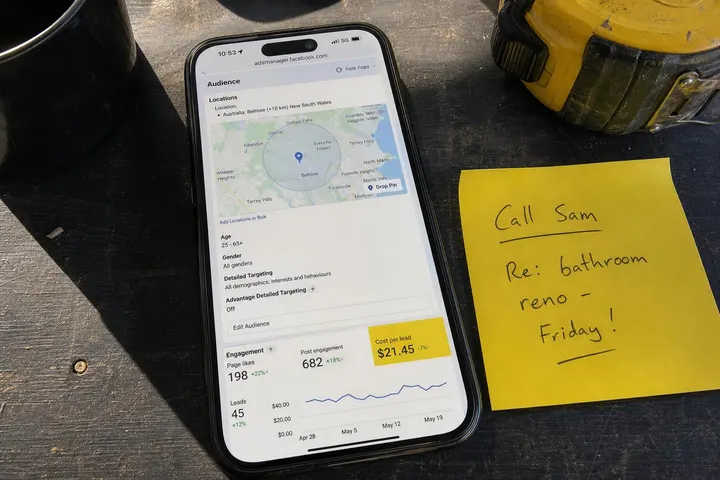
Look at your Ads Manager right now. How many campaigns are running? How are they structured? Are you using Campaign Budget Optimisation (CBO), where Meta distributes your budget across ad sets, or are you manually setting budgets at the ad set level? Most tradies run ad sets without CBO, which works fine at small scale but becomes chaotic when you scale. Write down: your current daily spend, cost-per-link-click, cost-per-lead, and the number of leads you get per week. That's your baseline. You can't scale what you can't measure.
Make sure your conversion tracking is actually working
Test your tracking. Create a test lead yourself through your form or landing page. Does it show up in your Ads Manager as a conversion? Does it land in your CRM? Does it trigger your follow-up email? If any step breaks, your scaling efforts are worthless because you won't know what's actually working. The Meta Pixel needs to fire correctly on your page, and ideally, you're also sending events to the Conversions API (CAPI) to fill gaps created by iOS privacy restrictions. Most tradies skip this step and then blame the algorithm when their cost-per-lead spikes.
Choose the right campaign objective for your stage
Your campaign objective shapes everything. If you want phone calls or form fills, use the Lead Gen objective, which builds lead forms directly into Meta. If you want people to visit your landing page first, use the Traffic objective. Many tradies confuse these and pick the wrong one, then wonder why their choosing the right Meta Ads campaign objective isn't delivering. There's no universal answer—it depends on your sales process—but getting it wrong tanks your results before you even scale.
How to Use Meta Advantage+ to Scale Without Over-Targeting
Meta Advantage+ campaigns (their automated campaign format) are the tool most tradies should use in 2026 because they handle complexity while you focus on creative and budget.
What Advantage+ campaigns do differently
Advantage+ lets Meta's algorithm choose placements, audiences, and bid strategies automatically. Instead of you choosing "males aged 35 to 55 in this postcode," you feed Meta a loose audience set and let it find the people most likely to convert. Meta Advantage+ campaign overview from Meta Business Help Centre shows that advertisers often see 20 to 35 percent better return on ad spend when they use Advantage+ with minimal manual constraints. The trade-off: you lose some control, but you gain speed and scale.
Lean audience inputs that still keep you local
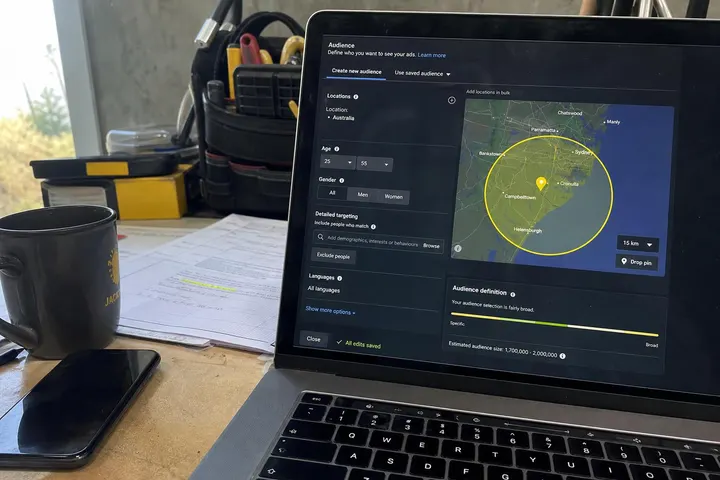
You don't need to build complex custom audiences for Advantage+ to work well. Instead, upload your service area postcode list (or use Meta's Advantage+ radius targeting), set a broad age range (25 to 65), and maybe exclude people who've already converted. That's enough. Let Meta find the people within that set most likely to need your service. This lean approach actually scales better than over-targeting because it gives the algorithm room to learn. how to target the right audience on Meta Ads goes deeper, but the principle is: constrain location tight, leave everything else loose.
When to override Advantage+ with manual targeting
Sometimes you have a specific audience segment that converts best (for example, property managers, or people who've visited your site before). In those cases, use a manual custom audience and run a separate Advantage+ campaign. Don't try to layer 10 different audience interests into a single Advantage+ campaign; it defeats the purpose. Split them into separate campaigns and let each one optimise independently.
Creative Testing: The Real Lever for Scaling Tradie Ads
Budget won't scale your ads. Creative will. Most tradies spend 80 percent of their energy on targeting and budget, 20 percent on creative. Flip it.
What types of creative work for trades in 2026
Short-form video (15 to 30 seconds) performs best. Show the problem, the solution, and a quick result. Before-and-after shots work. Testimonials from real customers work. Carousel ads (multiple slides) work when they show different services. Static images of finished jobs perform okay but rarely outperform video. Avoid stock photos and heavy text overlays; tradies respond to authenticity and speed.
How to run a simple A/B test without a big budget
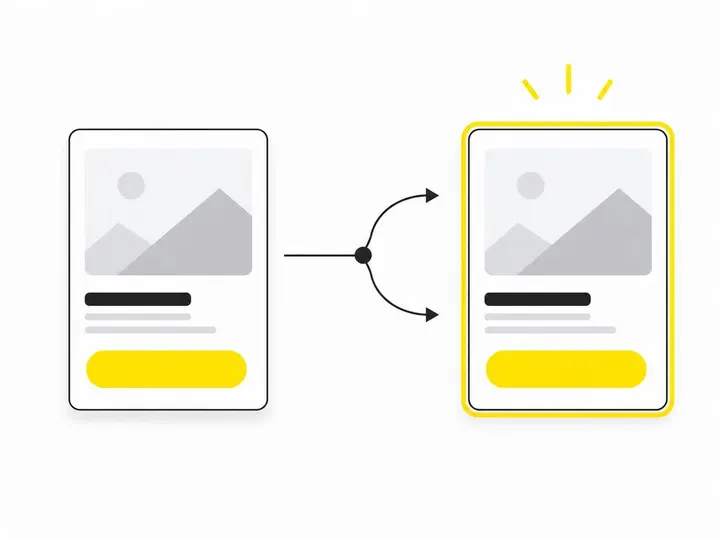
Pick one variable: say, two different video hooks (problem-first vs. result-first). Create two ad creatives, put them in the same ad set, set it to deliver evenly to both, and run for two weeks on $20 a day. Check your Ads Manager; which one has the lower cost-per-lead? Double down on the winner. how to test Meta Ads creatives walks through this properly, but the principle is simple: test one thing at a time, give it enough budget to learn, and scale the winner. Most tradies test nothing and wonder why their cost-per-lead is stuck.
Reading your results: frequency, CTR, and cost-per-lead
Frequency (how many times the same person sees your ad) should stay under 2.5 to 3. Above that, people are sick of your ad. Click-through rate (CTR) tells you whether your creative is compelling; 1 to 2 percent is decent for tradies. Cost-per-lead is the one everyone stares at, but it's not the whole picture (more on that later). If frequency is creeping up and CTR is flat, your creative is tired pause it and launch something new.
How to Scale Budget Without Triggering the Learning Phase
Every time you change something significant (budget, creative, targeting), Meta's algorithm enters a "learning phase" where it's figuring out what works again. Increase too fast and you stay in learning phase perpetually, costs spike, and nothing optimises.
The 15 to 20 percent rule for budget increases
Increase your total ad spend by no more than 15 to 20 percent per week. If you're spending $200 a day, go to $230 to $240 next week, not $400. Let the algorithm learn at each step, watch your cost-per-lead, then decide whether to increase again. Most tradies jump from $100 to $500 a day, the algorithm panics, and costs go to $40 per lead. Slow and steady wins.
Campaign Budget Optimisation vs ad set budget
If you're using Campaign Budget Optimisation (CBO), set your daily budget at the campaign level and let Meta split it across ad sets. This is gentler when scaling because Meta adjusts distribution automatically. If you're setting budgets at the ad set level (legacy method), be more conservative with increases because each change requires the algorithm to relearn. CBO is the better path for scalable, stable campaigns in 2026.
Signs your campaign is actually ready to scale
Your cost-per-lead has been stable for 2 to 3 weeks. Your frequency is below 2.5. Your click-through rate is holding steady or improving. You've tested at least two creative variations and have a clear winner. Your conversion tracking is firing consistently. If all these are true, you're ready. If any are shaky, keep optimising before you increase budget.
Cutting Wasted Spend: Practical Exclusions and Filters
Exclusions stop money bleeding. Three simple moves cut waste drastically.
Geo-exclusions and radius targeting for service businesses
Use radius targeting, not postcode lists. Meta's radius tool lets you target people within (say) 15 km of your office. That's cleaner than listing 20 postcodes. Then exclude the postcodes where you definitely don't work (too far away, across a freeway, etc.). For a plumber in Parramatta, target 15 km radius and exclude Campbelltown. Simple. This one move cuts out-of-area waste by 50 to 70 percent.
Audience exclusions that improve lead quality
Exclude anyone who's already converted (already a customer or got a quote). Exclude people who've engaged with your ads but never lead (they've seen you 5 times and ignored you; they're not interested). Exclude competitors' audiences if Meta allows it. filtering out junk leads on Meta Ads covers this deeper, but the core idea is ruthless: if someone isn't likely to convert, don't show them more ads.
Using lead form questions to pre-qualify enquiries
If you're using Meta Lead Gen forms, add pre-qualifying questions: "What's your postcode?" "Are you looking within the next 4 weeks?" The form still looks fast (2 to 3 questions), but you're filtering tyre-kickers before they reach your inbox. lead qualification for trade businesses shows you how to structure these forms so they don't kill conversion rate while still filtering junk.
Tracking What Actually Matters: From Click to Booked Job
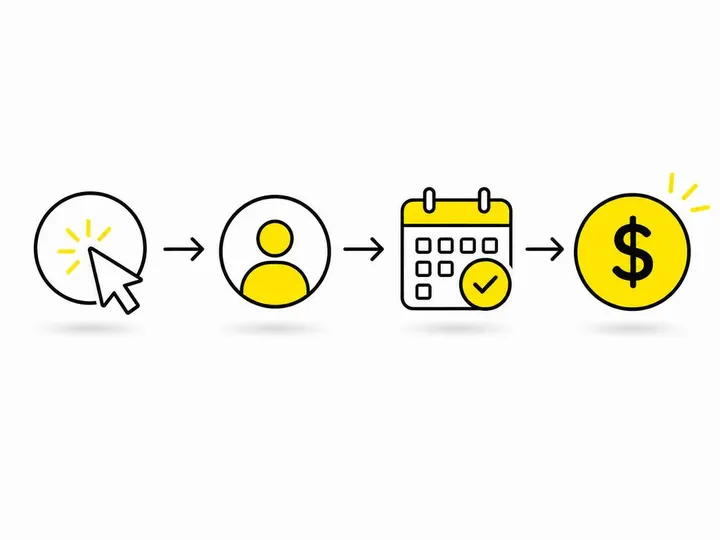
Cost-per-lead alone is a trap. A $15 lead that converts to a $2000 job is gold. A $5 lead that goes nowhere is junk.
Why cost-per-lead alone is misleading for tradies
Two campaigns: one costs $12 per lead and converts 5 percent of leads to jobs. Another costs $20 per lead and converts 25 percent. The second campaign is more profitable (cost per actual job is much lower), but if you only watch cost-per-lead, you'd kill the better one. Tradies need to track beyond clicks and leads all the way to booked jobs or revenue.
Simple tracking setups that connect ad spend to real revenue
Use a UTM parameter on your landing page or lead form: add ?utm_source=meta&utm_medium=cpc&utm_campaign=plumbing to your link. When someone books a job, your CRM tags it with that source. Pull a monthly report: total ad spend vs. total revenue from those leads. That's your real ROI. Most tradies don't do this and have no idea whether their ads are actually profitable. how to track where your leads come from walks through setup step-by-step.
Using the Meta Pixel and Conversions API together
The Meta Pixel tracks on-page events (page view, lead, purchase). The Conversions API sends those same events server-to-server, bypassing iOS restrictions. Together, they give Meta the fullest picture of what happens after someone clicks. Set up both: Pixel on your site, CAPI configured through your CRM or email service. This layer of tracking is now table-stakes for profitable scaling.
Conclusion
Scaling Meta Ads for tradies isn't complicated, but it does demand discipline. Fix your foundation (tracking, targeting, campaign structure), test creative ruthlessly, increase budget in small steps (15 to 20 percent per week), and cut wasted spend through exclusions and pre-qualification. Don't chase cost-per-lead alone; track all the way to booked jobs and revenue. Most tradies rush the fundamentals, throw money at a broken process, and then blame the algorithm. The ones who win slow down, measure properly, and scale with intention.
Start with a single audit this week: log into your Ads Manager, check that your tracking is working end-to-end (from click to conversion in your CRM), and write down your baseline metrics. That one step puts you ahead of most tradie competitors. From there, should tradies use Meta lead forms or a landing page depending on your sales process, and how much should tradies spend on marketing based on your profit margin. The scaling itself is just discipline and patience.