How to Stop Fake Leads from Facebook Ads: A Tradie's Guide

On this page 6 sections
Key takeaways
- Add 2-3 qualifying questions to every Meta lead form to filter out tyre-kickers
- Set a minimum job value or postcode field to repel low-intent clicks
- Landing pages convert more seriously than native lead forms for tradie jobs
- Instant follow-up via SMS automation dramatically cuts ghost leads
- Exclude competitor postcodes and use detailed targeting to reduce recon clicks
- Review and block low-quality ad placements regularly in Meta Ads Manager
Fake leads are costing Australian tradies thousands every month, and Meta's own lead forms are partly to blame. Ghost phone numbers, window shoppers, and competitors fishing for quotes drain your budget without generating real work. The good news is that with smart pre-qualification, tighter form design, and fast follow-up, you can cut junk leads by 40 to 60 percent and protect your ad spend.
Why Tradies Get So Many Fake Leads from Meta Ads
Meta Ads (Facebook and Instagram) are easy to set up and cheap to run, which is exactly why they attract so much low-intent traffic. When you're targeting "people in Sydney who searched for plumber" or "homeowners interested in renovation," you're also catching window shoppers, competitors checking your pricing, and bot traffic. Tradies especially suffer because a job inquiry has almost zero friction for a curious clicker compared to, say, downloading a software guide.
The three types of bad leads eating your budget
Ghost leads are the first drain. These are real phone numbers or email addresses, but the person either regrets clicking or never intended to hire anyone. They ignore your calls and texts. They ghost after one message. Your cost per lead looks fine, but your cost per actual job goes through the roof because half your leads evaporate before a real conversation happens.
Window shoppers make up the second category. They're curious about price, timeframe, or whether you'll do the job, but they're not ready to commit. They compare five different tradies, ask the same question to each one, and then ring a mate's cousin instead. These leads burn your follow-up time without converting.
Competitor reconnaissance is the third and most annoying type. Other tradies, materials suppliers, or even disgruntled ex-customers submit fake leads to see what you're charging, how you respond, or what jobs you're going after. You waste time qualifying someone who will never book.
Why Facebook's native lead form makes this worse
Meta's native lead form (also called Meta lead form or lead ads) is designed for speed, not quality. A person sees your ad and can submit their details without leaving the platform, often pre-filled with their name and email. That frictionless experience is great for completion rates but terrible for weeding out tyre-kickers. There's no landing page copy to convince them they're serious, no extra step to filter intent. Meta's guide to Instant Forms and lead quality acknowledges this trade-off: volume goes up, but so does waste.
Pre-Qualify at the Ad Level Before Anyone Clicks
Your first line of defence is the ad itself, not the form. If you can repel the wrong people before they even click, you've already won. This means your copy, creative, and targeting must do the filtering work.
Write ad copy that repels the wrong people
Be specific about what you do and who you serve. Instead of "Need a tradie? We do it all," try "Kitchen renovations over $15,000, Sydney metro only. Free quotes take two weeks to schedule." This is boring to window shoppers but music to ears of a homeowner with a real budget and timeline. Your click-through rate might drop, but your qualified lead rate climbs because you're only attracting people who match your service and price point.
If you offer premium work, say so. If you have a minimum job size, mention it in the ad copy. If you don't service a certain area, state that clearly. You'll lose cheap clicks from the wrong people, and that's the entire point.
Use price anchoring in your creative
Put a price range or minimum charge in your ad. "Electrical work from $200 call-out fee" or "Carpet cleaning, $1.50 per square metre minimum." This isn't about transparency alone; it's a filter. Bargain hunters who can't afford you will scroll past. Serious customers with a real budget will engage.
Geo-restrict to your actual service area
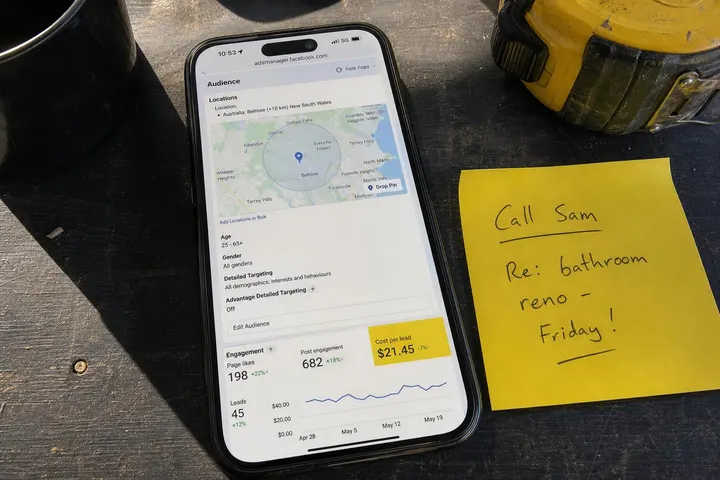
When setting up your campaign in Meta Ads Manager, restrict your audience to the postcodes you actually service. Don't just set a radius around your office if you don't travel 45 minutes away. Every click from outside your zone is a wasted impression. This is basic hygiene that many tradies skip because they're afraid to limit reach, but geographic precision is one of the fastest wins for killing junk leads.
Fix Your Lead Form: Add Friction That Counts
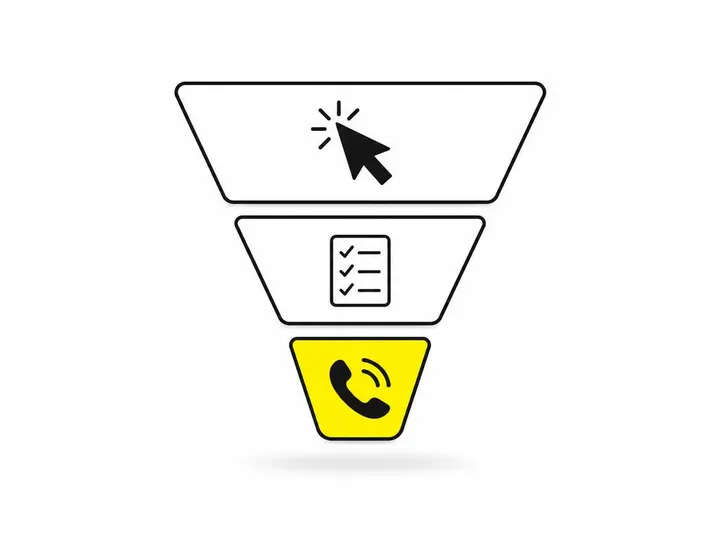
Once someone clicks, your form is your second gate. The goal is to confirm intent without killing conversion. That means asking the right questions in the right order.
The questions worth asking on a Meta lead form
Start with name, phone, and email only. That's three fields, and your completion rate stays high. But before closing the form, add one or two qualifying fields. Ask "What type of work do you need done?" with predefined options matching your services. Ask "When are you hoping to start?" with options like "This week," "Within a month," "Still deciding." These questions take three extra seconds but eliminate 20 to 30 percent of window shoppers because they can't be bothered or they're exposed as "still deciding," which is a polite way of saying "probably not hiring."
For higher-value jobs, add a budget field. "What's your estimated budget for this work?" with ranges like "$0 to $2,000," "$2,000 to $5,000," "$5,000 plus." Anyone who skips this question or picks the lowest option is likely a time-waster. Serious customers will fill it in.
Why a minimum job size field works
Explicitly ask "Minimum job size you're interested in?" If you don't do jobs under $500, say so right there on the form. Add a line: "We take on projects above $500. If your job is smaller, we can't help and don't want to waste your time." This honesty disqualifies the wrong people before you even see their lead.
Should you switch to a landing page instead?
Many tradies debate whether a native lead ads versus a website form approach works better. The answer depends on your follow-up speed and audience. Landing pages typically generate fewer leads but higher-quality ones because there's more friction. Meta's native form generates more leads faster but with more junk mixed in. For busy tradies with tight follow-up systems, a landing page can be worth the trade-off. For those relying on volume and aggressive outreach, Meta's native form with tight qualification questions is often more efficient.
Follow Up Faster to Expose Ghost Leads Early
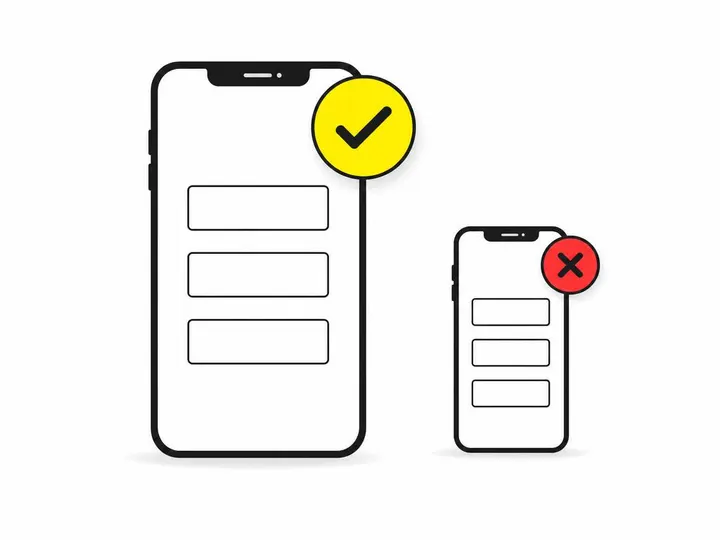
Once a lead lands, timing is everything. Your follow-up speed will expose fakes before you've wasted much time.
The five-minute follow-up rule
Call or text every new lead within five minutes. Not five hours, not tomorrow. Five minutes. You'll catch people while they're still thinking about the problem. You'll also immediately know if the phone number is real and if someone answers. Ghost numbers fail instantly. Genuine customers will answer or call you back within an hour.
How SMS automation changes the game
Use automate your follow-up with SMS. When a lead submits a form, trigger an automatic text within two minutes: "Hi [Name], thanks for your quote request. Ring us on [your number] or reply YES to confirm. We'll arrange a time." This is quick, professional, and works as a real-time filter. Fake leads don't engage with SMS. Real customers do. Pair SMS automation with your CRM integration so every response is logged and no lead falls through the cracks.
What to do when leads stay silent
If someone doesn't answer your call or respond to your text within an hour, they're likely a ghost. Ring once more the next day. If still no answer, move on. Don't chase. Instead, add them to a follow-up sequence in your CRM and circle back in two weeks with a generic "We still have availability if you want a quote" message. But don't allocate mental energy to them now. Your time is better spent on warm leads.

Ongoing Ad Account Hygiene to Cut Junk Traffic
Lead quality doesn't stay good by accident. You have to monitor and adjust your ads continuously to keep junk traffic out.
Block placements that attract low-quality clicks
In Meta Ads Manager, check where your leads are coming from: Audience Network, right-column ads, Instagram Reels, feed placements. Some placements consistently generate lower-quality leads. If Audience Network brings you mostly ghosts, disable it. If Instagram Reels produce window shoppers, cut the budget there and shift spend to feed placements or Stories where intent is higher. You won't know until you test and measure, but once you see the pattern, act on it.
Use custom audiences to exclude bad-fit users
Create a Custom Audience of people who have engaged with your ads but never converted to real customers. Upload their email addresses or phone numbers to Meta. Then exclude that audience from future campaigns. Over time, you train your account to avoid repeat offenders and known window shoppers. This is one of the most underused tactics for cleaning up lead quality.
Read your lead quality signals in Meta Ads Manager
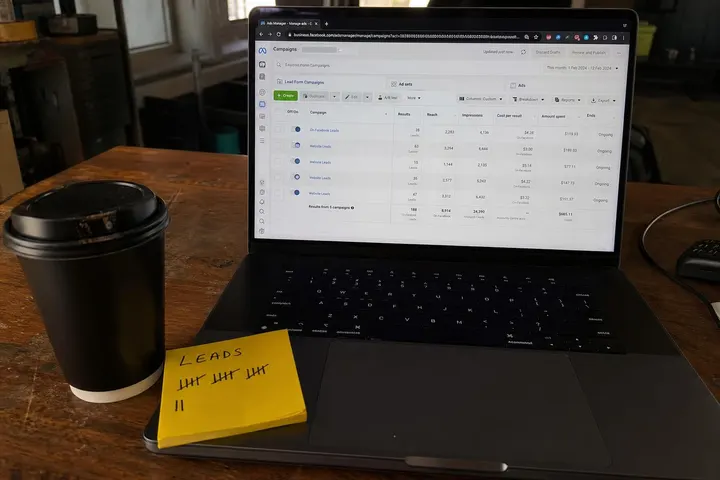
Meta Ads Manager shows you lead quality metrics: cost per lead, completion rate, and cost per conversion (if you track sales back to leads). Watch for creep. If your cost per lead is stable but your cost per qualified lead is climbing, your ad is attracting more clicks but fewer real customers. That's a signal to tighten your targeting, change your ad copy, or adjust your form questions. Meta Ads targeting for tradies is not a set-and-forget exercise; it requires monthly review.
You can also cross-check lead quality by reviewing your CRM data. What percentage of Meta leads are converting to actual jobs? If it's dropping below 10 to 15 percent for your business, your lead quality is suffering, and something needs to change in your ad strategy or form design.
Conclusion
Fake and low-quality leads are a tax on tradies running Meta Ads, but they're not inevitable. By screening at the ad level with clear copy and geo-restriction, tightening your form with the right qualifying questions, and following up fast, you can slash your junk lead rate by half. The combination of pre-qualification, friction that counts, and real-time follow-up creates a funnel that naturally repels window shoppers and ghost leads while attracting serious customers ready to book.
The last piece is discipline. Keep monitoring your lead qualification for tradies metrics every month. Adjust your placements, test new ad copy, and exclude bad audiences. Over time, you'll build a lead generation system that actually works for your bottom line, not just your click count. Your cost per qualified lead will drop, your conversion rate will climb, and your phone will ring with real jobs instead of tyre-kickers.