Google Business Profile Multiple Locations: A Guide for Australian Small Businesses
On this page 8 sections
Key takeaways
- One Google Business Profile per real, customer-facing location only
- Serving extra suburbs from one base does not justify extra profiles
- Bulk verification is available for 10 or more eligible locations
- Each profile needs its own dedicated website landing page
- Duplicate or low-value profiles can be filtered out of Search and Maps
- Use a Business Group to manage multiple profiles from one account
Opening a second shop, clinic or office is a big milestone, and it's natural to want each one showing up on Google. But Google Business Profile multiple locations setups are where many small businesses get tangled: duplicate listings, failed verifications and profiles that quietly vanish from Maps. Here's how to structure your profiles properly so every genuine location gets found.
The short version: one real, staffed, customer-facing location gets one profile. Everything else in this guide flows from that rule, and getting it right is the foundation of good local SEO for any business with more than one site.
Does your second location actually qualify for its own profile?
A location qualifies for its own Google Business Profile only if it's a real address where staff serve customers face to face during stated hours, or a genuinely separate staffed base for a service-area business.
What Google means by an eligible location
Think of a physio clinic with rooms in Parramatta and Penrith, each with its own reception, staff and opening hours. Both qualify. Google's official guidelines for representing a business on Google are clear that the address must be real and match your verification evidence.
Service-area businesses: one base, one profile
If you visit customers (mobile dog groomers, cleaners, IT support), you're a service-area business. Covering 30 suburbs from one base still means one profile. A second profile needs a second, genuinely staffed base with its own service area.
Virtual offices, coworking spaces and pickup points
Virtual offices and mail drops don't qualify. Coworking spaces only qualify if you have permanent signage and staff there during business hours. Click and collect lockers or third party pickup points don't count either.
The difference between a branch and a suburb you serve
A branch is somewhere customers can walk in. A suburb you serve is a market, and markets belong on your website through service area landing pages, not on extra Google profiles.
How to structure multiple Google Business Profiles without creating duplicates
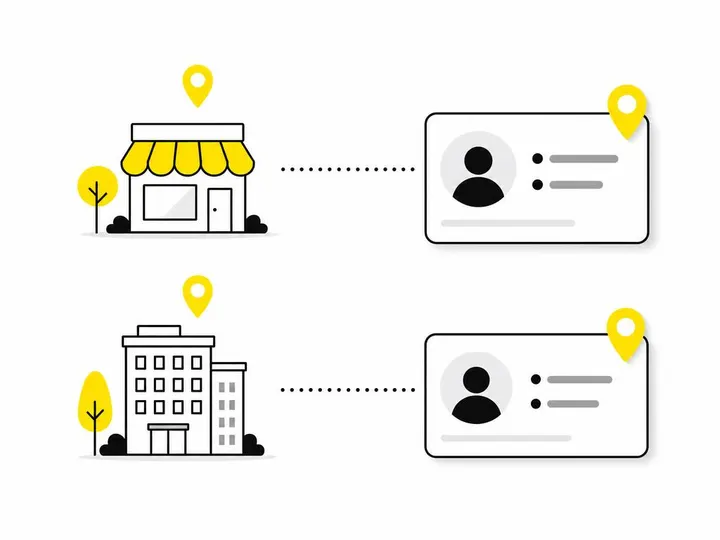
The right structure is one profile per verified address, all managed inside a single Business Group, each with a unique store code and its own dedicated website page.
One profile per verified address
Never create two profiles for the same premises, even across different Google accounts. Google treats these as duplicates regardless of who owns them.
Use a Business Group to control access across all locations
Rather than sharing a login with your branch managers or marketing contractor, create a Business Group and invite people as owners or managers. You keep control, you can remove access when someone leaves, and nobody needs your password.
Assign unique store codes to each profile
A store code is an internal ID (such as PAR01 or PEN02) that helps you track locations, run bulk edits and keep spreadsheets tidy as you grow.
Link each profile to a dedicated location page, not the homepage
Each profile should link to its own page showing that branch's address, phone, hours and services. This reinforces to Google that the location is real, and it saves customers from hunting through your homepage for the right branch.
How do you verify multiple locations?
Businesses with fewer than 10 eligible locations verify each one individually, while those with 10 or more may qualify for bulk verification.
Single-location verification vs bulk verification
Individual verification usually involves a video recording, phone or email code, or a postcard. Bulk verification lets you submit a request covering many locations at once.
The 10-location threshold for bulk verification
You need 10 or more eligible profiles for the same business. Duplicate, suspended and disabled profiles don't count toward that number, so tidy up first.
What evidence Google expects for each address
Permanent signage showing your business name
Storefront and interior photos
Business documents (utility bills, lease, ABN registration) matching the address
Proof that staff work there during listed hours
What to do when a location fails verification
Check that your address, name and evidence match exactly, then retry or contact support through the Google Business Profile Help Centre. Don't create a fresh profile to start over.
What should you do with an old, duplicate or suspended listing?
Claim, merge or report the existing listing through Google's official processes rather than creating a new one to work around it.
How to identify duplicate profiles
Search your business name and suburb in Google Maps. Look for misspelt names, old addresses, or two pins sitting on the same reception desk. Previous owners and former staff are common culprits.
Requesting access to a listing you don't own
Use the "request access" option on the profile. The current owner has a set period to respond, and if they don't, you may be able to claim it.
Reporting and merging duplicates the right way
Once you own both profiles, contact Google support to merge them or mark one as a duplicate. If you can't claim it, use "suggest an edit" and flag it as a duplicate.
Why creating a workaround profile makes things worse
A new profile for an already listed location is itself a duplicate. It can trigger suspension and split your reviews across two listings.
The multi-location local SEO checklist
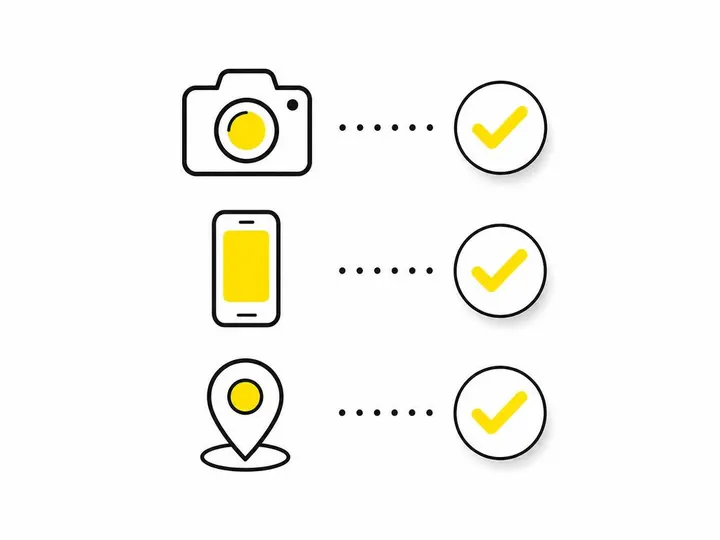
Every profile needs consistent details, branch-specific content, correct review links and regular checking.
NAP consistency: each branch's name, address and phone number should match exactly across its profile, location page and directories.
Branch-specific details: use real photos of each site, the right categories (a branch offering hydrotherapy might add that category) and accurate local hours, including public holidays.
Correct review links: after renaming or adding a location, test that each review link opens the right profile. Then focus on building reviews at every branch.
Regular audits: check each location monthly in Google Search and Google Maps for unwanted edits or new duplicates.
Keep each profile active too. Our post ideas for each location can help with that.
When multiple profiles can damage your visibility
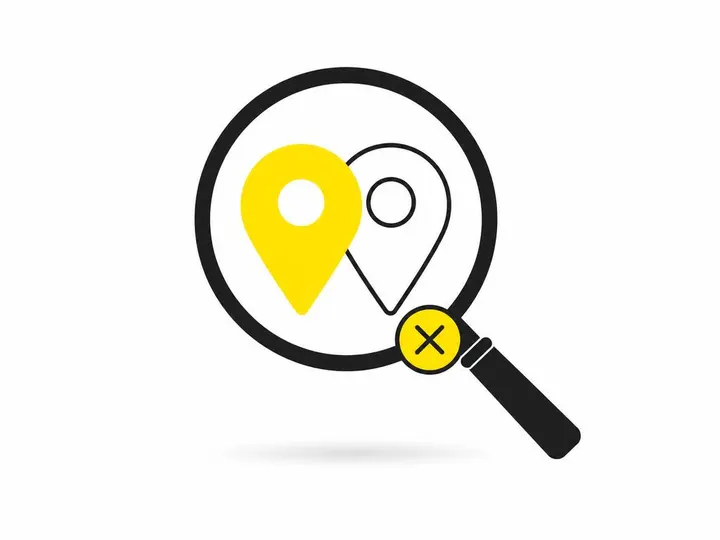
Duplicate or low-value profiles can be filtered out of Google Search and Maps, confusing customers and dragging down your genuine listings.
How Google filters low-value or duplicate listings
When Google sees near-identical profiles, it often shows only one and hides the rest. Reviews get split, customers call the wrong number and trust erodes.
The suburb-targeting trap and why it backfires
Creating profiles for suburbs where you have no staffed premises is a classic mistake. It might work briefly, but suspensions often follow, sometimes taking your real profile down too.
Keeping profiles genuinely distinct
Each branch should have its own phone number, staff, photos, hours and reviews. If you can't make two profiles meaningfully different, you probably only need one. The Google Business Profile multiple locations guide (Local Search, October 2026) makes the same point about staffed branches.
Frequently asked questions about Google Business Profile multiple locations
These are the questions Australian business owners ask us most often.
Can I have one profile for my whole brand? Yes, if you only have one eligible location. Additional branches each need their own profile.
Can my branch share the head office phone number? It's better not to. A local number for each branch strengthens NAP consistency and helps customers.
Do I need a separate Google account per branch? No. One Business Group can hold every location, with staff given individual access.
Conclusion
Managing multiple Google Business Profiles comes down to honesty: one profile for each real, staffed location, verified with matching evidence, linked to its own page and managed through a Business Group. Duplicates, workaround profiles and suburb-only listings tend to hurt more than they help.
Your practical next step: search every location in Google Maps this week, list any duplicates, and fix them through Google's official processes before adding anything new. If you'd rather hand it over, our ongoing SEO support covers multi-location profiles as standard.