How to Automate Quote Follow-Up for Australian Small Businesses
On this page 7 sections
Key takeaways
- Most lost quotes are lost to silence, not rejection
- A two-step follow-up sequence recovers the majority of stalled quotes
- ServiceM8, Tradify, and Zapier-connected CRMs all support this automation
- SMS follow-ups typically get higher open rates than email
- Set a quote expiry date to create a natural urgency trigger
- Five minutes of setup can save hours of manual chasing each week
Most Australian tradies and small business owners send a quote, then wait. And wait. Days pass. The phone doesn't ring. Your carefully written proposal sits in someone's inbox unread, while they're asking three other businesses for their own quotes. Quote follow-up automation fixes this by sending timely reminders without you lifting a finger, recovering deals that would otherwise die in silence.
Why Quotes Go Cold in the First Place
A quote is not a sale. It's the start of a conversation that most businesses forget to finish. Understanding why quotes fail helps you see why automation matters.
The 'busy tradie' problem
You're booked solid. You've sent 15 quotes this month, and following up on each one by hand means making 15 phone calls or writing 15 emails on top of your actual work. Most tradies and service business owners skip the follow-up entirely because there's simply no time. The quote goes out and disappears into the noise of your inbox.
What customers are actually doing while you wait
Your customer isn't sitting at their desk refreshing their email waiting for your quote. They've asked four other businesses for quotes. They're comparing price, checking Google reviews, and calling references. If you don't remind them you exist within the first few days, you're competing against three businesses who might have already followed up twice. For advice on making sure you're getting the right leads in the first place, read about how to qualify leads as a tradie.
How silence kills your conversion rate
Research in service industries shows that quotes without follow-up convert at roughly half the rate of quotes with even one follow-up message. A customer who receives no reminder often forgets about your quote, assumes you're not interested, or simply picks the first business that called them back. Automation ensures follow-up happens on schedule, every time, without you remembering.
What Quote Follow-Up Automation Actually Looks Like
Quote follow-up automation is a set of rules that sends a message to a customer after a set amount of time has passed, with no manual effort from you after the first setup.
The basic two-step sequence
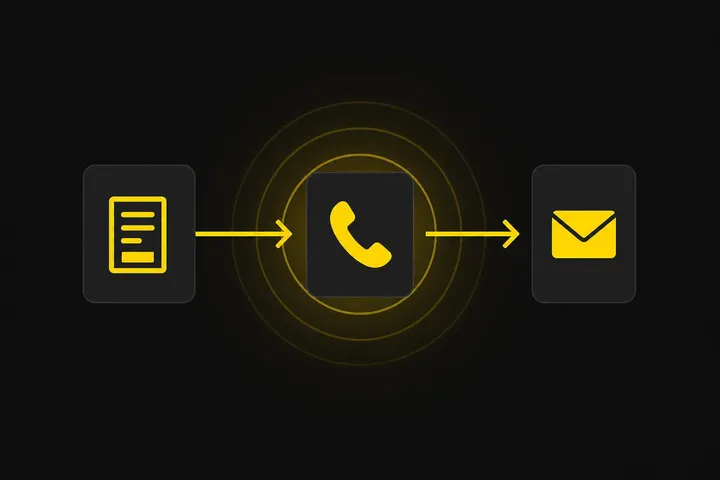
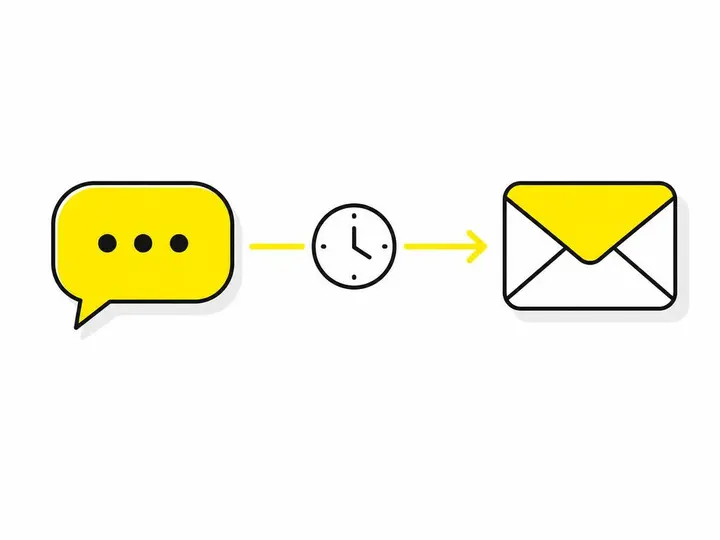
Most effective follow-up sequences work like this: a customer requests a quote, you send it immediately, then an automated message goes out 3 days later asking if they have questions. If there's no response after 7 more days, a second message follows offering a phone call or site visit. That's it. You send zero manual messages; the system does the work on a schedule you set once.
SMS vs email: which works better for tradies
SMS has a 98% open rate within minutes. Email sits in an inbox and gets lost. For tradies, SMS is faster, cuts through noise, and customers expect it. Email works as a backup for detailed information or documentation. The best approach is SMS for the first follow-up (quick reminder, time-sensitive feel) and email for the second (more room for detail, builds authority). For jobs with longer sales cycles, email can work as the primary channel, but SMS will always get seen faster.
What to say in each follow-up message
Keep it short and human. First follow-up: "Hi Sarah, just checking in on the roof quote we sent Tuesday. Any questions? Give us a call on 0400 123 456." Second follow-up: "Hi Sarah, still keen to chat about your roof? I can pop round Friday arvo if that suits." Avoid generic robotic language like "Thank you for considering our company." Your customers know it's automated; they just need to hear from you again.
Tools That Handle Quote Follow-Up Automatically
You don't need expensive enterprise software to automate quote follow-up. Several Australian tools and platforms handle this for tradies and small service businesses.
Field service apps with built-in follow-up: ServiceM8, Tradify, JobNimbus
ServiceM8 field service app for Australian tradies includes automated quote follow-up as part of its job management suite. You create a quote in the app, set a follow-up date, and SMS or email goes out on schedule. Tradify job management software works similarly, with follow-up reminders built into the quote workflow. JobNimbus, popular with Australian electricians and plumbers, offers pipeline automation so quotes move through stages automatically with follow-ups triggered at each step. These are purpose-built for tradies, so the setup is straightforward and the pricing is reasonable (usually $20 to $80 per month).
CRM-based options: HubSpot free tier, Zoho CRM
If you're already managing leads in a CRM, automation is built in. HubSpot's free tier lets you create simple email follow-up sequences. Zoho CRM includes SMS automation and can trigger follow-ups based on quote status. These are more powerful than field service apps but also more complex to set up. They work well if you're managing a larger pipeline or multiple team members.
DIY automation with Zapier or Make
If you use invoice software like Xero, or a form tool on your website, you can build a follow-up sequence using Zapier SMS automation integrations or Make (formerly Integromat). These platforms connect your software to SMS or email services and trigger messages based on conditions you set. It's cheaper (Zapier starts free) but requires more technical thinking. For most tradies, a dedicated field service app is easier.
How to Set Up a Simple Follow-Up Sequence Step by Step
Here's how to build a working follow-up sequence whether you use ServiceM8, Tradify, or a CRM.
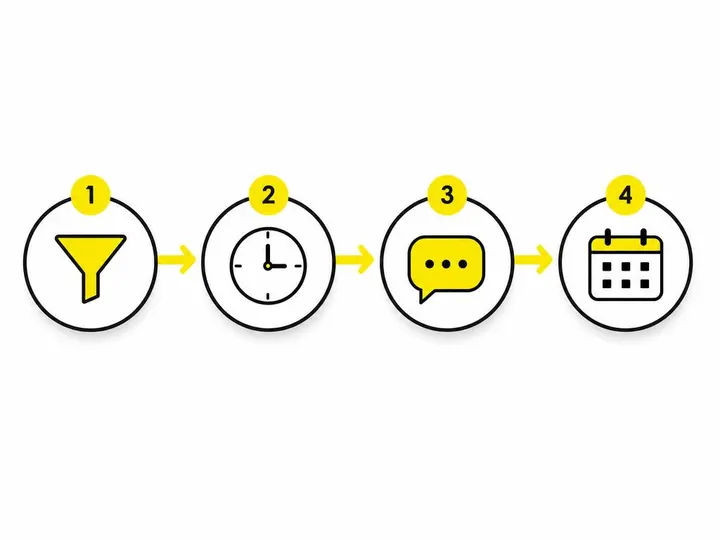
Step 1: Define your quote stages
Before automation can work, you need clear stages for every quote. Mine look like this: Quote Sent, Awaiting Response, Accepted, Declined, Expired. The system needs to know what stage a quote is in to decide whether to send a follow-up. If a quote is already Accepted, you don't want the automated "checking in" message to go out.
Step 2: Set your trigger and timing
A trigger is the event that starts the automation. For example: "When a quote status changes to 'Sent', send an SMS 3 days later." Set your first follow-up for day 3 or day 4 (not day 1, that feels like nagging). Set a second follow-up for day 10 or day 12. Don't send more than two automated follow-ups; after that, pick up the phone.
Step 3: Write your follow-up messages
Write two short messages and save them in your automation tool. Use the customer's first name (most platforms merge this automatically). Keep each message to two sentences. Test by sending to yourself first. Your tool should let you preview exactly what the customer sees.
Step 4: Add an expiry date to every quote
Every quote should have an end date. If a quote is more than 30 days old and hasn't been accepted, it should move to "Expired" status automatically, and the follow-up sequence should stop. This prevents your system from sending a follow-up message about a quote that's no longer valid.
Common Mistakes That Kill Your Follow-Up Automation
Even with automation in place, most businesses sabotage themselves with poor execution.
Following up too many times
Three automated follow-ups and the customer will ignore your business entirely. Two automated messages, then manual outreach if needed. More than two feels like spam and damages your reputation.
Using generic copy that sounds robotic
If your follow-up message says "We value your business and look forward to the opportunity to serve you," it reads like a form letter and gets ignored. Use your actual voice. Write like you'd text a mate. "Just checking you got the roof quote. Any questions?" works infinitely better.
Not turning off the sequence when someone accepts
This is critical. When a customer accepts a quote and moves to "Accepted" status, the follow-up sequence must stop immediately. If someone accepts your quote and then gets a "checking in" message three days later, you look unprofessional. Most tools handle this automatically if you set them up right, but it's worth double-checking.
What to Do When Automation Is Not Enough
Automation handles routine follow-up, but some deals need personal attention.
When to pick up the phone instead
If a quote is for a large job (over $5,000), don't rely on automated messages alone. Send the quote via automation, but also call them directly within 24 hours. For automating missed call follow-up, you can layer in phone call automation, but the initial contact should be warm. Big jobs have bigger stakes; treat them differently.
Connecting quote follow-up to your broader lead system
Quote follow-up is one piece of a larger lead management system. responding to leads faster with AI on the incoming side, automating quote follow-ups on the middle, and tracking acceptances on the back end creates a seamless process. Your best results come when quote follow-up is part of a complete system that starts with turning website visitors into quote requests and ends with getting more local leads as a tradie. If your leads arrive but your follow-up dies, you're wasting money on getting the leads in the first place.
Conclusion
Quote follow-up automation turns a manual, easy-to-forget task into a reliable system that recovers deals otherwise lost to silence. You don't need complex software or years of setup time. ServiceM8, Tradify, or a basic CRM with SMS integration will do the job. The key is setting up clear quote stages, writing short human messages, timing your follow-ups for day 3 and day 10, and stopping the sequence when someone accepts.
Most Australian small businesses leave 20 to 30 percent of potential revenue on the table simply because they didn't follow up on quotes. Automation fixes that without adding work to your day. Set it up once, then watch deals close that would have died in your inbox otherwise.