How to Build a Social Media Content Bank for a Busy Australian Tradie
On this page 7 sections
Key takeaways
- Capture content on-site with a 60-second habit at job end
- Before and after photos drive the highest organic engagement for tradies
- Organise your bank in Google Drive or Notion with simple category folders
- One job can yield 5 to 8 reusable content pieces across platforms
- Batch-schedule a week of posts in one sitting using free scheduling tools
Most Australian tradies know they should be posting on social media, but between jobs, quotes, and admin, it barely happens. A content bank a organised library of photos, videos, and captions you've already shot and written fixes this. Instead of scrambling for something to post each week, you batch-create content when you're on the job site, then schedule it out in one sitting. It's the difference between posting once every three weeks and building a consistent, trust-building presence that actually brings in inquiries.
Why Tradies Struggle to Post Consistently (And Why a Content Bank Fixes It)
The real cost of an empty feed
An Instagram profile that hasn't been updated in two months sends a message: either you're not working or you've stopped caring about your online presence. Potential customers see nothing recent to prove you're active, professional, or worth calling. How often to post on social media isn't just about vanity. ABS data on technology use among Australian small businesses shows that 78 percent of Australian small business owners use social media for marketing, yet inconsistency is the killer. Gaps in your feed cost you leads.
What a content bank actually is
A content bank isn't a content calendar (which plans what you'll post and when). It's a repository of raw materials: photos, video clips, captions, and ideas you've already created or gathered, organised so you can grab what you need without redoing the work. Think of it as a stockroom for your social media. You build it as you work, then draw from it throughout the month. When a quiet period hits or you're slammed on site, you've still got weeks of material ready to schedule. The result: consistent, professional presence without the daily stress.
What to Capture On-Site: The Tradie Content Capture Checklist
The hardest part is remembering to pull out your phone when you're in the middle of a job. Fix that by making capture automatic. Before you even start a job, know what you're going to film and photograph.
Before shots, take them before you touch anything
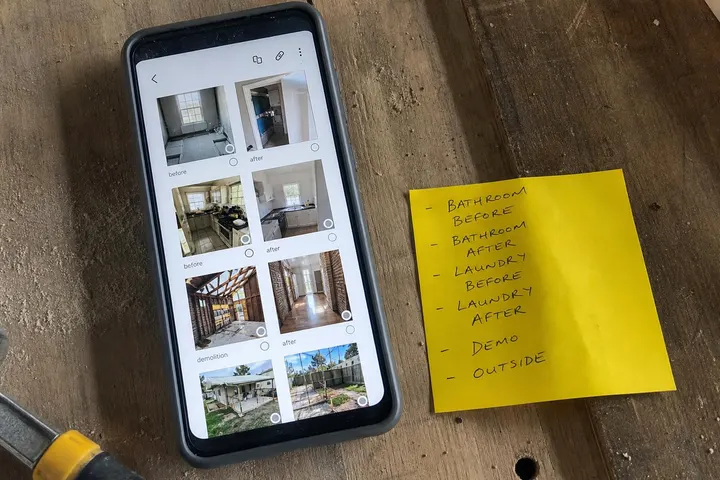
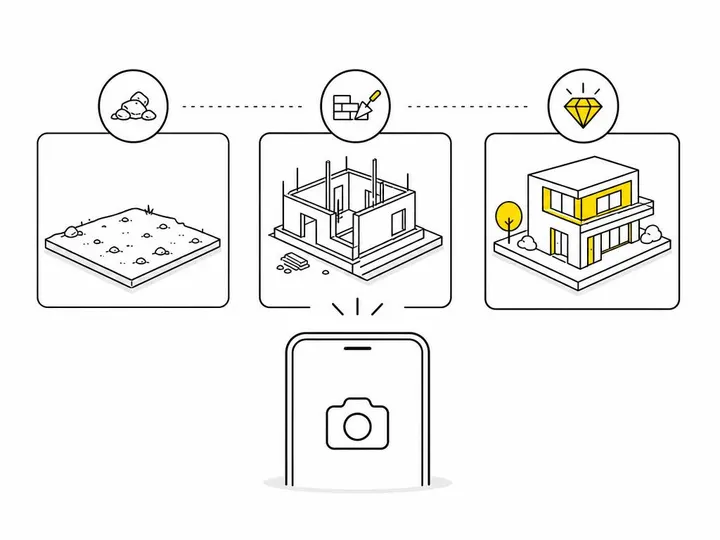
The moment you arrive on site, take photos and a short video of the space as it is now. Bad lighting, mess, damage all of it. These are your baseline. Later, when you compare it to the finished result, that contrast is what stops scrollers and proves your skill. How to do before and after social media content is a whole strategy on its own, but it starts here: no before shots, no story.
Progress and process clips
A 15 to 30-second video of you working, a tool in action, or a technique saves explanations. Short-form video performs better than static images on Instagram Reels, TikTok, and Facebook. Grab a few clips of the process, not the whole job. People want to see skill and movement, not a two-minute bore.
The money shot: the finished result
The after photo is what you're really after. Take it in good light, clean up the space, show it from a couple of angles. If it's a kitchen or bathroom, shoot it so people can see the detail and quality. This is your proof of work.
Tools, materials, and quick tips
A photo of the product you used, a tip scribbled on a whiteboard, or a quick voiceover explaining why you chose a certain material gives your content educational value. People follow tradies for expertise, not just pretty results.
How to Organise Your Content Bank Without Overthinking It
Organisation matters more than perfection. If your content bank is too complex, you'll stop using it. Keep it simple enough that you can find something in under a minute.
Folder structure that works
Start with a top-level folder called "Content Bank," then divide by trade or service type (Plumbing, Carpentry, Painting, Electrical, etc.), then by year and month. Inside each monthly folder, add subfolders for Before-and-After, Process Video, Tips, and Finished Product. That's it. You don't need fifty categories. Using Google Drive keeps everything accessible from your phone, laptop, or tablet.
Simple naming conventions
Name files so you know what's in them at a glance. Instead of "IMG_20261029.jpg," use "Kitchen-Reno-Before-Oct2026" or "Plumbing-Leak-Fix-Video-Oct2026." Add the date and a keyword. Future you will be grateful.
Free tools worth using
Google Drive is free, syncs automatically, and works on any device. Google Photos backs up your phone camera automatically. Notion is overkill for most tradies, but if you like templates and checklists, a simple Notion database can track what content you have and what you still need. Start with Google Drive and see if you outgrow it. Most tradies don't.
Turning One Job Into 5 to 8 Pieces of Content
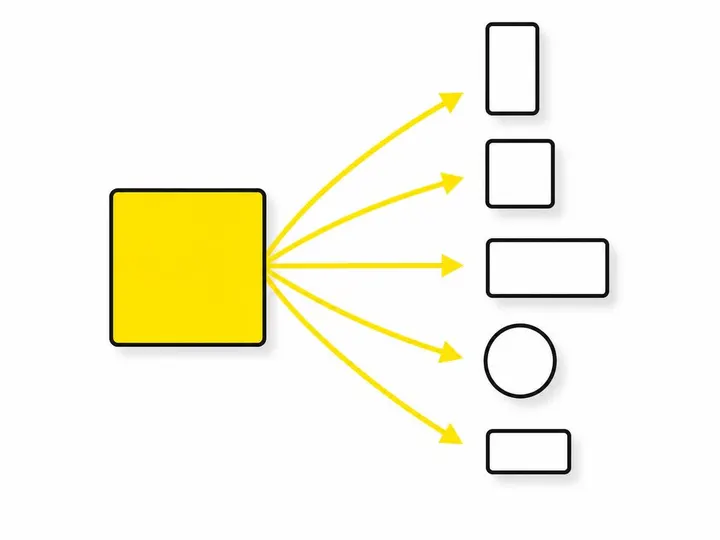
A single project generates multiple posts when you think about repurposing. One before-and-after photo can become a carousel post on Instagram, a single image on Facebook, a Reel if you add motion or text, and a TikTok with trending audio.
The repurposing matrix for tradies
Content Marketing Institute guide to repurposing content shows that reusing content across platforms increases engagement by 40 to 60 percent. Here's how to apply it: one before-and-after image becomes a static post, a carousel (multiple images), a Reel with transitions, and a TikTok. One process video becomes a Reel, a full post, a short clip for Stories, and a TikTok. Short video ideas for tradies are endless if you start with footage you've already shot. Don't remake; remix.
Writing captions fast
Using AI to write social media captions can cut caption time in half. Feed ChatGPT or your preferred AI tool a simple prompt: "Write a friendly, professional caption for a tradie Instagram post about installing a new kitchen. Include a call to action." Adjust the tone and make it yours. Without AI, write five to seven lines explaining the problem you solved, how you did it, and what it cost or how long it took. People want to know if you can help them.
Platform-specific tweaks without starting from scratch
Instagram captions are longer and casual. Facebook captions can be even longer and include more storytelling. TikTok is snappier and uses trending sounds. Adjust your caption length and tone, but the core message and image stay the same. You're not creating new content; you're packaging what you've got for different audiences.
How to Batch-Schedule From Your Content Bank
Scheduling is where consistency happens. Instead of posting randomly, pick a tool, block out 45 minutes on a Sunday, and schedule a week or two of posts at once.
Picking a scheduling tool
Tools to schedule posts in advance include Meta Business Suite (free, for Facebook and Instagram), Buffer (free tier covers three channels), and Later (free tier limited). Most Australian tradies get by with Meta Business Suite alone if you're only on Facebook and Instagram. If you use TikTok or need a central dashboard, Buffer is worth the price.
The Sunday 45-minute batch session
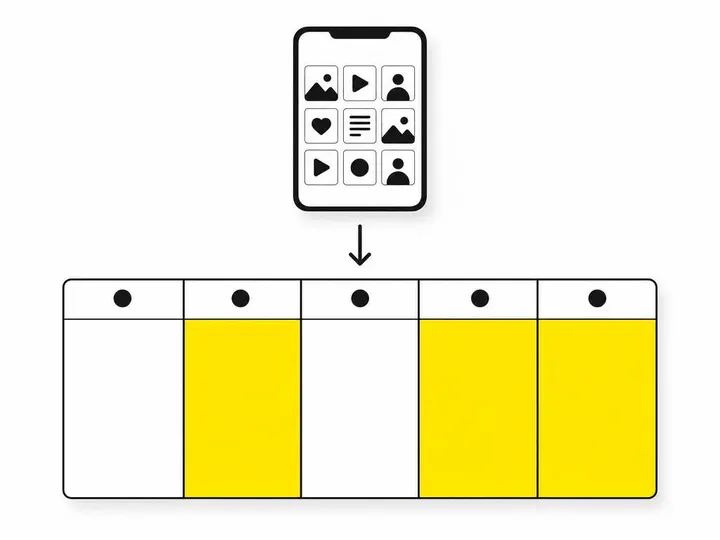
Every Sunday evening, spend 45 minutes pulling five to eight pieces of content from your bank, writing or adjusting captions, and scheduling them across the next one to two weeks. Pick different content types: before-and-afters, process videos, a quick tip, a finished project. Variety keeps your feed interesting and shows different sides of your work. Schedule posts to go live on specific days and times when your audience is active (usually 9 AM to noon on weekdays for Australian tradies).
Keeping the bank topped up
What to post when work slows down should come from your bank. But you need to feed the bank too. Aim to add 10 to 15 pieces of new content every two weeks as you work on jobs. If you're quiet, reshoot old projects, film a how-to, or photograph your tools and workspace. The bank never stops growing.
Common Mistakes Tradies Make With Content Banks
A content bank only works if you use it and use it well. Avoid these pitfalls.
Hoarding content and never posting it
Many tradies capture tons of photos and video but are too perfectionist or unsure to actually post. You'll never have a "perfect" moment. Post good enough. A clear phone photo of a finished job with an honest caption beats waiting for professional-grade photography that never happens.
Forgetting to get client permission
Always ask before posting a client's home or business. A quick text saying "Mind if I share this on social media to show our work?" usually gets a yes. Some clients will say no, and that's fine. Respect it. Build a list of clients happy to be featured.
Ignoring video in favour of photos only
Video generates 2.3 times more engagement than static images on Instagram Reels and TikTok. You don't need fancy production. A phone video of a tool in action, a before-and-after transition, or you explaining a technique will outperform a photo every time. Start filming.
Conclusion
A content bank is simple in theory: capture content as you work, organise it into folders, repurpose it across platforms, and schedule it in batches. In practice, it removes the excuse of "I don't have time to post." You're not creating content from scratch on a Monday morning. You're drawing from a library you've built while doing your actual job. Consistency follows naturally.
Start this week. On your next job, take a before photo, shoot one short video of the work, and grab an after shot. Drop it into a Google Drive folder called "Content Bank." By the end of the month, you'll have 20 to 30 pieces of material. Next Sunday, pick five and schedule them. That's the system. It doesn't require fancy tools or design skills. It just requires the discipline to capture and organise, then the courage to share what you've built. Your feed will thank you, and so will your inquiry line.