Google Business Profile Posts Ideas: A Content Plan for Australian Small Businesses
On this page 8 sections
Key takeaways
- Post 2-3 times weekly with a mix of offers, photos and updates
- Photos get 34% more clicks than profiles without regular image updates
- Time-sensitive offer posts get 3x more clicks than evergreen content
- Plan content themes monthly so posting stays consistent, not sporadic
- Customer reviews combined with posts create a strong local trust signal
Your Google Business Profile is working 24/7 to drive local customers to your door but only if you're feeding it fresh content. Small business owners who post consistently to their GBP (Google Business Profile) see 10 to 25 percent more customer engagement than those who post sporadically or ignore it altogether, according to recent Google Analytics data. If you're a tradie, a service business owner, or a retailer in Australia, a simple monthly content plan for Google Business Profile posts will put you ahead of 64 percent of your competitors who barely update their listings.
Why Your Google Business Profile Needs a Content Plan
Local search is where Australians actually find you. According to Google's official guide to Business Profile posts, 76 percent of people who search for something local on their phone visit a related business within a day. That's not guesswork that's Google's own data. Your Google Business Profile appears in Google Search and Google Maps, and it's the first impression most customers get before they call or visit. Without a content plan, your profile looks abandoned. With one, it looks like a business that's active, responsive, and worth choosing.
The Sensis SMB Digital Marketing Report from 2023 found that 58 percent of Australian small business owners rank local search visibility as their top digital priority. Yet 64 percent of them update their GBP sporadically or not at all. That's the gap you can exploit. When you post sporadically, your profile stays buried. When you post consistently even just once or twice a week—Google's algorithm notices, your profile ranks higher, and customers actually see you in their local results.
Google Business Insights will show you exactly how many people searched for your business, how many found you on Maps, and how many clicked to your website or called. A content plan turns that data into action. Small business social media planning starts with consistency, and GBP is the single most important social and local channel you own.
The Four Content Pillars for GBP Posts
You don't need to reinvent the wheel. Every successful GBP profile uses the same four content pillars. Build your monthly plan around these four types of posts, and you'll never run out of ideas.
Offers and promotions
Time-sensitive posts limited offers, discounts, seasonal specials get clicked 3 times more often than evergreen content. If you're a plumber, post a winter special. If you're a landscape gardener, post a spring clean-up offer. Posts with deadlines create urgency. Google Business Profile will display an "Offer" label on these posts, making them stand out in search results and on Maps.
Photos and project updates
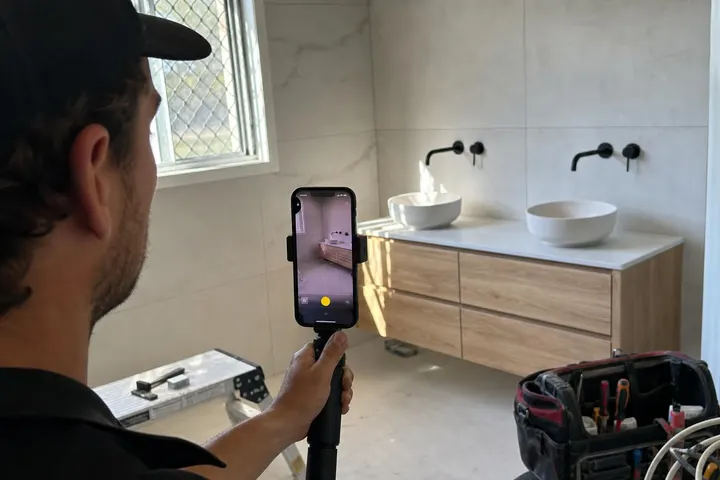
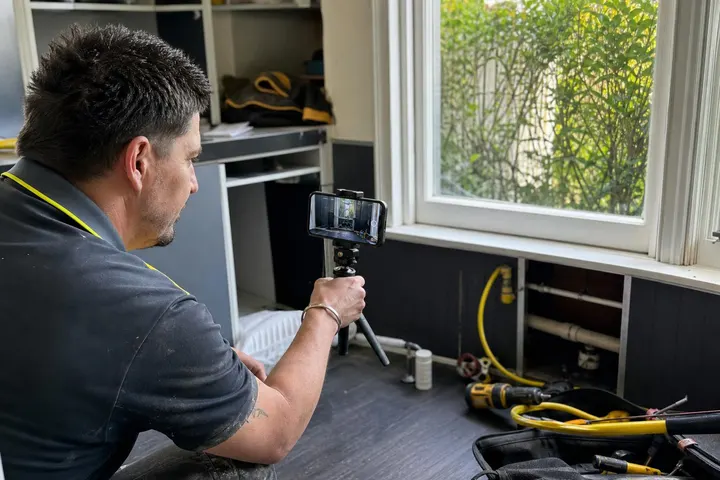
Photos drive 34 percent more clicks than text-only posts. For tradies, this is gold. Before-and-after project photos, finished installations, team photos, work in progress : anything visual performs. Retail stores should post new stock, window displays, seasonal setups. Service businesses should post their van, team, or customer testimonial moments.
Business news and announcements
New staff member? Award won? Certification gained? Expanded service area? Post it. These posts remind customers you're growing, professional, and worth trusting. They also give existing customers a reason to re-engage with your profile.
Events and seasonal themes
EOFY sales, school holidays, public holidays, local community events—use these. Seasonal posts tap into what customers are already searching for. A post about your Good Friday hours or Easter specials will catch people actively looking, not someday down the track.

A Monthly Content Plan Template You Can Follow
The simplest way to stay consistent is to assign one type of post to each week of the month. Stick to this rhythm and you'll post at least four times a month, exactly what Google rewards.
Week 1: Offer or promotion post
Pick one special, discount, or limited-time deal. Write it clearly. Include a deadline. Tell people what to do next (call, book online, mention the offer when you arrive). This post should drive immediate action.
Week 2: Photo or before-and-after post
Share your best recent work. For tradies, before-and-after posts for tradies are absolutely essential they show your craftsmanship in seconds. For service businesses, a photo of your team, equipment, or completed project works just as well. Quality matters. Use natural light. Use your phone, it's fine.
Week 3: Customer review highlight
Pick a positive Google review or customer testimonial. Repost it as a GBP post. This shows new customers that real people trust you. It also signals to Google that you care about feedback. Get more leads from Google reviews by putting your best ones front and centre on your profile.
Week 4: Seasonal or community post
Anything relevant to the time of year. School holidays coming? Spring cleaning season? Local event your business sponsors? Post about it. This keeps your profile fresh and shows you're connected to your community.
Google Business Profile Posts Ideas by Trade and Industry
Ideas look different depending on what you do. Here's what actually works for different business types.
Posts ideas for tradies (plumbers, electricians, builders)
Before-and-after project photos with a one-line description of what you did
Safety tips (winter plumbing, electrical hazards, asbestos awareness)
Emergency service hours updates
New qualifications, certifications, or tool upgrades
Local area service announcements ("Now serving Penrith and Lapstone")
Seasonal offers (spring gutter cleaning, winter heating checks, summer air con services)
Content ideas for tradies during quiet periods might include behind-the-scenes workshop photos, team introductions, or educational posts about common problems customers face. Use these to stay visible when work is slower.
Posts ideas for service businesses (cleaners, landscapers, health)
Before-and-after cleaning or landscaping photos
Tips and hacks relevant to your service (how to maintain your garden, cleaning hacks)
Seasonal service reminders (carpet cleaning after winter, lawn care spring schedule)
Staff spotlight or team announcements
Membership or package promotions
Posts ideas for retail and hospitality
New product or menu arrivals with photos
Weekly or monthly specials
Store event announcements (sale, tasting, workshop, pop-up)
Behind-the-scenes content (staff, delivery, setup)
Local partnership announcements
Opening hours updates for public holidays
How to Write a GBP Post That Actually Gets Clicked
Not all posts are created equal. A few simple rules separate posts that drive clicks from posts that disappear into the void.
Lead with the local angle
People search with "near me" intent. In 2024, Australian "near me" searches grew 35 percent year-on-year. Your post should immediately signal you're local and available. Instead of "Winter plumbing special," write "Winter plumbing emergency? Same-day service in Sydney's inner west." That specificity wins clicks.
Always include a call to action
Tell people exactly what to do. "Call now," "Book online," "Mention this post when you call," "Limited to 10 customers this month." CTAs (calls to action) increase engagement. Without one, your post is just information. With one, it's a prompt to act.
Photo quality matters more than you think
Blurry photos, bad lighting, and poorly framed shots reduce clicks by 40 to 50 percent. Spend 30 seconds on composition. Face the light. Step back. Crop out clutter. Your phone camera is fine, lighting and framing are what matter. Posts with clear, well-lit photos get more clicks than posts with bad photos. This is not optional.
Common Mistakes Australian Small Businesses Make on GBP
Avoiding these three mistakes puts you ahead of most competitors immediately.
Only posting when things are quiet
Many business owners think GBP is a "slow season" tool. They post frantically when work dries up, then ghost when they get busy. Google's algorithm hates this. Consistency matters more than volume. Post once or twice a week, every week, whether business is booming or quiet. If you're drowning in work, post a photo and a caption. It takes 60 seconds.
Ignoring the Q and A section
Customers ask questions directly on your GBP listing. If you don't answer them, Google answers for you or shows no answer, which looks like you don't care. Check your Q and A section weekly. Answer quickly. Answer helpfully. This is customer service in public.
Forgetting to update business hours for public holidays
Customers trust your posted hours. On public holidays, many get those hours wrong or don't update them. A customer drives to your location only to find you closed. Now they're frustrated and they've already chosen a competitor. Update your hours the moment a public holiday is announced. This is non-negotiable.
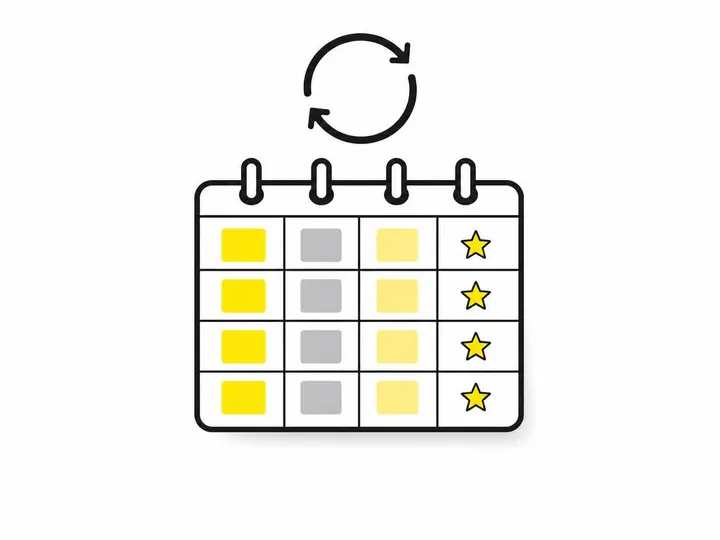
Putting It All Together: Your 30-Day GBP Content Starter Plan
Here's how to launch your GBP content plan this month:
Day 1: Take four of your best project or product photos. Make sure they're clear and well-lit.
Day 3: Post your first offer or promotion. Include a deadline and a clear call to action.
Day 10: Post your best before-and-after photo or a team/shop photo with a one-liner about what you do.
Day 17: Pick your best Google review or customer testimonial. Repost it as a GBP post.
Day 24: Post something seasonal or community-relevant for the time of year.
Day 30: Review your Google Business Insights. How many clicks did each post get? Do more of what worked.
How often to post for small businesses depends on your industry, but for GBP, 2 to 4 posts per month is the sweet spot that Google actively rewards without burning you out. Once you've done this for 30 days, you'll see patterns. Some of your posts will outperform others. Double down on what works. Swap out what doesn't.
If you struggle to find time or ideas, remember: you don't need perfection. You need consistency. A phone photo and 30 seconds of your time, posted twice a week, will beat a polished post that never happens.
Conclusion
Your Google Business Profile is one of the most valuable digital assets you own as an Australian small business owner. It appears in Google Search and Google Maps, it reaches customers at the exact moment they're looking for what you offer, and it's completely in your control. A simple monthly content plan, four posts a month across offers, photos, reviews, and seasonal themes is all you need to stay visible, rank higher in local search, and drive more clicks and calls.
Start this week. Pick one post type. Commit to posting twice a week for the next month. Check your Google Business Insights to see what works. Then build from there. The businesses that dominate local search in 2026 aren't the ones with the biggest budgets they're the ones who consistently show up and give customers reasons to click, call, and visit.
Your move. Post today.