Facebook and Instagram Video Ads for Australian Small Businesses: What to Film
On this page 8 sections
Key takeaways
- Film the problem, the process and the result not just a logo or offer
- Design every video for sound-off viewing with on-screen captions
- Shoot multiple short versions in one session and test them
- Judge success by enquiries and bookings, not just views
- Real phone footage often outperforms polished production
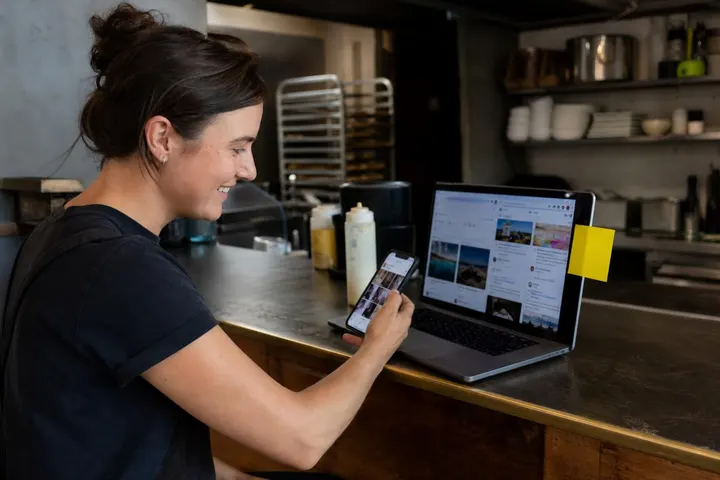
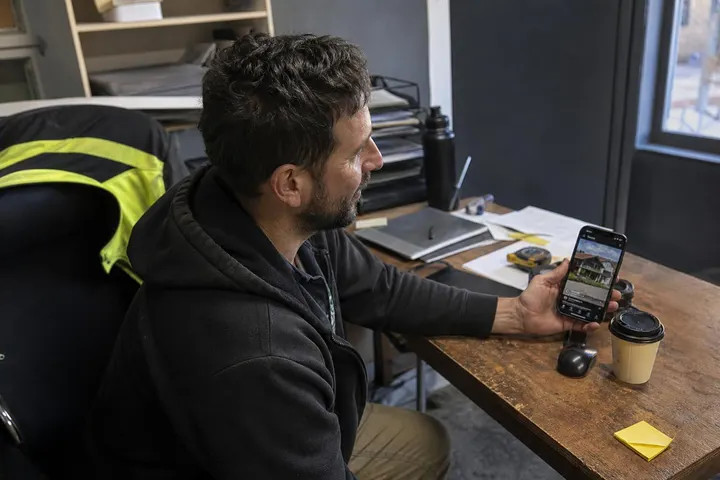
Video ads on Facebook and Instagram are the fastest-growing way for Australian small business owners to reach customers, but most of you never film them because the idea feels slick, expensive and too polished for what you actually do. The truth is simpler: the videos that perform best for local businesses are the ones shot on a phone that show real problems being solved, customers getting results, and teams doing what they're trained to do. You don't need a studio or a production budget. You need to know what to film, how to frame it for a mobile screen, and which versions your audience actually responds to.
Why video ads work on Facebook and Instagram in 2027
Video is the format Meta's platform is built to prioritise right now, and Australian advertisers are spending heavily on it because it moves more customers closer to a purchase or inquiry than static images alone.
Australian social video advertising is growing fast
IAB Australia's FY26 social video advertising figures show that video reached $2.4 billion in spend, up 29.5% year-on-year. That's not hype. That's money moving from other channels into video because it works. For small businesses, that means the audience is already expecting to see video, the platform is optimised to show it, and your competitors who haven't started filming yet are falling behind.
Meta's platform is built to favour video right now
Meta's recent product updates make this even clearer. In October 2026, the company rolled out video generation tools across Advantage+ creative, upgraded Ads Creative Studio, and added a new Breakdown view in Ads Manager so you can compare how individual video variations perform against each other. Meta's October 2026 ads updates including Advantage+ creative changes confirm the company is pushing automated video production and clearer performance reporting. This infrastructure exists to make video ads faster to produce and easier to test. If you're still running static images only, you're not using the tools the platform is built around.
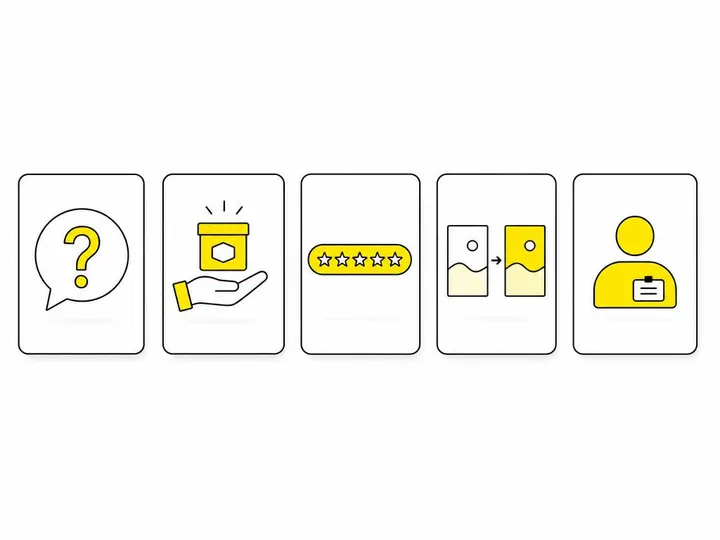
The five types of video every small business should film
You don't need five different ideas. You need five different angles on what your business actually does, filmed in the same session and repurposed into variations. Here's what works.
1. The problem-and-solution video
Start with the problem your customer had before they found you. Show them frustrated, confused, or stuck. Then show the solution in action and the relief on their face. A plumber shows a burst pipe, fixes it, and the customer shakes their hand. A bookkeeper shows scattered receipts, then a clean P&L statement. A salon shows someone walking in with damaged hair and walking out with a blow-dry. Thirty seconds, one location, real proof.
2. The process or demonstration video
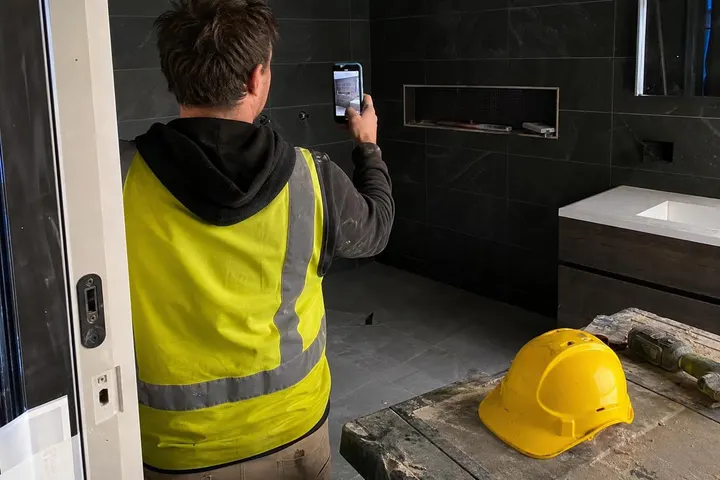
Film your hands doing the work, or your team explaining the steps. Point the camera at what matters. A mechanic opens a gearbox and shows where the fault is. A fitness trainer demonstrates one exercise with clear form cues. A builder walks through a renovation showing before, mid-build and finished rooms. The viewer learns what to expect and gains confidence that you know your craft.
3. The customer testimonial
Ask a real customer to answer one specific question: what changed after you used this service or product? Film them on your phone, no script, no re-takes. Authenticity beats polish here. Using testimonials in your ads is powerful because a stranger endorsing you carries more weight than you endorsing yourself. Keep it to 20 to 30 seconds.
4. The before-and-after sequence
Show the starting state, then cut straight to the finished result. No voiceover needed. A gardening business shows an overgrown yard, then a manicured garden. A real estate agent shows a vacant property, then furnished and styled. A fitness coach shows day one and day 90. Two shots, huge impact.
5. The team introduction or explainer
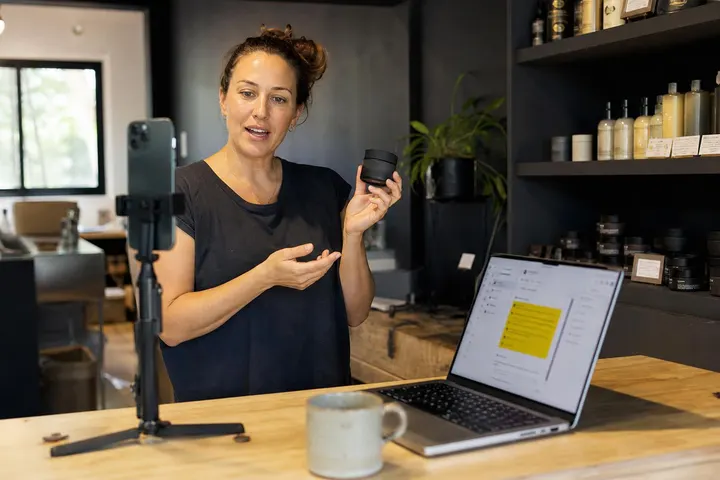
Film yourself or your team member on camera, talking directly to the viewer about why you do what you do, how long you've been at it, or what makes your approach different. Keep it conversational, under 30 seconds. This builds trust and reminds viewers that a person, not a brand, is behind the business.
How to plan a filming session in one afternoon
You can capture enough material for five to ten video ads in a single two-hour shoot using your phone and natural light.
What to capture in a single shoot
Set up in one location. Film the same service or product from three angles: wide (shows the space and context), medium (shows the work being done), and close-up (shows the detail or the customer's reaction). Capture a 10 to 15-second version of each. Then film a customer or team member answering a simple question on camera. Record a 20-second "hook" shot that shows the before state or the problem. Spend the last 20 minutes on clean final shots of the finished result. You now have 40 to 50 seconds of raw footage covering problem, solution, proof and personality. That's enough for three different video ads.
Filming for both Facebook and Instagram Reels
Shoot vertically on your phone (portrait mode, not landscape). This simple choice makes your footage usable on Instagram Reels for small businesses in Australia, Facebook Reels, Stories and Feed ads without cropping or resizing. Vertical video also keeps viewers' eyes on your content because it fills more of the mobile screen. The vertical format is not optional anymore; it's the standard.
Keeping it sound-off friendly
Most viewers watch video on mute while scrolling. Assume no one hears your audio. Put the key benefit in the first frame using on-screen text: "Fixed in under an hour" or "Starting at $50". Use readable, large captions for any dialogue or information. Avoid placing text where the platform's playback controls or CTAs will cover it. If you're showing a process, the visuals should tell the story on their own. Sound adds richness, but it should not be essential to understanding what's happening.
What to avoid in your video ads
Three mistakes cost small businesses money and damage credibility in equal measure.
Claims you cannot substantiate
If you say "fastest in Sydney", have proof. If you claim a specific outcome ("will reduce your water bill by 40%"), be ready to back it up. Use specific language: "Most customers see results in two weeks" rather than "instant results". Vague claims might pass approval once, but they damage trust when a customer doesn't experience what you promised.
Putting all your budget on one polished video
The video that costs $3,000 to produce often underperforms a $30 phone-shot version because it feels less authentic or misses the audience's actual pain point. Creative testing in Meta Ads Manager exists because variation beats perfection. Film five rough versions. Run them all. Kill the ones that don't work. Double down on what does.
Measuring success by views alone
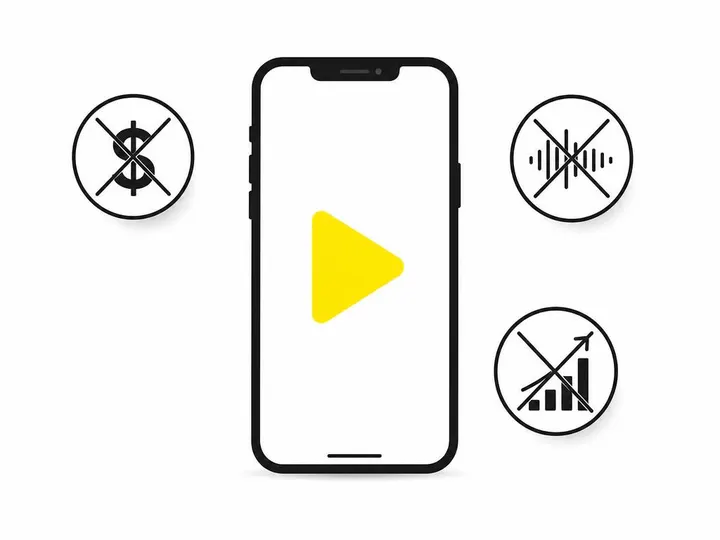
A video with 10,000 three-second views and zero enquiries is a waste. Meta's Graph API update in November 2026 depreciated the older 3-second view metric because it was misleading. Judge your video by what it actually produces: leads, messages, bookings, or sales. Check your campaign's actual objective in Ads Manager, not vanity metrics.
Using Meta's AI tools without losing credibility
Advantage+ creative and Ads Creative Studio can generate video variations from your existing product photos and testimonials, but automation should enhance your effort, not replace your authenticity.
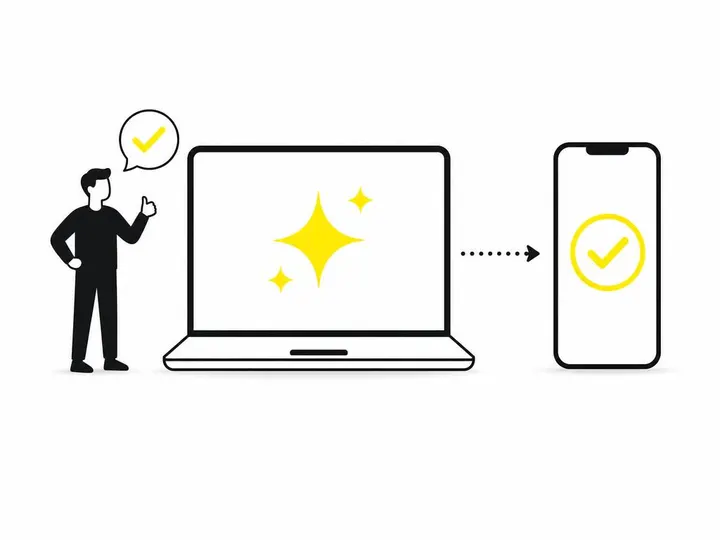
Using Advantage+ creative tools means Meta can take a single product image and generate three to five short video variations automatically. This saves time. But review every output. Check that the video accurately shows your product or service. Verify that any generated text matches your actual offer, location and pricing. If you're a local service business in Brisbane, make sure the AI doesn't add a claim about nationwide delivery. If you're a therapist, confirm that generated testimonials don't imply medical results you don't make. The tools are fast, but your judgment still matters.
Testing your videos and reading the results
You don't learn which videos work until you run them live and read what the numbers tell you.
Using creative-level reporting in Ads Manager
Meta added a Breakdown view on 27 October 2026 that shows performance by individual video, image and text variation. Use it. Upload three versions of the same offer with different opening shots, hooks that stop the scroll, or captions. Run them all for five to seven days. The Breakdown view will show you which thumbnail, which hook, and which call-to-action combination drives the lowest cost per result. This is where testing beats guessing.
The metrics that actually matter
Watch these numbers instead:
Cost per result: How much does each lead, booking, message or purchase cost? Lower is better, and this is the real measure of video performance.
Conversion rate: What percentage of viewers who click through actually complete the action you want?
Relevance score: Does the audience find your video relevant (usually a 1 to 10 rating)? Scores above 5 mean you're on target.
Engagement rate: How many comments, shares and saves per view? This suggests the video resonates beyond a passive scroll.
Start filming this week
You don't need permission, a huge budget, or a production company. Pick one afternoon this week. Invite a team member and a customer or two. Shoot vertically on your phone. Capture the problem, the solution, the proof and the person. Upload the best clips to run Meta ads professionally or use Meta's Ads Creative Studio to generate variations. Creative ideas for your Facebook ads come from your real work, not a template.
Start with one video ad this week. Test it for five days. Read the cost per result. Film again next week based on what worked. This is how small businesses compete with larger advertisers: by moving faster, testing more often, and staying authentic.
Conclusion
Video ads on Facebook and Instagram in 2026 are not a luxury for big brands anymore. They're the baseline for any small business that wants to reach customers where they actually spend time. The barrier is not money or equipment. It's deciding to start. You already have a phone. You already have a customer success story. You already know how to do your job better than anyone else in your area. Film that.
The Australian market is spending $2.4 billion on social video advertising because it works. Meta's tools make it easier to test, measure and improve your creative every week. The five video types covered here fit any service business, retail operation, or local trade. One afternoon of filming gives you enough raw material for a month of tested, live campaigns. The only thing stopping you is hitting record.