Social Media Privacy for Tradies: Show Your Work Without Exposing Customer Details
On this page 8 sections
Key takeaways
- Get written consent before posting any job photo, not after
- Consent for one platform does not cover all platforms or paid ads
- Blur or crop house numbers, letterboxes and street signs
- Build a simple two-step photo check into your post-job process
- Proposed privacy reforms may tighten what counts as fair use of customer info
Social media privacy for tradies comes down to one habit: show off the workmanship, never the customer. A great job photo can win you the next three quotes, but the same photo can also give away someone's address, their alarm panel, their kids' names on a school bag or the car they drive. Here's how to keep posting regularly without putting your customers, or your business, at risk.
What Can a Job Photo Accidentally Reveal?
A single job photo can reveal a customer's address, identity, security setup and daily routine without you noticing. That information is called personally identifiable information (PII), and it hides in the background more often than in the main shot.
What you can accidentally reveal in a job photo
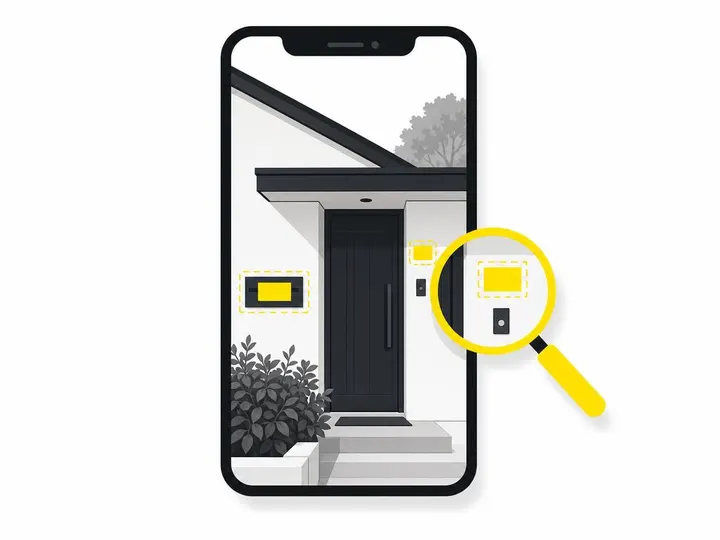
House numbers, letterboxes, street signs and recognisable neighbouring homes
Number plates on cars in the driveway
Alarm panels, cameras, safes and gate codes
Invoices, mail, calendars, fridge notes and laptop screens
Family photos, children, pets and expensive belongings
Location data stored in the photo file itself
If you already post before-and-after job photos, it's worth scrolling back through your feed with fresh eyes. Most people find at least one shot they'd rather not have up.
Why customer trust in social platforms is already low
Australians are wary of how social media companies handle their information. In the OAIC's 2026 Australian Community Attitudes to Privacy Survey, only 3% of respondents said they trusted social media companies. When a customer sees their kitchen on your Facebook (Meta) page without being asked, that distrust lands on you, not on the platform.
Does the Privacy Act Apply to Sole Traders and Small Trade Businesses?
Most sole traders and small trade businesses with annual turnover of $3 million or less are currently exempt from the Australian Privacy Act, but there are exceptions and the rules are under review.
Who the Privacy Act currently covers
The Act covers businesses turning over more than $3 million, plus some smaller ones regardless of size, such as those providing health services or trading in personal information. The OAIC privacy guidance for small businesses has a checklist to confirm where you sit.
The proposed "fair and reasonable" standard and what it could mean
Proposed reforms would introduce a "fair and reasonable" test, meaning a business couldn't rely on consent alone to justify a use of personal information that a reasonable person would find unfair. Legal commentary from November 2026 also points to tighter consent rules when information is used in direct marketing, online advertising or sent to platforms like Meta and Google. These are proposals, not current law, but the direction is clear: no burying permissions in fine print.
Why you should adopt privacy-safe habits now regardless of your turnover
Even if you're exempt, a customer who finds their home on your page without permission can complain publicly, leave a one-star review or simply never call you again. Good habits now also mean you won't need to scramble if the small business exemption changes.
How Do You Get Proper Consent from Customers?
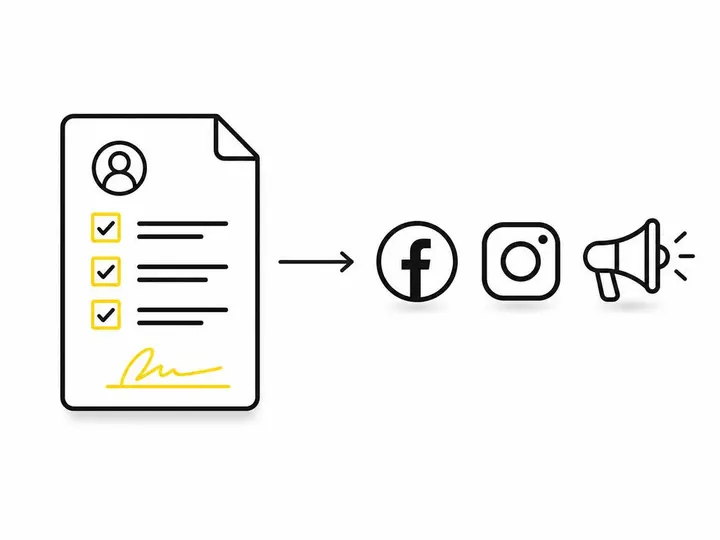
Get consent in writing, before you post, with the specific channels and purposes spelled out.
What a simple written consent statement should include
Your business name and contact details
What you'll photograph (finished work, materials, process)
Where it may appear: social media, website, Google Business Profile, paid ads
A promise to remove addresses, faces and identifying details
How the customer can ask you to take photos down later
When to ask: quote stage or job handover
Put a consent tickbox on your quote or job acceptance form, then confirm verbally at handover when the customer is happy with the result. Asking twice feels respectful, not pushy, and catches anyone who changes their mind.
Specifying channels: organic post vs website vs paid advertising
Consent for an organic social post does not automatically cover paid advertising. An organic post on Instagram reaches your followers; a paid ad pushes the image to thousands of strangers and can run for months. Give customers separate tickboxes for each. If you run ads, you'll also want consent and data tracking setup for small businesses sorted on your website.
A Pre-Post Privacy Checklist for Every Job Photo
Before any photo goes live, check it for identifying details, third parties and location clues, and crop or blur anything that points to the customer.
Identifying details to blur, crop or remove
Run through the list above: numbers, plates, screens, paperwork, security gear. Also switch off location tagging in your phone camera settings, since many images carry GPS data.
What to do if a photo has a child, neighbour or personal belongings in it
Don't post it as is. Your customer's consent doesn't cover their neighbour, their visiting relatives or their kids. Crop them out, blur them heavily, or pick another shot.
Safe photo angles and shot types that show your work, not the address
Close-ups of joins, finishes, grout lines and wiring
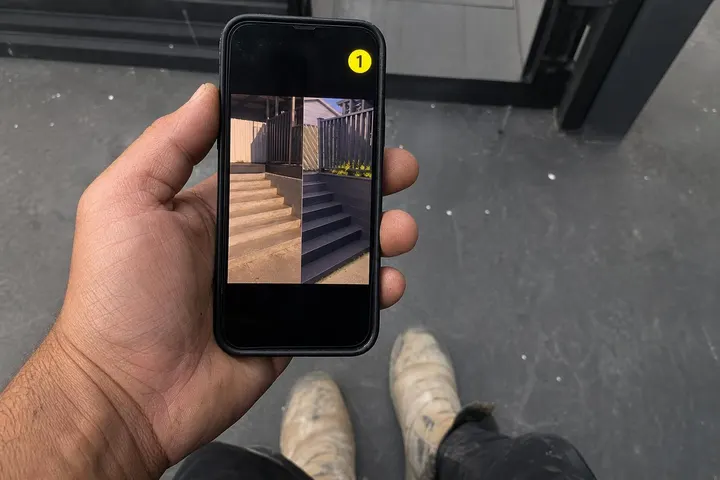
Tight before-and-after crops of the same spot
Tools, materials and process shots
Your team at work, facing away from the street
Interior shots with personal items removed
These shots often perform better anyway, and they slot straight into a social media content bank for tradies.
Building a "No Customer Details" Content Workflow
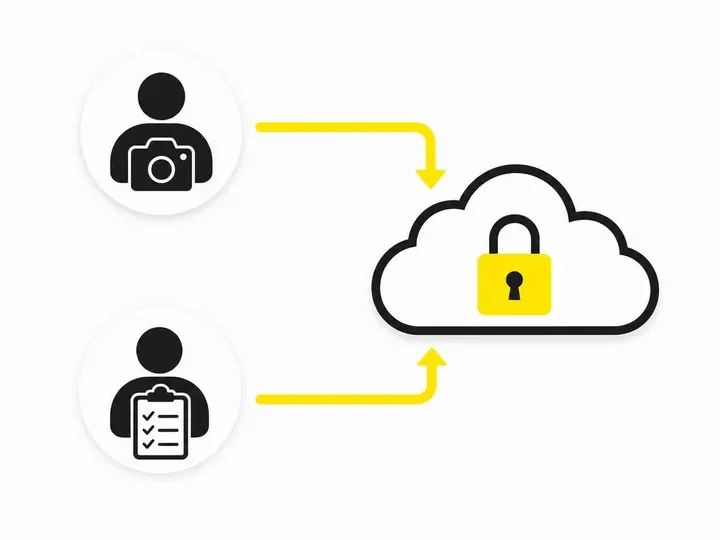
A reliable workflow separates taking photos from approving them, so a second set of eyes catches what the photographer missed.
Who takes the photos and who checks them
Let the crew shoot freely on site, then have one person (you, an office manager or your social media provider) check every image against the checklist before posting.
Storing originals securely, not on personal phones indefinitely
This is where data minimisation comes in: keep only what you need, for as long as you need it. Move job photos into a shared, password-protected business folder each week, then delete them from staff phones. When someone leaves, your customers' homes don't leave with them.
Using privacy as a trust signal in your captions and bio
Add a line to your bio such as: "We only share job photos with permission and never show addresses." It costs nothing and quietly sets you apart.
Privacy vs Copyright: One More Thing to Know
Customer consent covers privacy, not ownership, so you still need the right to use the photo itself.
What customer consent does and does not cover
A customer saying yes lets you show their property. It doesn't give you rights to photos the customer took, or to images owned by someone else.
Professional photos, subcontractors and user-generated content
If you hire a photographer, get a written licence for marketing use. Photos taken by subcontractors usually belong to them unless agreed otherwise. If a happy customer tags you in their own photo, ask before resharing it.
Putting It All Together: A Simple System That Won't Slow You Down
A one-page consent form, a quick pre-post check and a regular clean-out is all most small businesses need.
A one-page consent template you can use today
Try: "I give [Business Name] permission to photograph completed work at my property and share it on: ☐ social media ☐ website ☐ Google Business Profile ☐ paid advertising. Identifying details will be removed. I can request removal at any time by contacting [email/phone]." Add signature and date.
When to review your photo library and delete old content
Review your library every six months. Delete originals you'll never use, and remove posts if a customer asks. If keeping on top of this sounds like one more job, managed social media posting can take the checking and scheduling off your plate.
Conclusion
Privacy-safe posting isn't about posting less. It's about getting written consent that names each channel, checking every photo for addresses, faces and paperwork, and storing originals somewhere safer than a crew member's phone. The law may not cover every small business yet, but proposed reforms and low public trust both point the same way.
Your practical first step: add a consent tickbox to your next quote and turn off location tagging on every work phone this week.