Ecommerce SEO Adelaide: How Local Online Stores Can Rank and Sell More in 2026

On this page 8 sections
Key takeaways
- Category pages built around local intent drive the highest-value organic traffic
- Core Web Vitals directly affect both rankings and conversion rates on mobile
- Product schema and review markup increase click-through rates from search results
- Internal linking between category and product pages speeds up Google indexation
- Most Adelaide ecommerce sites ignore geo-targeted pages, making them a quick win
Ecommerce SEO in Adelaide isn't just about ranking higher. It's about helping local online stores compete nationally while capturing the high-intent local shoppers who search "buy [product] Adelaide" or "near me" queries. Google treats ecommerce pages differently to service pages, rewards fast mobile experiences, and demands technical precision that most small Adelaide stores overlook. This guide walks you through exactly what works in 2026.
Why Ecommerce SEO Is Different for Adelaide Businesses
Ecommerce SEO requires a fundamentally different approach to local SEO in Adelaide because you're selling products, not services. Google's ranking algorithm prioritises different signals for product pages than it does for a plumber's service area page.
Competing nationally from a regional base
An Adelaide online store selling handmade leather goods isn't constrained by postcodes like a local plumber. You can sell to customers anywhere in Australia (or the world). But that doesn't mean you ignore Adelaide. Local intent still matters enormously. When someone in Adelaide searches "leather bags Adelaide," they're more likely to buy from a store they perceive as local, even if they'd never visit your shopfront.
Local intent still matters even for online stores
Australians trust local businesses. Australian Bureau of Statistics retail trade data shows that regional buyers prefer purchasing from sellers perceived as local. Your ecommerce store should target both national keywords ("leather work bags") and geo-specific long-tail queries ("leather work bags Adelaide," "buy leather bags South Australia"). This hybrid approach captures both the scale and the trust factor.
How Google ranks ecommerce pages differently to service pages
Product pages are ranked on product-specific signals that service pages don't trigger:
- Availability and stock status (structured data matters here)
- Price competitiveness (Google sees pricing in schema markup)
- Product reviews and aggregate rating (schema.org markup required)
- Product images and video content
- User-generated content like customer photos
- Page speed and mobile UX (Core Web Vitals are critical)
None of these apply to a dentist's service page. That's why copying SEO tactics from generic Adelaide business blogs won't work for your ecommerce store.
Category Page Optimisation: The Biggest Opportunity Most Adelaide Stores Miss
Category pages are where most ecommerce revenue starts, yet most Adelaide store owners spend all their effort on individual product pages and ignore the category page entirely.
Targeting 'buy [product] Adelaide' and near-me intent
A well-optimised category page can rank for both national and local intent simultaneously. If you sell coffee beans, your "Single Origin Coffee" category page should rank for "single origin coffee," "single origin coffee Australia," and "single origin coffee Adelaide." This tiered approach captures search intent at different stages of the buying journey.
Structure your category pages to include:
- A keyword-rich but readable category title (e.g., "Single Origin Coffee Adelaide: Specialty Beans From Around the World")
- A 150 to 200-word category description explaining what you sell and why Adelaide customers should buy from you
- Filter options (origin, roast level, price) that create internal linking opportunities without triggering duplicate content issues
- A blog-style "why choose our [category]" section that targets long-tail keywords
What a well-optimised category page looks like
The top-ranking ecommerce category pages on Google combine product grid layouts with educational content. Don't just list 50 products. Add a short guide: "How to Choose Single Origin Coffee," "What Makes Specialty Coffee Different," or "Adelaide's Guide to Ethiopian vs Colombian Coffee." This content does two things: it ranks for long-tail queries, and it builds trust with browsers who aren't ready to buy yet.
How to structure category page copy without keyword stuffing
Write your category page description for humans first, Google second. Use keywords naturally. Compare these two approaches:
- Bad: "Buy coffee Adelaide. Our Adelaide coffee is the best coffee. Coffee Adelaide specialists. Adelaide coffee beans for sale."
- Good: "We source single origin coffee beans from roasters across Ethiopia, Colombia, and Indonesia. Local Adelaide customers love our freshly roasted selections. Order online for delivery across SA or pick up in-store."
The second version includes keywords naturally, gives readers useful information, and works harder for conversions.
Product Page SEO: Getting the Details Right
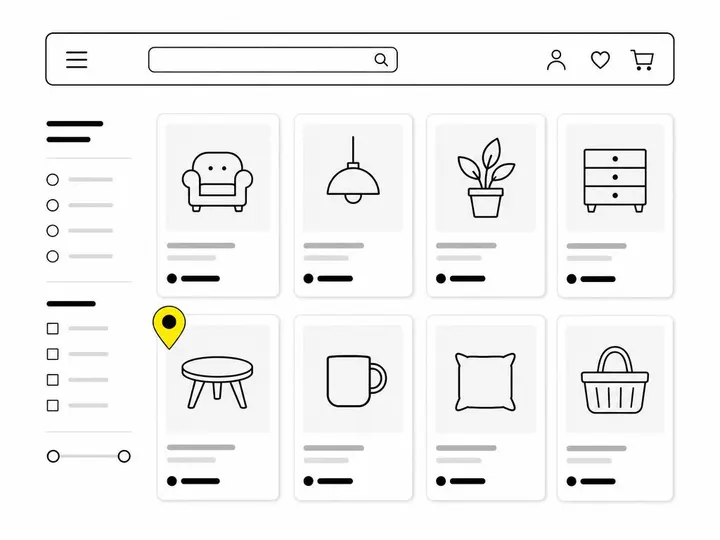
Product pages are your revenue drivers, and Google wants to see three things: unique content, structured data, and trust signals.
Unique product descriptions vs manufacturer copy
Never use the manufacturer's product description verbatim. Google penalises thin, duplicated content. Write your own 100 to 150-word description that explains the product's benefits to your specific customer. If you sell a particular brand of work boots, don't copy Blundstone's description. Explain why Adelaide tradies choose these boots, what makes them durable for Australian conditions, and how they compare to alternatives. Add your unique value: delivery speed, returns policy, or local customer reviews.
Title tags and meta descriptions for product pages
Keep title tags under 60 characters. Meta descriptions under 155. Both should be unique per product (not auto-generated template text). A good product title is: "Blundstone 500 Boots Adelaide: Waterproof Work Footwear | Fast Delivery." A good meta description: "Durable Australian work boots. Free shipping Adelaide. Check stock and delivery times online."
Product schema markup for rich results
Google's official product schema documentation outlines exactly what structured data Google expects. Use Schema.org product markup to tell Google:
- Product name, description, image
- Price and currency
- Availability (in stock, out of stock, pre-order)
- Aggregate review rating and number of reviews
- Variants (size, colour, etc.)
If your schema is correct, Google will display a rich snippet with the product image, price, and star rating in search results. This dramatically increases click-through rates. Both Shopify SEO and WooCommerce optimisation support schema markup natively, but you need to verify it's working. Use Google Search Console to test your structured data.
Core Web Vitals and Mobile UX for Adelaide Ecommerce
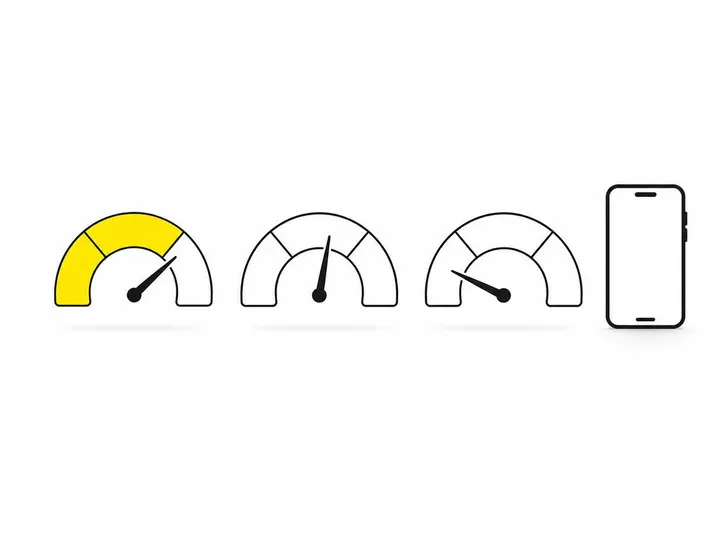
Page speed affects both your rankings and your conversion rate directly. This isn't theoretical. Google's Core Web Vitals guidance makes clear that Largest Contentful Paint (LCP), Cumulative Layout Shift (CLS), and First Input Delay (FID) are ranking factors across all pages, including ecommerce.
Why page speed affects both rankings and sales
A two-second delay in LCP can reduce conversions by up to 7 percent on ecommerce sites. Mobile shoppers are impatient. If your product images take three seconds to load, most browsers leave before they see the "Add to Cart" button. Google knows this, so it rewards fast sites with higher rankings and punishes slow ones.
Common speed killers on Shopify and WooCommerce
The usual suspects are unoptimised product images, too many apps or plugins, lazy-loading not configured properly, and bloated JavaScript. If you're running ecommerce SEO services on Shopify, each app you install adds code and slows your site. On WooCommerce, installing 15 plugins for reviews, wishlists, and upsells can demolish your LCP. Audit ruthlessly. Remove anything that doesn't drive revenue.
How to check your current Core Web Vitals score
Open Google Search Console and go to the "Core Web Vitals" report. It will show you your LCP, CLS, and FID metrics across mobile and desktop, grouped by "good," "needs improvement," and "poor." You'll also see which specific pages are failing. Use that data to prioritise fixes on your highest-traffic product pages first.
Technical SEO Issues Common to Adelaide Ecommerce Stores
Technical SEO is where most Adelaide ecommerce stores leak ranking potential without realising it.
Duplicate content from product variants and filters
If you sell a shirt in three sizes and five colours, that's 15 variants. If each variant gets its own URL, Google might treat them as 15 separate pages, diluting your ranking power. Use canonical tags to tell Google which version is the original. Or better: consolidate variants on a single product page with a dropdown selector.
Crawl budget management for large catalogues
Google crawlers have a limited budget for your site. If you have 5,000 product pages and your site is slow, Googlebot might only crawl 1,000 before it runs out of time. It won't index the rest. Use your Google Search Console to monitor crawl stats. Block low-value pages (thank-you pages, checkout pages, duplicate variants) from crawling with robots.txt. Prioritise high-traffic and high-revenue products.
Canonical tags and pagination done right
If your "coffee" category has 200 products across 10 pages, use the rel="next" and rel="prev" link elements on pages 2 to 10. On the last page, point back to page 1 with a canonical tag. This tells Google how the pages relate to each other and prevents indexing duplicate product listings across pagination.
Trust Signals, Reviews, and Schema for Local Buyers
Australian shoppers demand proof. Reviews, security badges, and visible trust signals increase both your SEO rankings and your conversion rate.
Why Australian shoppers need local trust signals
A buyer seeing "Shop Securely" or "Made in Australia" is statistically more likely to complete a purchase. Use aggregate review schema to display your star rating in Google search results. Add security badges (SSL certificate, payment gateway logos) to your product pages and checkout. Show your business address and a local phone number if you have one. These signals cost nothing but dramatically change buyer confidence.
Aggregate review schema and how to implement it
If you have customer reviews, add aggregate review schema markup. This tells Google to display an average star rating (e.g., "4.7 out of 5 stars, 234 reviews") directly in search results. The result is a much higher click-through rate. Most ecommerce platforms support review apps. Choose one that exports schema markup correctly. Test your schema in Google Search Console before going live.
Payment gateways and security badges that convert
Display payment options prominently: PayPal, Stripe, Apple Pay, Google Pay. Show that you're PCI DSS compliant. If you have a physical store in Adelaide, say so. A line like "Online and in-store Adelaide | Fast Delivery Across SA" beats a faceless national ecommerce site in local search intent.
Building an Ecommerce SEO Strategy That Compounds Over Time
One-off optimisations don't work. Ecommerce SEO is a long-term play that compounds when you stick to it.
Content marketing and buying guides for long-tail traffic
Publish regular buying guides and how-to content. A "How to Choose Work Boots for Australian Summer" article ranks for informational queries and funnels readers to your product pages. This content builds topical authority and captures search intent before people are ready to buy.
Link building for ecommerce stores
Get backlinks to your category pages, not just your homepage. Pitch local journalists, industry bloggers, and complementary businesses. A link from an Adelaide lifestyle blog to your "Sustainable Fashion Adelaide" category page has real SEO value and local relevance.
Measuring what actually matters: revenue, not just rankings
Set up conversion tracking in Google Analytics. Monitor revenue per session, not just keyword rankings. A ranking on page 1 means nothing if it doesn't drive sales. Track which pages bring revenue and double down on those. A site audit to find the gaps will reveal which products, categories, and traffic sources actually convert and which ones are wasting your crawl budget.
Conclusion
Ecommerce SEO for Adelaide businesses in 2026 isn't about shortcuts or hacks. It's about understanding that Google ranks product pages differently to service pages, that mobile speed directly impacts your revenue, and that technical precision (schema markup, canonical tags, crawl budget management) separates the stores that sell from the ones that just get visitors. Your category pages and product descriptions need to work harder than generic templates. Your site structure needs to be lean and fast. Your trust signals need to be visible and credible.
Start with an audit. Pull your current Core Web Vitals score in Google Search Console. Check your product schema in Search Console's rich results report. Run your top product pages through a crawl tool to find duplicate content and broken canonical tags. Then prioritise: speed fixes first, schema markup second, content gaps third. These aren't one-time projects. They compound over months and years. The Adelaide ecommerce stores winning in search right now are the ones that started 12 months ago and have been consistent.
If you need help auditing your current ecommerce setup or building a strategy tailored to your products and market, that's exactly what our ecommerce SEO approach is built for.